Home Alarm Systems Monitoring: Atlanta Guide
Home alarm systems monitoring can connect a residence with a staffed central station when the system sends an alarm signal. For Atlanta homeowners comparing service or considering an inactive system, the practical questions are how it communicates, which functions you will use, and whether existing equipment can be put back into service. Start with American Alarm’s home alarm monitoring page to see what the available service includes, then ask how it fits your particular setup.
Schedule a free consultation. Call (770) 645-0061 or contact American Alarm online.
What does home alarm systems monitoring provide?
A useful comparison starts with the basics: the monitoring service, a communication path, and equipment that can send supported signals. Ask a provider to explain what applies to your system and account before you decide.
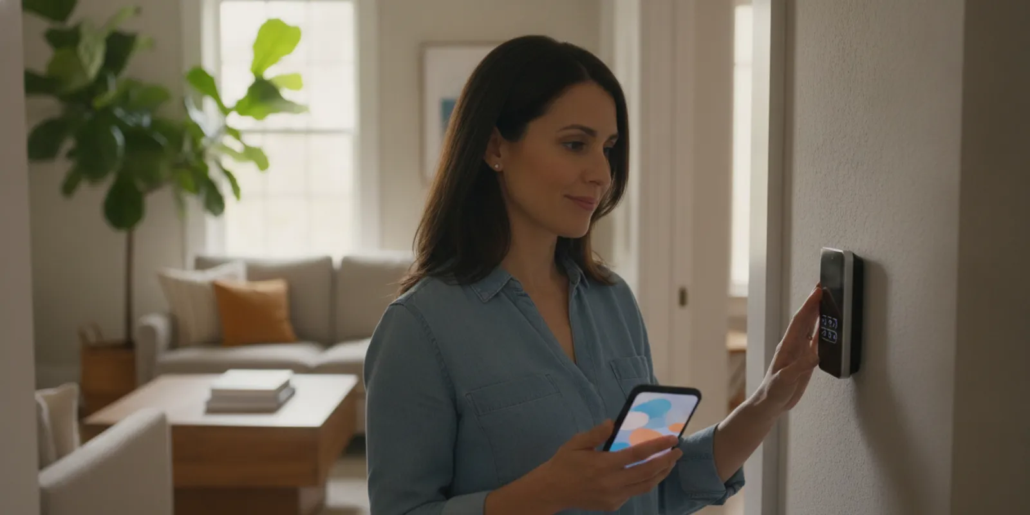
Answer: American Alarm provides 24/7 UL-certified central-station monitoring for residential security systems, with landline and cellular communication options. Interactive service may add smartphone control and real-time email or text alerts for supported activity, such as arming, disarming, alarm events, and selected doors opening.
Monitoring and phone notifications are related but not identical. An alert on a phone gives you information. Central-station monitoring is a separate service component. Interactive features may let you view activity or control supported functions remotely, but they do not explain by themselves how the central station handles the signals for your account. Ask what the service includes and how the provider describes its process. Avoid assuming every system sends the same event types or follows the same response steps.
American Alarm describes its central-station monitoring as UL-certified. UL explains its work in product safety and certification on its official website. Keep the credential in context: it refers here to the monitoring service, not to every device in a residence or every provider.
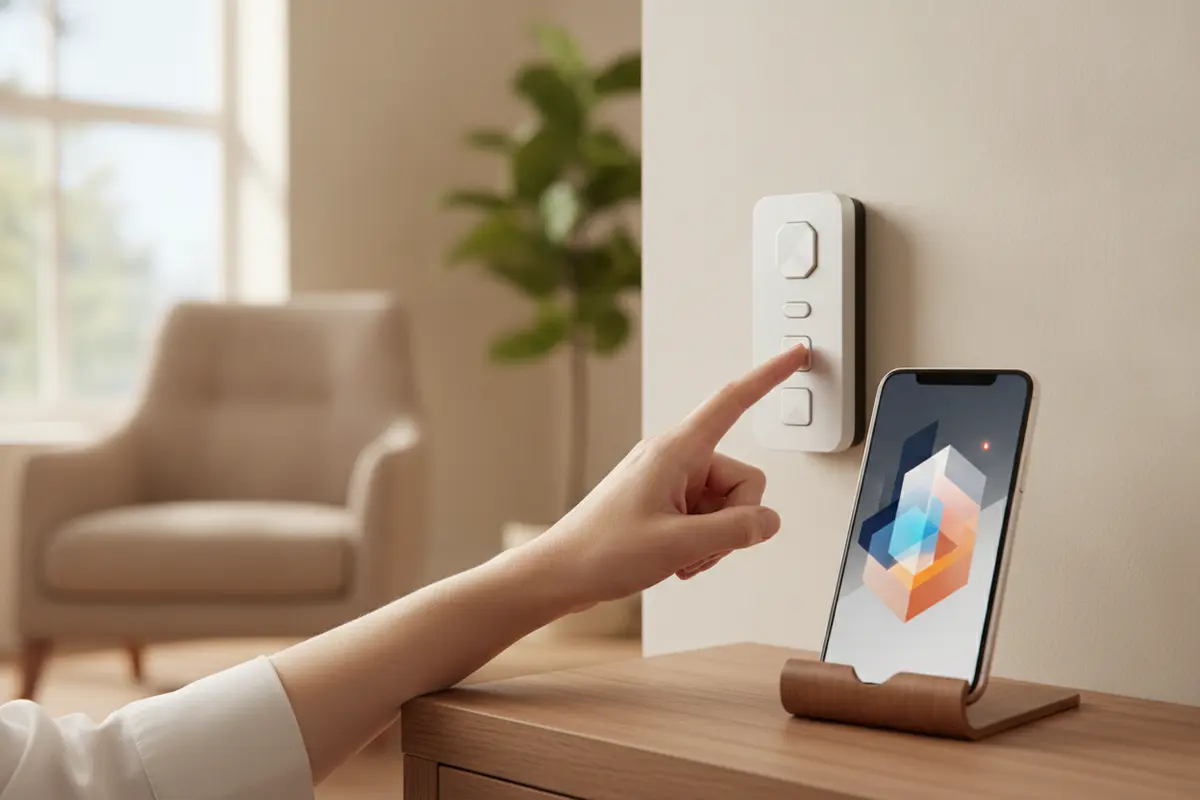
As you compare services, write down the outcome you want. For one household, that may be central-station monitoring with no added phone functions. Another may value a text when the system is armed or a notice when a selected entry opens. A short list keeps the conversation focused on features you will actually use, rather than a long list of features that may not fit your equipment.
How can a home system communicate with the service?
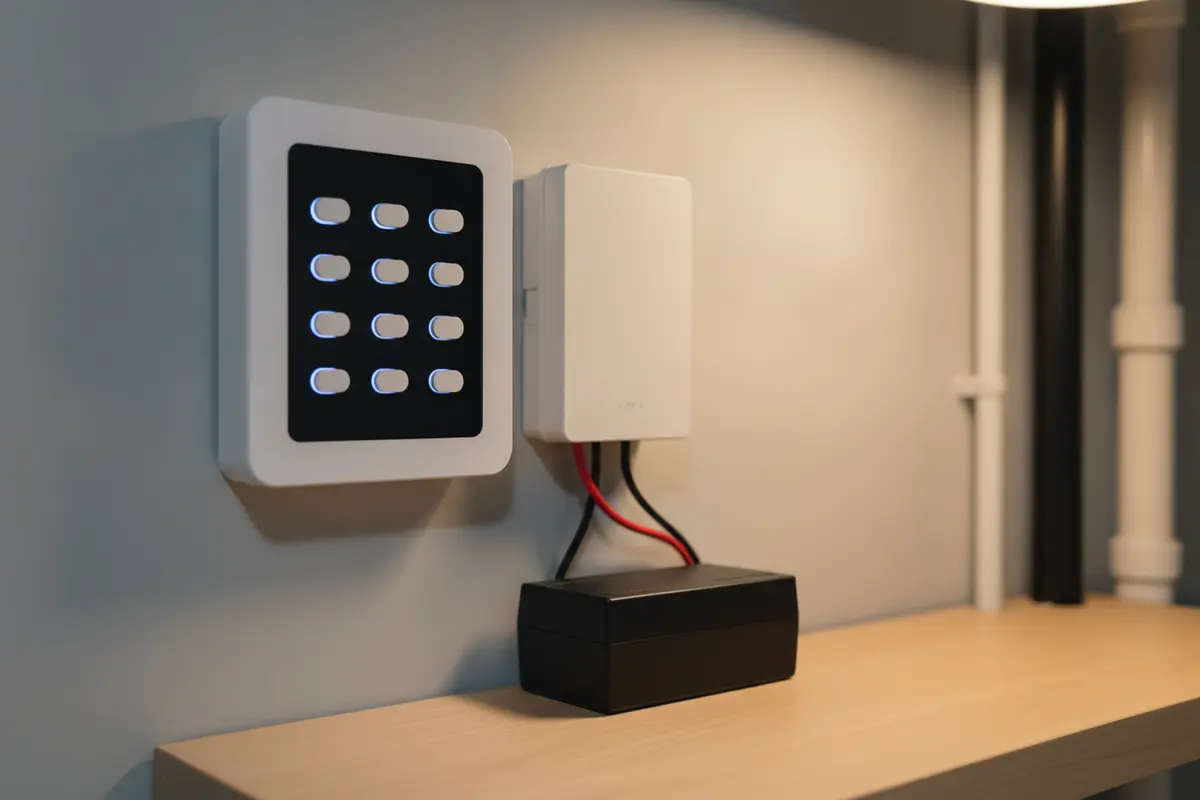
The communication path is one of the first details to clarify. American Alarm supports landline and cellular communication. Its listed new residential wireless package includes a 4G cellular communicator and does not require a landline. Existing equipment can vary, so ask a provider to identify the supported path for your setup.
Cellular communication can help keep a system connected during phone or internet outages when the system supports it and battery backup is available. That is not a guarantee that every system will communicate through every outage. Equipment compatibility, power, signal conditions, and configuration all matter. A provider can explain the relevant limits for the equipment and service under discussion.
| Connection or setup | Questions to ask | What to keep in mind |
|---|---|---|
| Landline | Is the line active, and can the panel use it? | May suit equipment already configured for this path; confirm that the line and panel are supported. |
| Cellular | Does the system have a compatible communicator and backup power? | Can help maintain communication during phone or internet outages when supported and powered. |
| New wireless package | Which communicator and components are included? | American Alarm lists a 4G cellular communicator in its new residential package; a landline is not required for that package. |
Use the comparison to guide a service conversation, not as an inspection checklist. If you do not know the connection type, say so. Ask what happens if backup power runs down or the communication path is unavailable, since the answer depends on the system and account. Do not open or alter a control panel to look for details; a qualified provider can explain what information is needed and assess the setup.
For a broader look at wireless options, see American Alarm’s wireless alarm system guide. It can help you frame questions about connectivity, while a provider can confirm whether a particular panel supports a proposed option.
Which interactive features could be useful?
Think about the updates you would find useful when away from home. Interactive options may provide visibility and remote control, but availability depends on compatible equipment and service configuration. Describe your routine and ask which functions will work with your system.
- Activity notices: Ask whether arm, disarm, and alarm events can trigger email or text messages, and whether you can choose who receives them.
- Remote control: Confirm whether your equipment supports arming and disarming through a smartphone and what account access is needed.
- Selected-entry alerts: Ask whether a specified door can generate an alert when opened and what equipment supports that function.
- Central-station service: Confirm that the option includes central-station monitoring, not only app access or device notifications.
- Technical help: Ask how support works if an alert is unexpected, the system reports a trouble condition, or you cannot access an interactive function.
For example, a homeowner who mainly wants to know whether the system was armed may put arm and disarm notices first. Someone who wants to know when a particular entry opens may ask about selected-door alerts. These are separate needs, and neither should be assumed to come with every panel or account. A simple comparison sheet can list each requested feature alongside the provider’s answer about compatibility and service inclusion.
American Alarm says interactive service can provide remote arming and disarming, event notifications, and alerts when specified doors open. Confirm which functions are available for your equipment and account. You can also review systems and products for a general view of the equipment range.
Can existing equipment be reactivated?
An inactive system does not automatically mean that every component must be replaced. American Alarm offers reprogramming of existing dormant alarm systems using the customer’s equipment at no charge, and same-day service is available. It also says compatible existing systems can be taken over without an equipment purchase requirement. Whether a particular panel can be used depends on its model, condition, and configuration.
When you call, share any brand or model information you already have and explain whether the system is inactive or displaying a trouble condition. Whether a particular panel can be monitored is confirmed by a technician review of the model, condition, and configuration. That review is a starting point, not a promise that every installation can be reused. A qualified provider can assess the equipment and explain any repair needs before work proceeds.
For details about reactivation and service, read the alarm reactivation and monitoring page. You can also explore security services and the house alarm system guide for related context.
It helps to distinguish reactivation from replacement. Reactivation begins by determining whether existing equipment can be programmed and monitored. Replacement considers new equipment and functions. Asking about compatibility first can make the next step clearer, even if a provider finds that a component needs service or replacement. Share what you know, but leave technical diagnosis to the provider.
A straightforward conversation can cover the panel brand if known, whether the service is inactive, any message displayed on the keypad, and the functions you want. You do not need to know why a trouble message appears. Describe what you see and ask what the provider needs to evaluate it. That lets the provider distinguish an account or communication question from a possible equipment issue without guessing at the cause.
How should you compare service and fees?
Compare communication, included functions, support, equipment fit, and the monitoring fee together. A monthly figure alone does not show whether the service works with your system or includes the features you want. Request details for your setup and ask what could change the quoted amount.
- Connection fit: Confirm whether the service uses landline or cellular communication and ask about backup power for the relevant equipment.
- Included functions: List the alerts and remote controls you want, then ask the provider to confirm compatibility.
- Support: Ask how technical questions, trouble conditions, and repair needs are handled.
- Monitoring fee: Ask what the recurring amount covers, which connection path it applies to, and whether separate service charges may apply.
- Existing equipment: Find out whether the panel may be reused before assuming new equipment is needed.
- Repair process: Ask whether phone troubleshooting is available and how repair pricing is explained before work begins.
Monitoring pricing depends on the system and is confirmed on a current quote. Ask which communication path the quote covers and whether the service fits the equipment already in the home. American Alarm says monitoring accounts include 24/7 technical support and that phone troubleshooting is available at no charge. It also says repair pricing is explained before work proceeds.
The company lists a response of less than 24 hours for non-emergency service calls and 24/7 on-call technicians for emergencies. Ask how those service details apply to the issue you have. For a separate overview of price considerations, read the guide to average alarm monitoring costs.
When comparing two options, record the monthly fee, communication path, interactive functions, technical support, and what happens if existing equipment needs attention. For example, Option A may offer the connection path your panel already supports, while Option B may include a feature you value but require a compatibility review. The comparison is useful only when both providers answer the same questions and the answers refer to your setup.
For a second perspective on evaluating providers, see tips for choosing an alarm company. Keep the questions focused on what service is included, which equipment is supported, how support is provided, and which fees may apply.
What information should you prepare before calling?
You do not need to diagnose the system in advance. Gather information already available, then ask a provider to assess technical details. A concise description can make the first conversation more useful and prevent assumptions about compatibility.
- Describe the status: Explain whether the system is active, inactive, or showing a trouble indication, and when you first noticed the issue.
- Share known equipment details: Provide a brand or model only if it is visible in existing paperwork or already known. Do not remove covers or change wiring to find it.
- Describe the connection: Mention whether you know it uses a landline or cellular communicator. If you are unsure, say so.
- Name your goal: You may want central-station monitoring, smartphone notices, reactivation, or help understanding a trouble condition.
- Ask about compatibility and fees: Request confirmation of equipment fit, the applicable monthly fee, support, and any likely assessment or repair steps.
- Agree on the next step: Ask what information or visit is needed before deciding whether to proceed.
This preparation is especially useful after moving into a home with an existing control panel or when equipment has been inactive for a while. You can explain what you know without assuming a previous provider’s setup is still active or that the equipment can be taken over unchanged. If you have a service record, account detail, or equipment manual, mention that it is available; the provider can tell you whether it will help.
American Alarm serves Metro Atlanta, including Atlanta, Alpharetta, Roswell, Sandy Springs, Marietta, and Cumming. Check the company’s service areas and company information for additional context.
How can Atlanta homeowners choose a next step?
Begin with the system you have and the outcome you want: a compatible communication path, useful alerts, or help bringing dormant equipment back into service. Ask what is supported and what the applicable fees cover. American Alarm offers estimates with no obligation and says it avoids high-pressure sales tactics, so a conversation can clarify options before you decide.
If you are comparing providers, ask each one the same questions. Find out what central-station monitoring includes, how the system communicates, which interactive functions are supported, and how an inactive panel is evaluated. Write down the answers so you can review them side by side. For a wider overview of monitoring, see the company’s guide to monitored alarm systems.
Schedule a free consultation. Call (770) 645-0061 or contact American Alarm online.
Frequently asked questions
Does home monitoring require a landline?
No. American Alarm supports landline and cellular communication. Its listed new residential wireless package includes a 4G cellular communicator and does not require a landline. Ask which path is compatible with your existing equipment.
Can cellular communication help during a phone or internet outage?
It can help keep a system connected during phone or internet outages when supported and using battery backup. Equipment, power, signal conditions, and configuration matter, so ask a provider to assess the actual setup.
Can an inactive system be used again?
It may be possible. American Alarm offers reprogramming of dormant systems using existing equipment at no charge, but the particular system’s compatibility and condition need to be assessed. Ask what the assessment finds before deciding whether to reactivate or replace components.
Can monitoring include smartphone functions?
Interactive service can include remote arming and disarming, notifications about arm and disarm activity and alarm events, and alerts when specified doors open. Confirm what your equipment supports and which functions are included in the service under consideration.
What should I ask about the fee?
Ask which communication type the quoted monthly amount covers, what monitoring and support are included, and whether the equipment needs assessment or service. The applicable amount depends on the system and is confirmed on a current quote.
Schedule a free consultation. Call (770) 645-0061 or contact American Alarm online.
Choosing home alarm systems monitoring starts with understanding the communication path, compatible features, support, and fees for your setup. Atlanta homeowners can ask about existing equipment first and compare service based on what is already in place.

Leave a Reply
Want to join the discussion?Feel free to contribute!