Commercial Security System Audit Atlanta: What to Review
A commercial security system audit Atlanta businesses can use should answer a practical question: do alarms, entry controls, monitoring, and life-safety systems still match the way the property operates? A structured review can reveal gaps after a renovation, staff change, equipment fault, or shift in operating hours, before those gaps complicate a response.
Schedule a consultation. Call (770) 645-0061.
What should an audit tell you?
In brief: An audit should document what is installed, what each part is meant to do, how alerts are handled, and what needs attention next. It is a practical review of system fit and operation, not a promise that every risk can be removed.
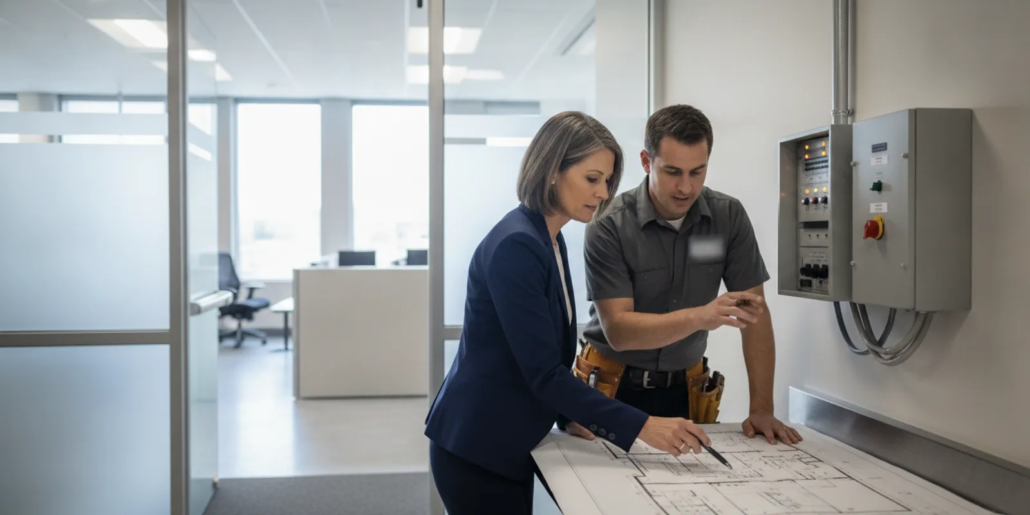
Start with the site as it works today, rather than relying only on an old drawing or equipment list. Walk the property with someone who understands its daily routines. Compare doors, work areas, restricted rooms, business hours, and emergency procedures with the systems serving them.
For an overview of the local provider’s business offerings, see American Alarm’s commercial security service page. The company has served Atlanta homes and businesses since 1995, and provides security and fire alarm system design, installation, monitoring, and maintenance.
When should an Atlanta business review its systems?
A review is useful when a building or its operations change. It can also help teams establish a baseline, so a later fault or incident can be compared with a documented plan.
- After a renovation: Check whether moved walls, new doors, or changes to work areas altered sensor coverage or emergency paths.
- After a staff or schedule change: Confirm that authorized access, closing routines, and alarm procedures still reflect who enters and when.
- After repeated trouble signals: Record the panel message, time, and affected area, then ask a qualified service provider to assess the cause.
- Before a planned upgrade: Document existing devices and functions so a proposal can address actual needs instead of assuming a full replacement.
- After an incident or near miss: Compare the event timeline with system records and the written response process. Do not treat an alert alone as proof of what happened.
- As part of routine oversight: Set a recurring review interval that fits the property, equipment instructions, applicable requirements, and findings from prior inspections.
A local-government example of an onsite business security audit is described by Henrico County, which says its audit helps make a property less attractive to criminals. That is an example of a public safety review, not an Atlanta code guide or a substitute for a qualified system inspection.
How do you prepare for the walk-through?
Gather the records that explain what the system is intended to do. A short, orderly preparation makes the site visit more useful and helps distinguish a missing record from a device fault.
- Collect available records: Find floor plans, device lists, alarm account details, service notes, inspection documents, and user instructions. Mark the date or revision on each record.
- Write down operating patterns: Note normal opening and closing times, deliveries, cleaning schedules, after-hours work, and areas that require limited access.
- List recent changes: Record construction, new equipment, moved desks, altered entrances, new business activities, and changes in who can arm or disarm the system.
- Assign a site contact: Choose a person who can explain daily routines, identify known trouble spots, and arrange access to relevant rooms.
- Set a safe review scope: Agree on which systems and spaces will be reviewed. Do not open panels, disconnect devices, test alarms, or change programming unless an authorized professional directs the work.
If your property has more than one site, note which procedures and system types are shared and which vary by location. American Alarm lists its Atlanta service areas online; local site needs and system details should still be reviewed individually.
What belongs on the audit checklist?
Review the system by function and by place. For every item, record its purpose, the evidence you checked, an owner for follow-up, and the next action. An “unknown” is a useful finding when the records do not establish an answer.
Walk a route that follows the way people use the property: main entry, staff-only areas, receiving points, critical work spaces, and exit paths. Compare each area with the written plan. Note what has changed, but do not assume that a visible device covers every concern in that space. Ask staff how they use the area, what alerts they have seen, and whom they contact when something does not work as expected.
For each system, check the handoff between equipment and procedure. A signal is only one part of an incident response: people need accurate instructions, the right contact information, and a clear way to report trouble. If two records disagree, such as an access list and a staff procedure, record both sources and request an authorized update rather than choosing one informally.
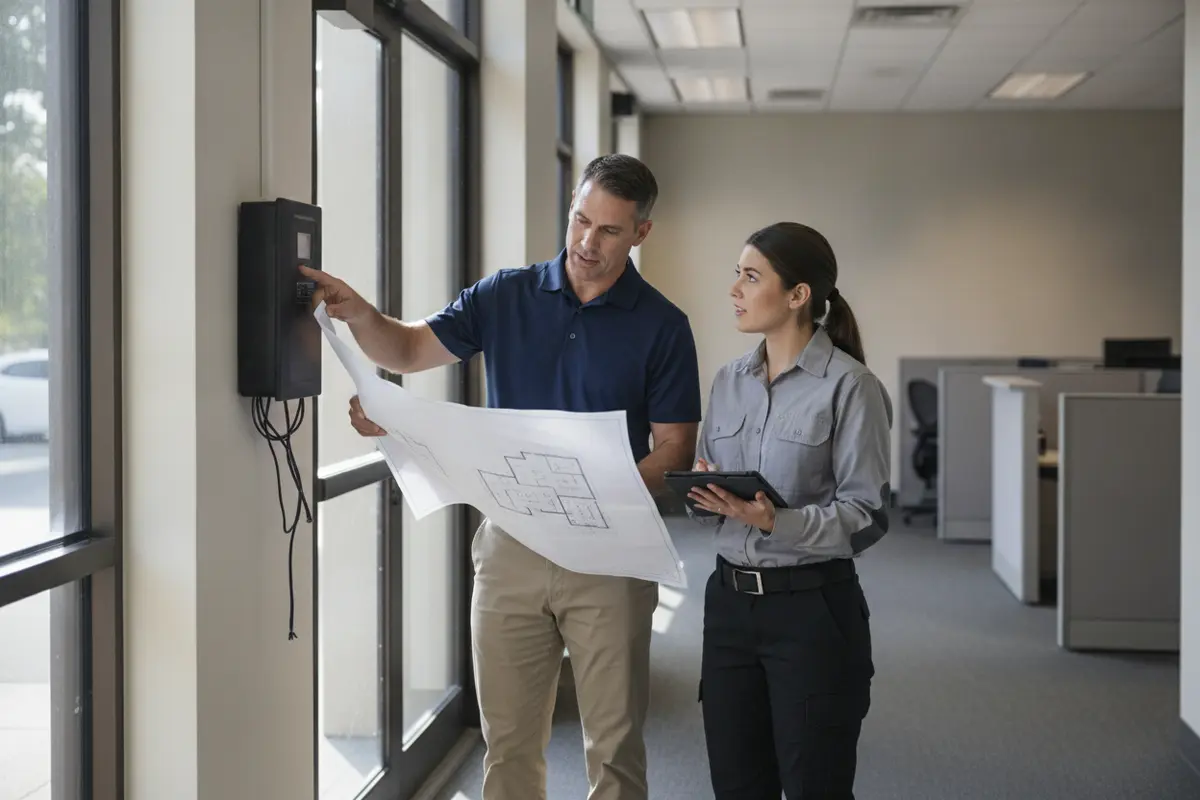
- Alarm coverage: Compare the installed devices with the site plan and the risks the system is intended to signal. Note doors or work areas that have changed since installation.
- Entry controls: Review who may use each controlled door, how credentials are issued and removed, and what happens when access is denied or a door is held open.
- Monitoring path: Confirm the account contact list, call sequence, site address, and instructions for handling signals. Check that keyholders and business contacts know their roles.
- Fire alarm and life safety: Gather inspection and service records, document reported faults, and check whether system records and site use remain aligned. Refer code questions and repairs to qualified professionals.
- System condition: Record visible damage, recurring trouble messages, missing labels, unclear device identification, or signs that a device or panel needs professional assessment.
- Procedures and training: Ask staff who use the system to explain opening, closing, alert escalation, and who to contact when a fault appears. Note unclear or inconsistent steps.
- Documentation: Identify missing floor plans, device schedules, account instructions, inspection records, and service history. Assign someone to locate or update each item.
For a closer look at entry-management options, review the guide to door access control for business. If a site relies on fire detection and notification, the commercial fire alarm repair guide can help frame a service discussion; it does not replace a site-specific assessment.
How can you record findings and set priorities?
Use a consistent format so a facility manager can tell what was observed, what remains uncertain, and what action is due. Keep observations separate from conclusions: for example, “side entry does not appear on the supplied plan” is more useful than an unsupported claim that the system failed.
| Review area | Evidence to note | Possible next step | Suggested owner |
|---|---|---|---|
| Alarm coverage | Plan, device list, changed spaces, known trouble signals | Request a qualified coverage assessment | Facilities contact |
| Entry controls | Authorized users, door schedule, credential removal process | Update access records or ask for a system review | Business administrator |
| Monitoring | Account contacts, response sequence, site details | Confirm details with the monitoring provider | Account owner |
| Fire and life safety | Inspection documents, open faults, service history | Refer concerns to a qualified fire alarm professional | Facilities contact |
| Staff procedures | Opening and closing steps, alert escalation, training gaps | Clarify written steps and provide staff instruction | Operations lead |
Prioritize findings by consequence, likelihood, and urgency, while avoiding false precision. A recurring fault affecting an essential entry may need quicker attention than an outdated drawing, but both deserve an owner and due date. When a finding involves fire protection, code, or system programming, seek professional guidance rather than making an informal change.
American Alarm’s NFPA 72 compliance overview offers context for businesses reviewing fire alarm responsibilities. For alarm signal handling, see its guide to professional alarm monitoring.
What should a useful audit report include?
A good report is concise enough to use and complete enough to support action. It should let a decision-maker see the state of the system without confusing an observation with a verified defect.
- Scope and date: Name the buildings and systems reviewed, who participated, and what was outside the review.
- System inventory: List known panels, devices, controlled doors, monitoring arrangements, and record sources. Mark uncertain details clearly.
- Findings by location: Describe what was observed, how it was checked, and why the item matters to site operations.
- Priority and owner: Set a realistic urgency, identify a responsible person, and state a target date for review or service.
- Open questions: Flag missing records, unclear system behavior, and items that need a licensed or otherwise qualified assessment.
- Follow-up plan: Record decisions, completed work, and the date for checking that corrections addressed the finding.
Keep system access details and sensitive site information in the appropriate controlled records, rather than circulating them in a general report. The business should decide who needs the findings and how updates will be tracked.
Use a simple status for each action, such as open, scheduled, completed, or awaiting information. When work is complete, attach the service note or revised document and record who accepted the result. Keep older versions identifiable rather than overwriting the only copy; that history can help explain why a device, procedure, or response contact changed. At the next review, revisit open items and confirm that completed actions still fit the way the site operates.
Make the report useful to someone who did not attend the walk-through. Define site abbreviations, identify locations consistently, and include a marked plan when one is available. State whether an item was observed directly, reported by staff, found in a record, or still needs confirmation. This makes later decisions easier to trace and reduces the chance that an assumption will be treated as a verified fact.

How do you turn findings into a service plan?
Sort each item into one of three groups: correct a record or procedure, request a professional assessment, or plan a system change. This keeps simple administrative work from getting mixed up with technical work that requires an authorized provider.
For example, an old contact list may need an account update; an unexplained recurring fault needs diagnosis; and a newly added work area may call for a review of system design. Ask for a written scope that names the finding, proposed work, affected equipment, any needed downtime, and what documentation will be provided afterward.
American Alarm’s security and alarm systems overview describes its system offerings. Businesses in Roswell, Johns Creek, or Sandy Springs can also use the relevant local pages for service-area context: Roswell, Johns Creek, and Sandy Springs.
Discuss your audit findings. Call (770) 645-0061.
Frequently asked questions
These answers provide a starting point for planning; site conditions and system requirements vary.
How often should a business conduct a system audit?
There is no single interval that fits every site. Review systems after major building or operating changes, after notable faults or incidents, and on a regular schedule informed by equipment guidance, inspection findings, and applicable requirements.
Does an audit replace a required inspection?
No. An operational audit helps organize information and identify questions. It does not replace formal inspections, testing, code review, or service work required for a particular system or property.
Can staff test alarm devices as part of a walk-through?
Do not trigger, disconnect, or reprogram equipment as an informal check. Follow the approved testing process and coordinate with the monitoring provider and qualified service professional so signals are handled correctly.
What if there are no reliable system records?
Document what is known and what cannot be confirmed. Gather available service and inspection records, then ask a qualified provider to identify the system and assess the gaps before making changes.
Who should receive the audit report?
Share it with the people responsible for facilities, business operations, system accounts, and approved service decisions. Limit access to sensitive site details and track each action to completion.
Talk with American Alarm about your commercial system. Call (770) 645-0061.
A clear audit gives Atlanta businesses a usable record of what is installed, what needs attention, and who will follow up. Review the findings as operations change so the plan continues to reflect the property.


Leave a Reply
Want to join the discussion?Feel free to contribute!