Atlanta Tire Shop Security System | Atlanta Buyer Guide
An Atlanta tire shop security system should reflect how customers, staff, vehicles, tools, and tire stock move through the property. A useful plan is not a standard device bundle. It is a site-specific combination of intrusion detection, video coverage, managed entry, and clear procedures for opening, closing, and responding to alerts.
Explore security services for your shop
What should an Atlanta tire shop security system protect?
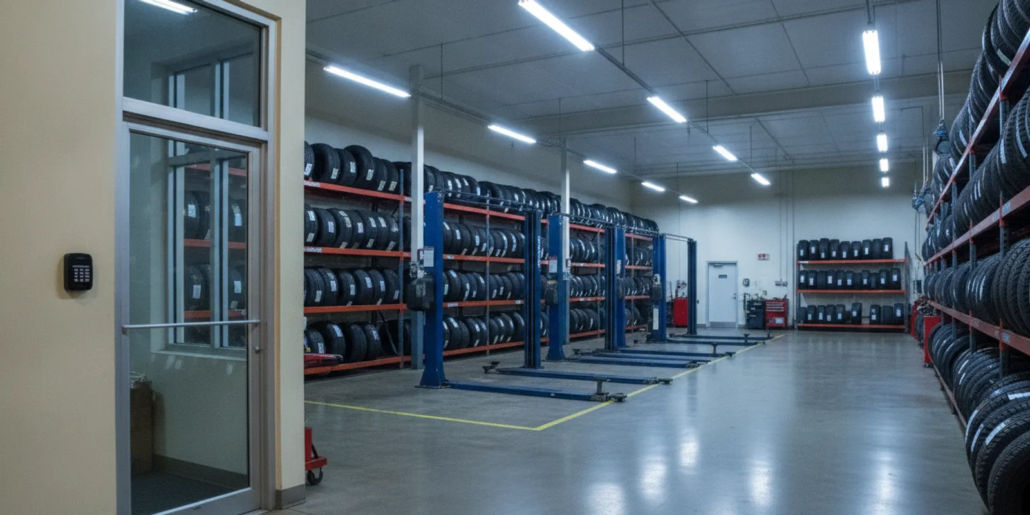
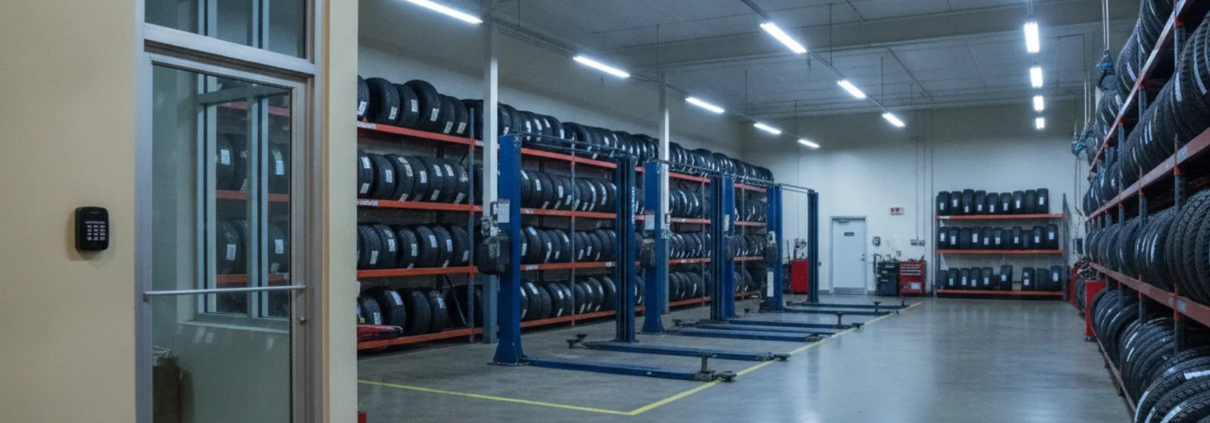
Start with a map of the places where unauthorized entry, loss, or delayed response could disrupt operations. Match each security function to the layout, hours, staffing pattern, and vehicle workflow. The goal is a plan the staff can use consistently, not a long list of equipment.
Answer capsule
In brief: List exterior doors, overhead bays, customer and service areas, tire stock, offices, and equipment spaces. Then match alarms, video views, and entry permissions to each area’s purpose and the times it is occupied.
- Entry points: Mark front and side doors, overhead bay doors, delivery access, and secondary entrances. Note which doors stay available during business hours and how they are secured after closing.
- Stock: Identify tire storage zones and inventory areas. Note shelves, aisles, and the route staff use to move stock between storage and service bays.
- Tools and equipment: Include tool rooms, diagnostic equipment, and other spaces where unauthorized access could interrupt work.
- Office and records: Review access to payment terminals, business records, alarm controls, and any room that should remain staff-only.
- Exterior movement: Consider customer parking, vehicle drop-off points, and approaches to the building when deciding which views could be useful.
Make a simple floor sketch and walk it in order: front entrance, counter, bays, stock, office, and back doors. For every space, write down who uses it, when it is occupied, and what an alert or recorded view should help clarify. These notes give a provider a practical starting point for a site assessment. American Alarm serves businesses across Metro Atlanta; review its service area information to see whether a local discussion is appropriate.
How should the plan fit daily shop operations?
A design should support routine work instead of interrupting it. Separate public areas, staff work zones, and restricted spaces, then account for opening, closing, deliveries, and periods when the site is unattended.

Walk through during a typical workday and again at closing. Record where customers enter, where employees receive deliveries, which doors are used for vehicles, and which spaces should remain restricted. Consider a busy afternoon: technicians may be moving between bays while a customer waits at the counter and a delivery arrives at the side entrance. The plan should make clear which doors can be open for work, which require attention, and how the building is secured when the last vehicle leaves.
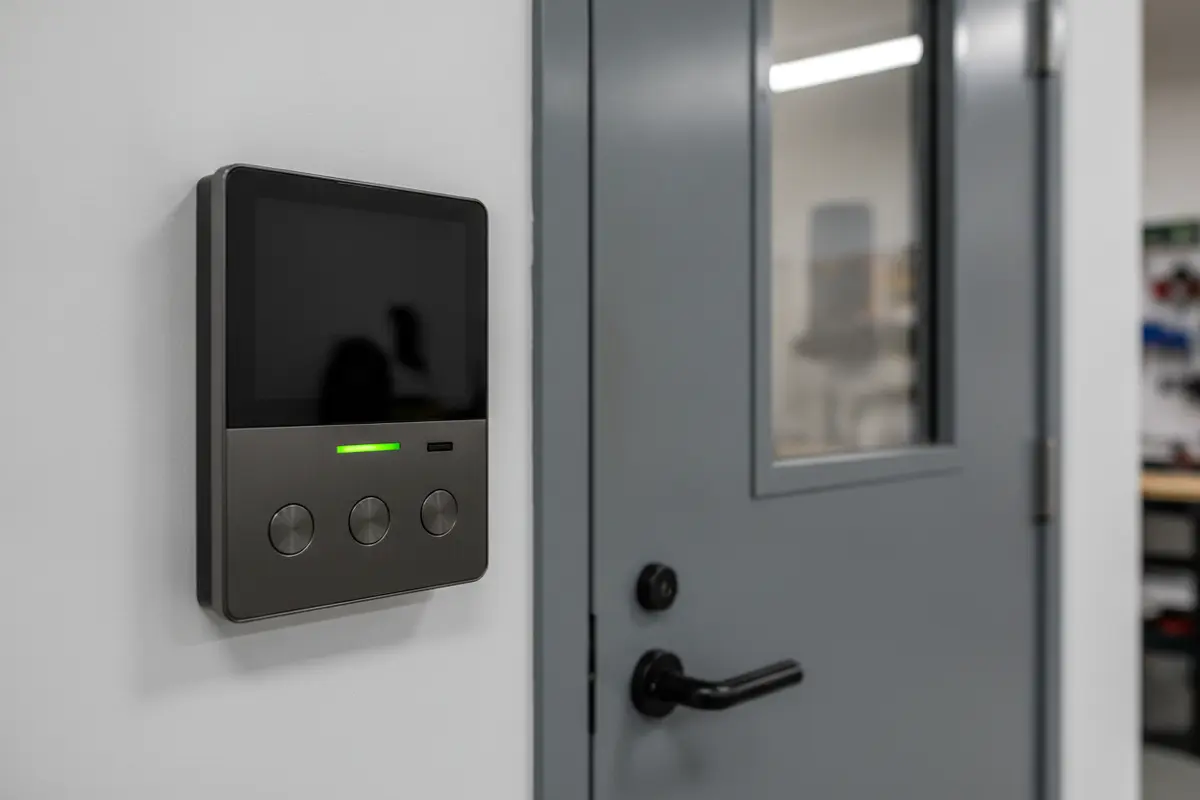
Next, consider who needs access and when. A manager, technician, and delivery contact may have different needs. If managed entry is useful, review business entry-control options and decide which doors warrant individual credentials or schedules. Establish who assigns permissions and how access is removed when responsibilities change.
Sketch the normal vehicle path from drop-off through service and pickup. If vehicles pass through a bay while staff use a side door, the alarm routine should account for both activities. Ask how staff arm the system when people finish work in different areas. If a delivery door is used after hours, define who may use it and how it is secured afterward. A clear routine reduces confusion at shift changes and closing time.
It can help to write two short checklists. The opening checklist can identify the authorized person, the doors to inspect, and the steps for disarming. The closing checklist can state who confirms everyone has left, checks doors and bays, secures restricted areas, and arms the system. Keep the language direct and specific to your site; avoid relying on an informal assumption that every employee knows the same routine.
Which system layers should you compare?
Compare each component by the job it performs. Intrusion detection reports defined events, video can help review activity, entry control manages permissions at selected doors, and monitoring connects alarm signals to a response process.
| Layer | Main purpose | Questions for a tire shop | Planning check |
|---|---|---|---|
| Intrusion detection | Report activity at protected openings or zones | Which doors, bays, and interior areas need after-hours coverage? | Check opening and closing routines before setting zones. |
| Video surveillance | Provide recorded or live views for review | Would views of entrances, service lanes, or stock areas answer a useful question? | Assess lighting, obstructions, storage, and authorized access. |
| Entry control | Manage permissions at selected doors | Which doors need limited access or schedules? | Define credential assignment and removal procedures. |
| Alarm monitoring | Route alarm signals into a response process | Who should be contacted when a signal arrives? | Confirm current contacts, instructions, and communication paths. |
Consider a small shop with two overhead bays, a public entrance, and one stock room. It may prioritize opening coverage, a defined after-hours alarm routine, and useful views of the front and stock access. A larger site with multiple entrances and staggered shifts may need more attention to access permissions and clear user procedures. These are examples, not prescriptions: the building and workflow determine the appropriate design.
An integrated design may connect these functions, but a proposal should explain exactly how. Ask which events are reported, what an operator can see or do, and what remains the business’s responsibility. Review American Alarm’s business surveillance information and monitored alarm guide as background when comparing options.
How can video coverage support the plan?
Video is most useful when it answers a defined operational question. A view of the main entrance may help review entry activity. A service-lane view may help clarify vehicle movement. A view near stock can help assess an incident if its angle, lighting, and recording settings are suitable.
Before selecting equipment, draw a layout and note what each view should show. Account for parked vehicles, shelving, open bay doors, and changing daylight. For example, a view aimed at a stock-room doorway should make the doorway and approach understandable, rather than being blocked by stored tires or a vehicle parked in front of it. A view of a service lane should be planned around vehicle movement without distracting staff during work.
Ask how image quality changes in low light, where recordings are stored, who may access them, and what retention settings apply. Confirm how staff will locate footage for a particular time and event, and what steps are needed if equipment is offline. Do not assume one view covers an entire area or that recorded video alone prevents an incident. The provider should explain each view’s useful field and its limitations.
Plan for changes in the shop. Tire stacks may move, seasonal inventory may alter sightlines, and a parked vehicle can obscure a doorway. Schedule a periodic review after layout changes and ask staff whether the views still answer the intended questions. For additional planning prompts, consult the business surveillance guide.
How should alarms and response procedures work together?
An alarm is one part of a response plan. Staff should know how to arm and disarm it, what to do when a signal or trouble condition appears, and whom the monitoring center should contact. Keep instructions current and make sure the people responsible understand their roles.
Ask a prospective provider to explain the signal path, monitoring hours, verification steps, and contact sequence for an event. Confirm what happens if the primary communication path is unavailable and what the system reports when equipment needs attention. Do not assume a particular outcome; clarify the provider’s process and the business’s responsibilities in the proposed arrangement.
Build the response plan around real roles. For example, name a primary and backup contact, decide who can authorize access for a service visit, and specify how contact details are updated. If a manager receives an alert while away, staff should know whether they should call the provider, follow a written safety instruction, or wait for the designated contact. The steps should be agreed in advance rather than improvised during an event.
Include the plan in staff orientation. Identify who checks that the building is clear before arming, who receives an alert, and who can contact the provider. Review the list after staffing changes and test that the people assigned can follow the instructions. The alarm monitoring information can help frame service questions; request current terms for the actual proposed configuration.
What should a provider learn before preparing a proposal?
A useful proposal begins with the property, not a preset package. Prepare details before a walkthrough so the discussion can focus on priorities, constraints, and the way the shop operates.
- Schedule: Share opening hours, seasonal changes, shift changes, deliveries, and the typical closing routine.
- Site plan: Provide a sketch showing doors, bays, stock, offices, and restricted areas.
- Existing equipment: Identify installed alarm equipment, communications, video, and any entry-control system.
- Operational concerns: Describe blind spots, repeated false alarms, or locations where staff need easier entry.
- Project priorities: Rank immediate needs, future expansion, and limits on installation timing or downtime.
- People and procedures: Identify who administers access, receives alerts, and maintains the operating checklist.
Bring examples rather than general statements. Instead of saying “we need better coverage,” point out a side entrance that is hard to check at closing or a stock-room door used by several roles. Note when the issue occurs and what information would help staff respond. This turns the discussion toward measurable requirements without assuming a particular device will solve every concern.
Ask the provider to walk through the site with you and mark proposed device locations on the sketch. For each location, ask what it is intended to detect or show, what could obstruct it, and how it fits with staff movement. American Alarm has served Metro Atlanta homes and businesses since 1995 and offers security system design, installation, monitoring, and maintenance. Learn about the company’s background and its systems and products.
How can you compare proposals fairly?
Compare proposals using the same site assumptions and operating needs. A different device count is not an equivalent offer unless coverage, service, and responsibilities also match.
- Check the scope: Confirm doors, areas, functions, and service components included, along with anything excluded.
- Review the layout: Ask the provider to explain placement and identify blind spots or limitations.
- Understand operation: Confirm how staff arm the system, manage entry, and receive alerts or event information.
- Compare ongoing service: Request clear details about monitoring, maintenance, support, and recurring fees.
- Confirm future changes: Ask how to add users, remove permissions, adjust schedules, or extend coverage.
- Record responsibilities: Identify what the business maintains and what the provider handles.
Use these alarm company selection tips as a general checklist. Ask every provider to explain recommendations in plain language, including why a component is useful at this particular site.
For a concrete comparison, create a row for each priority: protect the stock-room opening, know when the building is armed, review activity near the customer entrance, or manage access to the office. Then record how each proposal addresses that need, what is excluded, and who handles ongoing administration. If one proposal offers fewer devices, ask whether it still answers the same operational questions. If it offers more equipment, ask which additional need it serves.
Also compare assumptions about construction and installation. Ask whether the quoted plan depends on existing wiring or communications, what site conditions could change the scope, and whether any work must happen outside business hours. Obtain written clarification of ongoing service, support contact methods, equipment responsibilities, and the process for requesting a change. A low initial equipment count or a long feature list is not enough to establish which proposal is the better fit.
What questions should you settle before choosing?
Use these questions to turn a quote into an operating plan. Answers should refer to the property and proposed equipment, not just general capabilities.
- Coverage: Which openings and interior areas are protected, and what remains outside the scope?
- Daily use: How will staff arm and disarm during opening, closing, deliveries, and shift changes?
- Alerts: Which events generate a signal, and what steps follow?
- Recorded views: Which areas are covered, how are recordings accessed, and what storage settings apply?
- Permissions: How are credentials assigned and removed when roles change?
- Support: Who should the business contact about a service issue, and what details should staff provide?
- Expansion: Can the design accommodate changes to the building or operation?
Keep the decisions in a short written summary. Include the selected priorities, the agreed coverage, the response contacts, user responsibilities, and any limitations noted in the proposal. Review it with the people who open and close the shop. If staff cannot explain the routine in their own words, simplify the instructions before treating the plan as complete.
For tire-industry background, the U.S. Tire Manufacturers Association provides information about the tire sector. Keep the security design itself focused on the shop’s actual layout, inventory handling, and operating procedures.
Discuss your shop’s security needs
Frequently asked questions
Does a tire shop need both an alarm and video surveillance?
They serve different purposes. An alarm can report defined events, while video provides views for review. A site assessment can determine which combination fits the property and business priorities.
Should every service bay have its own sensor or video view?
Not necessarily. Coverage depends on the layout, opening patterns, sightlines, and what each area needs to accomplish. Ask the provider to explain the purpose and limitations of each proposed device or view.
Can entry control be limited to selected doors?
Yes. A plan can focus on doors where managed permissions are useful. The proposal should specify included doors and how credentials and schedules will be administered.
What should staff do when the alarm reports a trouble condition?
Follow the written operating instructions and contact the designated support channel. Ask the provider to explain common indicators, how to report them, and which actions staff should avoid.
How do I start planning a system in Metro Atlanta?
List the site’s entry points, operating schedule, stock areas, and current equipment, then request a review from a provider serving the area. Clear priorities make recommendations easier to compare.
Call American Alarm at (770) 645-0061 to discuss your shop
With a mapped site, defined responsibilities, and a proposal that explains each layer, an Atlanta tire shop can choose a system suited to its daily work and security priorities.


Leave a Reply
Want to join the discussion?Feel free to contribute!