Business Surveillance Systems
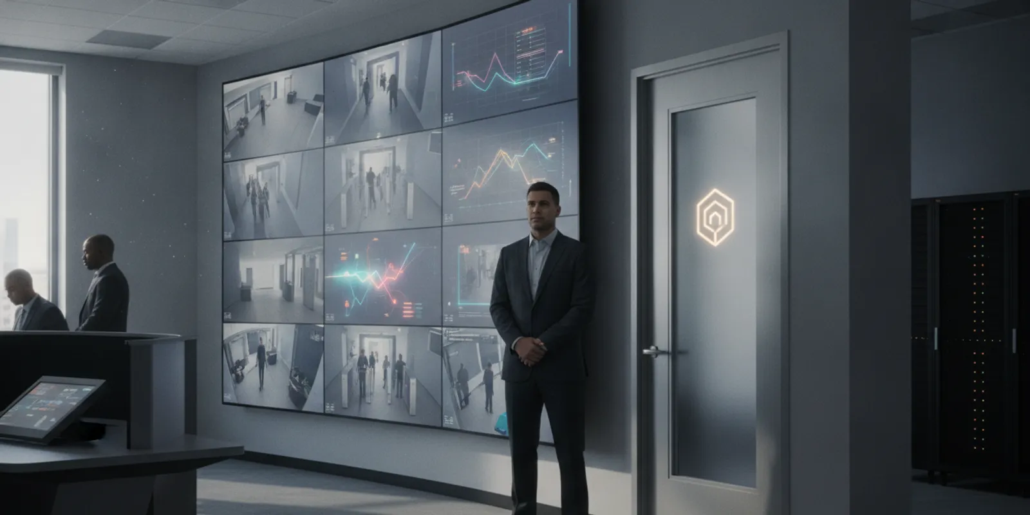
Business surveillance systems can do more than record video. When an Atlanta business connects video devices with door access control, staff can review an entry event, see the related activity, and follow a consistent response process from one coordinated setup.
Schedule a free consultation. Call American Alarm at (770) 645-0061.
How can Atlanta businesses connect video with access control?
Answer: Connect the access-control platform and video system through a supported integration, then map each controlled door to its associated video view, event alerts, and user permissions. Test normal entries and exceptions, define who reviews alerts, and document the response steps. A useful integration links events and context without granting every user broad access.
That is the practical goal: a door event should be easier to understand, and an authorized person should know what to do next. American Alarm serves homes and businesses across Metro Atlanta with security system design, installation, monitoring, and maintenance. For an overview of connected services, see the company’s guide to integrated commercial systems.
What should the integration help a business do?
A well-planned integration connects a specific event to useful information and a clear next action. It should help authorized users answer what happened, where it happened, and whether the event needs attention, while keeping routine access simple.
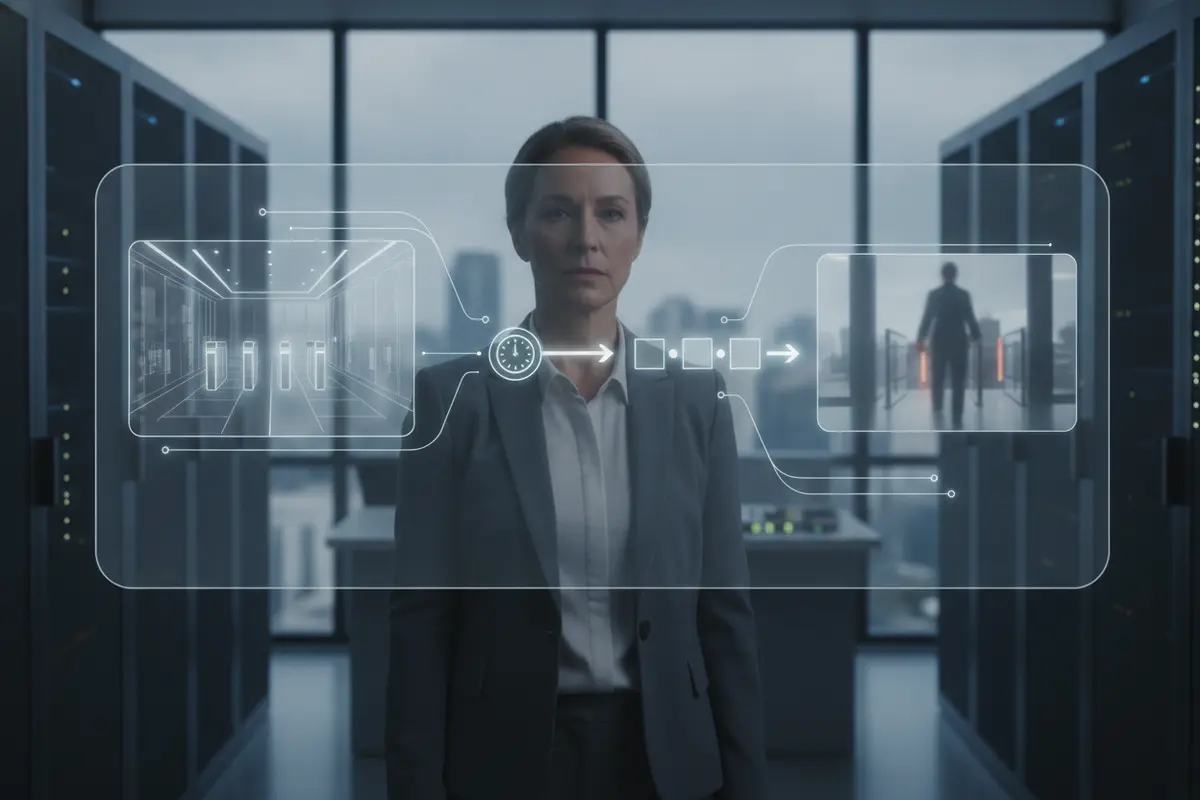
For example, if a credential is used at a controlled entrance, the system can associate that event with video from the relevant area and a time marker. An authorized reviewer can use the event record to understand whether the entry followed normal procedures. If an access attempt is denied, the alert can direct the reviewer to the right door and related video rather than requiring a broad search through hours of recordings.
Integration is not the same as combining every feature into one screen. Depending on the equipment, one platform may show events from another, or a link may open the matching video in a separate application. The key is a reliable connection among the event, the correct view, and the action assigned to the person receiving it.
Build an event map before installation. For each controlled entrance, note the door name, the video view that best explains activity there, and the event types worth reviewing. Then decide whether a granted credential needs only a record or whether a denied attempt should alert someone. Include the expected response, such as checking the event record, contacting an authorized manager, or following the site’s established procedure. This simple map gives the provider a concrete configuration plan and gives staff a way to test whether the finished system matches the work they need to do.
Think about timing as well. Video and access records should use synchronized time settings so reviewers can match an event to the relevant moment. Agree how long records should remain available based on the business’s operational needs and applicable policies. Confirm who may export or share a record, how that action is authorized, and where the record should be stored. These decisions help avoid a setup that generates useful alerts but leaves users unsure how to review or handle them.
Before comparing products, define the event types that matter: granted entry, denied entry, door held open, forced opening, after-hours activity, or a system fault. Decide which events should be recorded, which should create an alert, and which simply need to be available for later review. See American Alarm’s business access-control options to learn about controlled entry planning.
Which system functions need to work together?
Plan around four connected functions: door events, video context, user permissions, and response. Each function should have an owner and a defined role in the workflow, rather than being added as an isolated feature.
- Door events: Identify which doors are controlled and which events should appear in the shared event history. Confirm that the event includes a useful door name and a time that matches the video system.
- Video context: Associate each door with a view that can show the approach and entry area. Check that the selected view is relevant, properly lit, and available for the period needed to review an event.
- User permissions: Set up named accounts and assign access according to job duties. A person who reviews a specific entry alert may not need the ability to change door schedules or system settings.
- Response workflow: State who receives each alert, how they verify it, when they escalate it, and how they record what happened. Avoid alerts with no assigned recipient or follow-up step.
It helps to separate operating needs from technical preferences. A business might need a front entrance event to be reviewed promptly, while a storage-room access record only needs to be searchable. These distinct goals can call for separate alert rules, permission levels, and retention settings.
For a broader view of entry design, review this guide to business door access control. If the site has vehicle or perimeter entry points, compare those needs with access-control gate options instead of assuming the same setup fits every opening.
How should a business compare integration approaches?
The right approach depends on equipment compatibility, how staff will use the system, and how much event detail the business needs. Compare a unified interface, a linked pair of systems, and a staged upgrade against the same practical requirements before choosing.
| Approach | How it works | Good fit when | Questions to ask |
|---|---|---|---|
| Unified platform | Access events and video functions appear within one platform. | Users want one place for routine review and the selected equipment supports the needed functions. | Can the system map each door to the correct view? Which functions require separate licenses or equipment? |
| Linked systems | The access system records the event and opens or points to related video in a separate application. | The business wants to retain suitable installed equipment and the systems can exchange the required event details. | Does the event link preserve door name and time? What happens if one system or network connection is unavailable? |
| Staged upgrade | The business improves one area or function first, then expands after testing. | Needs vary by entrance, or the business wants to confirm usability before a larger rollout. | Will the first stage be compatible with planned additions? How will records and user permissions be managed during the transition? |
Ask for a demonstration using realistic examples, not only a feature list. Have the provider show a granted entry, a denied credential, and a door-held-open event. For each one, check what appears on screen, how the reviewer finds the related video, and what information remains in the event record.
Also discuss network and power needs, recording capacity, user limits, remote access, and system support. A proposal should say what equipment is reused, what is added, how the platforms connect, and which functions depend on internet access. American Alarm’s systems and product overview is a starting point for discussing available system types.
How can user permissions and alerts stay manageable?
Good permissions let each person perform assigned duties without giving unnecessary control over the whole installation. Clear alert rules also reduce confusion by identifying which events need immediate attention and which belong in routine review.
Begin with roles, not individual exceptions. For example, an administrator may manage credentials and schedules; a supervisor may review selected events; and an authorized operator may receive a defined alert. Use separate named accounts where the system allows, review access when responsibilities change, and remove accounts that are no longer needed.
Set alert thresholds with real operating patterns in mind. A door held open for a short delivery may be routine at one entrance and unusual at another. Document time schedules, expected exceptions, alert recipients, and an alternate contact if the primary recipient is unavailable. Avoid sending every event to everyone; too many low-value alerts can make important ones easier to miss.
For connected technology, unique accounts and access limited to job needs are sensible safeguards. The Cybersecurity and Infrastructure Security Agency provides broader cybersecurity resources for organizations. Ask the system provider how accounts, remote access, software updates, and support access are handled for the proposed setup.

What should the installation and handoff include?
A reliable handoff confirms that the selected doors, event names, related video, user roles, and response steps all work together in practice. Include testing and staff instruction in the project plan, not as informal tasks left until the end.
- Document the site: List each controlled entrance, the relevant video view, the people who need access, and any operating schedule that affects alerts.
- Confirm compatibility: Identify the access-control and video equipment, supported connection method, network needs, and any required software or licensing before installation begins.
- Set up names and roles: Use consistent names for doors and views. Create user accounts and permissions based on actual responsibilities.
- Test representative events: Verify approved entry, denied access, a held-open door, alert delivery, time alignment, and review of the related video.
- Train and document: Show authorized users how to review an event, acknowledge an alert, and follow escalation steps. Provide system references and a record of agreed settings.
Test exceptions as well as normal operation. Confirm how the system behaves if a network connection is interrupted, if a user enters an incorrect credential, or if the reviewer cannot access the video view. The goal is to identify limitations and agree on a workable response before staff rely on the integration.
For an integrated project, scope should also distinguish new equipment from reused equipment and explain what happens if a component reaches end of service. A business planning a broader alarm setup can review business alarm system considerations alongside the entry and video requirements.
How should Atlanta businesses plan across sites?
Start with the actual layout and activity at each location. A small office with a few controlled doors has its own review needs compared with a facility with multiple entrances, shifts, or separate operating areas, so a repeatable plan should still allow for local variation.
For each location, record the doors that matter, the activity expected at each one, and the person responsible for reviewing exceptions. Decide whether event names and alert rules should be consistent across sites. Standard naming can make training and reporting easier, while site-specific schedules can reflect actual operations.
Consider what happens when a manager works remotely or an authorized reviewer is away. Define who can access alerts, how access is approved, and how account changes are recorded. If sites use varied equipment, confirm what event information can be viewed together and which functions remain separate.
American Alarm serves Metro Atlanta communities, including Roswell and Alpharetta. Businesses can learn about commercial security service in Roswell and service in Alpharetta when considering local project needs.
What questions should a provider answer before work begins?
A clear proposal should state what the integration will do, which equipment it uses, what staff will see, and how the result will be tested. Ask the provider to answer these questions in plain language and include the answers in the scope.
- Compatibility: Which existing components can connect, and what evidence confirms that the required event functions are supported?
- Event detail: Can users identify the door, event type, time, and related video without searching across unrelated records?
- Permissions: How are user roles created and reviewed, and who can change access schedules or system settings?
- Alerts: Which events generate notices, who receives them, and what is the escalation path if no one responds?
- Continuity: What functions remain available during a network, power, or component interruption, and what actions are required after service returns?
- Support: Who handles configuration questions, repairs, maintenance, and adjustments after handoff?
Ask for the limits as well as the capabilities. Some functions may depend on equipment models, software versions, licenses, network design, or third-party services. An honest scope makes those dependencies visible so the business can decide what to address now and what to plan for later.
American Alarm provides system design, installation, monitoring, and maintenance for Atlanta-area homes and businesses. To discuss project requirements, review the security and alarm services or contact the company to arrange a conversation.
Talk through your integration plan. Call American Alarm at (770) 645-0061.
Frequently asked questions
These answers cover common planning questions about linking video and access control. The right configuration depends on the equipment, site layout, and operating procedures.
Does integration require replacing every existing system?
Not always. Existing equipment may be retained if it supports the required connection and provides the necessary event information. A provider should confirm compatibility and explain any limitations before recommending replacement or expansion.
Can each door event link to a specific video view?
That depends on the systems and configuration. During a demonstration, ask to see the event for each important entrance and confirm that it opens or identifies the relevant view at the correct time.
Should every event send an alert?
No. Decide which events need immediate review, which should be available for later checking, and who is responsible for each alert. Rules based on operating hours and expected activity can help keep notices useful.
What should the business test before relying on the integration?
Test normal entry, denied access, held-open events, alert delivery, time alignment, user permissions, and the process for locating related video. Also ask how the system behaves if a component or connection is unavailable.
How can a business get started?
List the entrances, event types, users, and response steps that matter, then ask a qualified provider to review equipment compatibility and propose a testable scope. Businesses in Metro Atlanta can contact American Alarm at (770) 645-0061 to discuss their needs.
Discuss business surveillance systems with American Alarm. Call (770) 645-0061.
A practical integration connects the right door event with useful video context, appropriate user permissions, and an agreed response. With those pieces defined and tested, Atlanta businesses can make event review more organized and easier to act on.


Leave a Reply
Want to join the discussion?Feel free to contribute!