Commercial Tenant Security Checklist for Atlanta Office Spaces
Commercial property theft often peaks during the high-risk window when a business moves into a new suite. A secure plan starts with an office security systems checklist two weeks before your move-in day. Our team provides reliable monitoring to keep your company safe from day one.
What Should Be on Your Commercial Tenant Security Checklist?
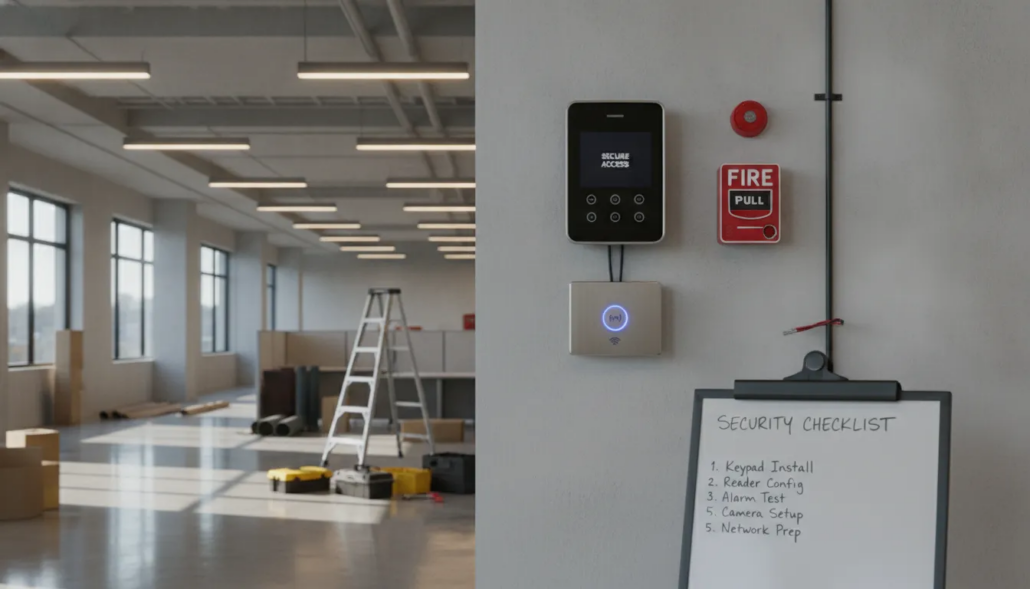
A thorough commercial tenant security checklist covers alarm setup, access control, fire alarm compliance, and video surveillance. Start planning two weeks before move-in to allow time for site surveys, system design, permits, and UL-certified monitoring activation. Early planning prevents gaps that put your assets at risk.
Schedule a free consultation. Call (770) 645-0061 or contact American Alarm online.
Planning for security might seem like one more task on a move-in chore list. However, reviewing your needs now prevents major risks once you occupy the space. A commercial tenant security checklist helps you find and fix gaps before they lead to a loss. Whether you are in a Midtown high-rise, a Perimeter Center office tower, or a Roswell office park, a clear plan keeps your team and assets safe. Atlanta Class A office buildings in Midtown and the Perimeter area often require floor-by-floor access control, elevator lobby monitoring, and shared common area security protocols that differ from standalone building requirements. This smart approach ensures that your move does not leave your firm open to theft or harm.
The weeks before and after you move are a high-risk window for any firm. You have many people coming and going, often at odd hours of the day. This busy time makes it easy for guests to enter the space without a check. Without a plan, you might miss a weak door or a broken lock until it is too late. You can use our office security systems checklist to see what your new space needs to stay safe from day one. By following a clear set of steps, you can avoid common traps that new tenants face.
- Remove old user access: Clear out all codes and fobs from the people who had the space before you. Old keys might still work on your doors if you skip this step.
- Update your alarm zones: New walls and desks change how your sensors work in the space. Test that your alarm covers every part of your new floor plan.
- Manage guest access: Give move-in contractors temporary codes that stop working once the job is done.
- Set up monitoring fast: Link your system to a 24/7 watch team right away so your space is safe from day one.
- Plan your system early: Start your security plan two to four weeks before you move to get the right tools in place.
High risks during office moves
Moving a business involves more than just packing desks and chairs. It requires a deep look at how people move through your new space. A checklist acts as your guide through this busy time. It helps you track every lock, sensor, and code so that nothing is left to chance.
Security gaps in build-out phases
When you set up a new office, you often have teams doing work on the space to get it ready. These workers need to get in and out to finish their jobs on time. If you give out codes without a way to track them, your space stays open to new risks. A good checklist ensures you track who has access and when they lose it once the job is done.
Benefits of a security checklist
A structured plan helps you cover every base before you open for business. It is not just about locks; it is about how your whole system works together to guard your firm. Review your plan every few months to make sure your system still fits your needs. As your firm grows and your office floor plan changes, your security must grow with it.
How to Set Up Your Office Alarm System Before Move-In
Summary: Setting up your alarm system should happen within 24 hours of your consultation. American Alarm offers fast installation, flat-rate service calls at $69, and free reactivation for returning customers. Cellular monitoring at $29.95 per month provides a secure, hard-to-cut connection to a UL-certified central station. For tenants leasing warehouse or industrial space, our warehouse security Atlanta guide covers the unique access control and perimeter needs of larger facilities.
Setting up a new office in Atlanta involves many tasks. One of the most vital steps is securing your space. You need a system that protects your assets and your team. A fast setup helps you stay on track for your move-in date.
Fast Setup and Smart Savings
Getting your security system live should not take weeks. American Alarm often completes office installations within 24 hours of a consultation. This speed helps you meet tight deadlines during a move. If your new office has an existing system, you can save money with a commercial security system takeover. We offer free reactivation for returning customers to keep costs low.
- Quick response: We aim to install most systems within one day so your office is ready.
- Affordable repairs: We use a flat $69 service call rate for all commercial repair visits.
- System reuse: A commercial security system takeover lets you use old sensors to save on equipment.
Certified Monitoring Services
Hardware is only half of the solution for a safe office. You also need professional eyes on your property at all times. American Alarm uses a 24/7 UL-certified central station to watch your space. This station meets strict standards set by Underwriters Laboratories for safety and speed. This oversight ensures that help is on the way as soon as an alarm trips.
Monitoring fees for your office are simple and clear. We offer landline monitoring for $18.95 per month. Many modern offices choose cellular monitoring for $29.95 per month. Cellular systems are harder to cut and provide a more stable link to the station. You can find a full list of monitoring rates on our site to help you plan your budget.
Planning Your Layout
Your new floor plan might be different from the last tenant. You must check if the old sensors cover your new desk areas and halls. It is best to walk the space with a pro to find gaps in your coverage. Our team helps you map out doors and rooms to ensure full protection.
What Access Control System Is Right for Your Atlanta Office?
Summary: Five access control options exist for Atlanta offices: keypad entry, key fobs, mobile credentials, biometric readers, and integrated systems. Integrated systems that link door locks with alarm and video tools offer the best long-term value for multi-door offices. Planning early saves money by avoiding expensive re-keying costs.
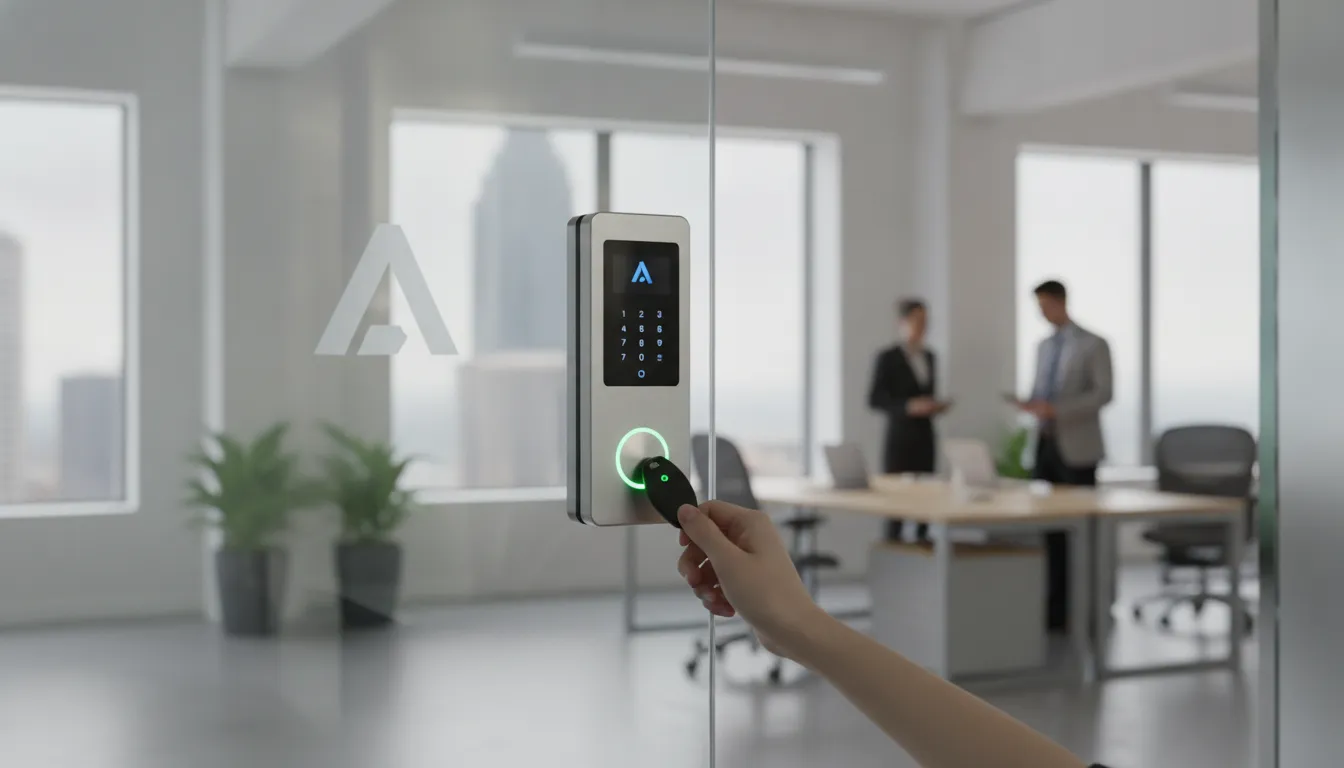
Adding a new entry system is a key step in your commercial tenant security checklist. You should plan this work well before your move-in day. This helps you avoid the high costs of re-keying every door in your new office. It also ensures there are no gaps in safety while you switch between spaces. Planning early means your team can start work in a secure space from day one. Our team has helped businesses in Alpharetta and Midtown set up these tools for over 30 years.
Choosing your entry tech
There are several access control systems for business that can fit your needs. You might choose simple keypad entry or use key fobs and cards. Many modern offices now prefer mobile credentials that work with a phone. You can also look at biometric readers for areas that need high security. A major choice you will face is using a standalone system or an integrated one. An integrated system links your door locks with your alarm and video tools for better control.
| System Type | Best For | Key Benefit | Monthly Cost Range |
|---|---|---|---|
| Keypad entry | Small offices, low staff count | Simple to set up and manage | $0 added fees |
| Key fob or card | Mid-size teams | Easy to revoke lost credentials | $2-$5 per fob |
| Mobile credential | Modern flexible offices | No physical cards needed | $3-$8 per user |
| Biometric reader | High-security zones | Cannot be shared or lost | $10-$20 per user |
| Integrated system | Multi-door or multi-site | Links access, alarm, and video | $20-$50 per door |
Linked systems allow you to see video clips of people as they swipe their fobs. This makes it much easier to verify that the right person is using the card. Standalone systems can work well for single doors but they often lack these advanced features. When you plan your layout, think about how each door will be used by staff and guests. This helps you pick the best tech for each door without overspending on features you do not need.
Managing roles and access
One of the best parts of electronic access is the ability to set specific roles. You can give managers full access while limiting where other staff members can go. You can also set schedules so that doors only open during business hours. This prevents people from entering the suite when no one is there to watch them. Modern systems keep a full log of every person who enters or exits. This data helps you track time and spot any odd behavior quickly.
It is also vital to clear out the old data from the previous tenant. You must ensure that no old fobs or codes still work in your new space. Removing these old credentials is a simple step that prevents wrong people from entering. Our NICET IV certified experts can help you check the existing hardware to see what needs to be replaced.
Saving on long-term costs
Planning your access control early saves you money over time. Physical keys are easy to lose and costly to replace. If a key is lost, you often have to pay for a locksmith to change every lock in the suite. With electronic systems, you can just turn off a lost fob in seconds. This speed reduces your risk and keeps your costs low. The Cybersecurity and Infrastructure Security Agency (CISA) lists access control as a core part of physical security for all commercial buildings.
Using a cloud-based platform also adds value to your office. You can manage your door locks and view logs from your phone or laptop. This means you do not have to be on-site to let a vendor in or lock a door you forgot. For businesses in Sandy Springs or Marietta, this remote access is a huge time-saver.
Fire Alarm Compliance for New Commercial Tenants
Summary: New commercial tenants in Atlanta must meet NFPA 72 fire alarm compliance standards. American Alarm’s NICET IV certified team handles system design, permit filing, and annual inspection testing. Even small layout changes during build-outs can affect smoke detector placement and alarm coverage. Tenants moving into restaurant or retail spaces can also review our restaurant fire alarm compliance section for kitchen-specific code requirements.
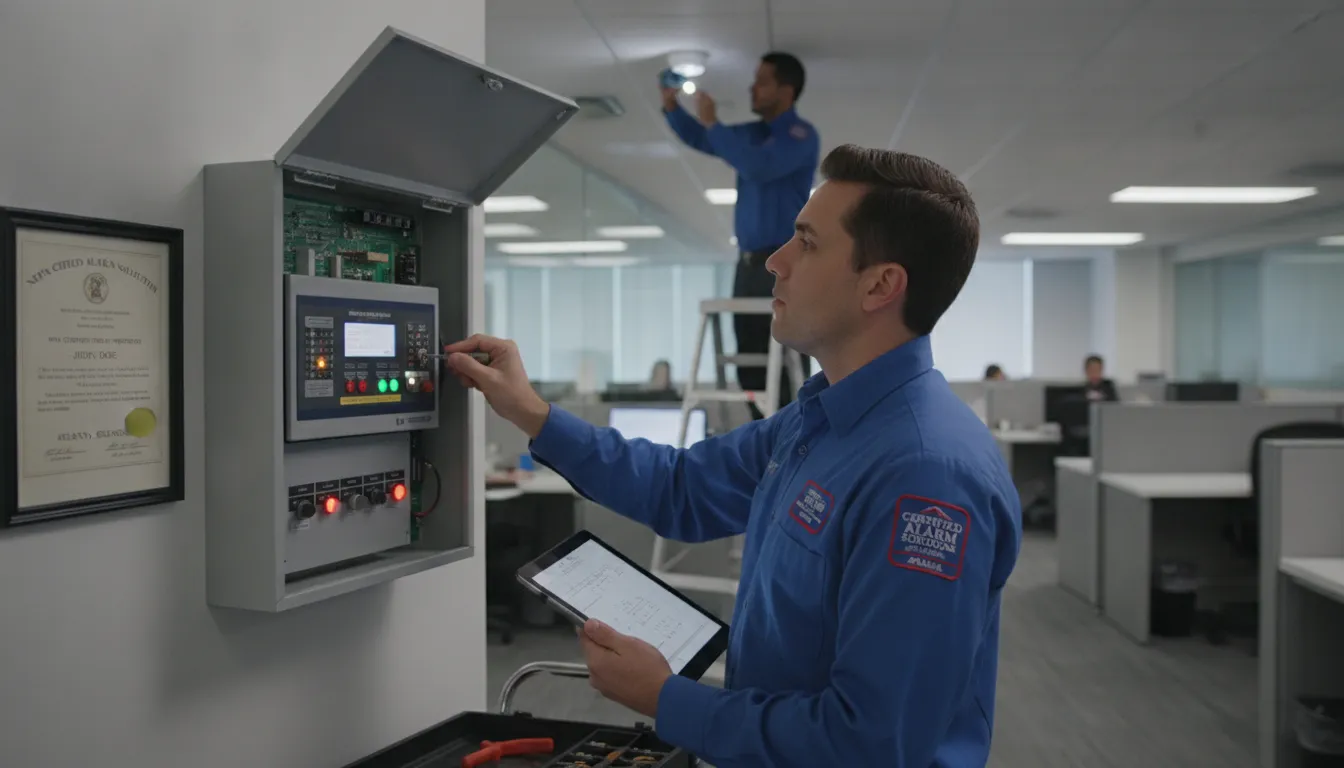
Moving into a new office in Atlanta involves more than just setting up desks. You must also make sure your space meets local fire safety codes. Most business leases need NFPA 72 fire alarm compliance. This standard makes sure that your system is ready to protect your staff and gear at all times.
Expert design and NICET IV certification
Setting up a fire alarm system is a hard task that needs a high level of skill. At American Alarm, our work is led by Scott Gilkey. He holds a NICET IV certification. This is the highest level for fire alarm work. Fewer than 10% of safety experts reach this rank. This means your system will meet the toughest rules from the start.
Our team handles the full path of getting your space ready. We offer deep plan reviews and manage the permit filing process with local city offices. Once we have the right permits, we handle the setup and final testing. This clear method ensures your business stays safe and follows all Atlanta building codes.
Annual inspection and maintenance rules
Safety does not end after the system is in place. NFPA 72 Chapter 14 rules call for annual inspection, testing, and maintenance (ITM) for all fire alarm systems. This keeps the gear in top shape so it works during a real fire. Regular checks help find issues like low batteries or dirty sensors before they cause a fail.
When you take over a new space, you should ask for the previous records. Request their fire alarm inspection papers and past testing logs. These files show the history of the system and help you find any gaps in care. Keeping these files up to date is a key part of any commercial tenant security checklist.
Adapting systems for tenant build-outs
If you plan to change the layout of your new office, your fire alarm needs may change too. Adding new walls or glass can block the path of smoke or sound. This often shifts where smoke detectors and alarms must go. Even small shifts in the floor plan can leave some areas without enough cover.
- System re-design: We look at your new layout to see if you need to move current sensors.
- Coverage checks: Our team makes sure that horns and lights can be seen and heard in every new room.
- Code updates: We make sure all changes follow the latest fire safety rules for your space.
Working with an expert team ensures these changes are done right. We have served Metro Atlanta for over 30 years and hold an A+ rating from the BBB. We can help you with commercial alarm systems so you can focus on your work.
How Should You Plan Security Camera Coverage for Your New Office?
Summary: Strategic camera placement at entry points, loading docks, and parking areas ensures full coverage of your new office. A strong network connection and 24/7 UL-certified monitoring with real-time alerts are essential for modern video surveillance systems.
Smart Placement for Full Coverage
When you move into a new business space, you must plan where to put your security cameras. Start by looking at the main points where people enter and exit. You should also cover your loading docks and parking areas to keep an eye on staff and guests. Protecting high-value assets is a key part of your office security systems checklist. Good placement helps you see every corner of your property.
A well-placed security camera system can stop crime before it starts. You should make sure your security cameras can see dark spots in the parking lot or back alleys. This helps protect your team when they leave work late at night. Clear video can also help if you need to show proof for an insurance claim later. Being able to see who comes and goes gives you a clear log of all activity on your site.
Network and Wi-Fi Setup
Modern video surveillance needs a strong network to work well. You must plan your security cameras with your Wi-Fi and network setup in mind. If your network is weak, your video might be blurry or slow. You can find tips on how to secure your business network on the NIST website to keep your data safe and private.
Working with an expert for your security camera installation Atlanta ensures your system stays online. Pros know how to set up your gear so it does not slow down your office internet. They will check your signal strength in all areas to prevent dead zones. This makes sure your feed is always live when you need to check it from a desk or phone.
Professional Monitoring and Real-Time Alerts
Having video is great, but someone needs to watch it. Choosing a system with 24/7 UL-certified monitoring keeps your space safe all day and night. This service can send you real-time alerts through email, text, or a mobile app. If a sensor trips after hours, you will know about it in seconds. This means you can act fast to stop a theft or break-in before the loss is too big.
These alerts give you peace of mind while you are away from the office. You can check your live feed from your phone to see what is going on at any time. This fast response helps stop a small issue from becoming a big loss. Reliable monitoring is a vital step in keeping your Atlanta business secure.
How Much Should You Budget for a Commercial Tenant Security System?
Summary: Monthly monitoring costs range from $18.95 (landline) to $29.95 (cellular). Equipment takeovers from previous tenants can save hundreds on hardware. For a full cost and features comparison across different system types, read our commercial security systems Atlanta comparison guide. American Alarm uses a flat $69 service call rate, so you always know repair costs upfront.
When you move into a new office in Atlanta, you must plan for both start-up and monthly costs. The total price for your commercial tenant security checklist depends on a few things. Suite size, door counts, and how many people need access cards all change the final rate. Most small to medium offices can find a balance between high safety and a fair price.
Managing Monthly Monitoring Fees
Ongoing costs are a key part of any business budget. You can choose how your system talks to the central station. A landline link is the cheapest choice at $18.95 per month. Many local firms now prefer cellular service for better trust. This option costs $29.95 per month but keeps your site safe even if phone lines go down. You should review alarm monitoring costs to see which plan fits your risk level.
For firms with many sites, these small savings add up over time. Some owners also need to meet strict fire codes like NFPA 72 for their office space. These rules require regular tests and expert eyes to stay in line. Choosing the right monthly plan helps you avoid fines and keeps your insurance rates low.
Saving with Equipment Takeovers
You do not always need to buy a brand-new system when you lease a new space. Many Atlanta suites already have sensors and panels from the last tenant. A commercial security system takeover can save you hundreds of dollars in gear fees. Our team can test the old tools to see if they still work well. If the gear is in good shape, we can turn it back on and link it to our local monitoring team.
Predictable Service and Repair Costs
Hidden fees can ruin a business budget. Many national alarm firms charge high rates for every tech visit or repair. We use a flat $69 service call rate to keep things simple for our clients. Whether you need a sensor moved or a panel fixed, you know what the base cost will be before we arrive. This clear pricing helps you plan for work without worrying about hourly costs that spin out of control.
Schedule a free consultation. Call (770) 645-0061 or contact American Alarm online.
Frequently Asked Questions
What should tenants watch out for in a commercial lease regarding security?
Tenants should check who pays for the security system setup and the monthly monitoring fees. You must see if the landlord covers fire alarm rules or if that cost falls on you. It is also key to know who controls the door access cards and user codes. Look for lease terms that explain what happens if you need to add more sensors or move walls in your office.
Who is responsible for alarm monitoring in a commercial lease?
The lease often states that the landlord monitors the common areas and building shell. Tenants usually pay for the monitoring fees inside their own office suite. According to American Alarm, these costs start at $18.95 per month for landline service and $29.95 for cellular service. Always check if your business must use the building’s vendor or if you can choose your own local team.
How soon should a commercial tenant arrange security before moving in?
You should start planning your security system at least two to four weeks before your move-in date. This plan allows enough time for an expert site survey and custom system design. It also gives the security team time to get any needed city permits and finish the setup. Working early ensures your office is safe the moment you start moving in tools and staff to the new space.
Can a new commercial tenant use the existing security system?
Yes, new tenants can often save money by using the gear already in the suite. This process is called a commercial security system takeover. A local pro can check the old panel and sensors to ensure they work. American Alarm even offers a free restart for returning customers. This path is often faster than a full setup and helps you avoid high gear costs when you first move in.
Ready to secure your new Atlanta office space with pro help?
Waiting to set up your system leads to gaps in your safety during a move which puts your new assets at high risk. A fast start keeps your site safe so you can stay on track for your first day and focus on your work without any stress. We make sure your new suite meets all fire codes to avoid fines and keep your staff safe from day one here in Atlanta, Georgia.
Ready to schedule a free security consultation for your new Atlanta office space? Call (770) 645-0061 now to talk to a NICET IV expert. We give you a flat rate quote today. This helps you rest easy tonight.


Leave a Reply
Want to join the discussion?Feel free to contribute!