How to Fix a Commercial Alarm Panel Beeping Safely
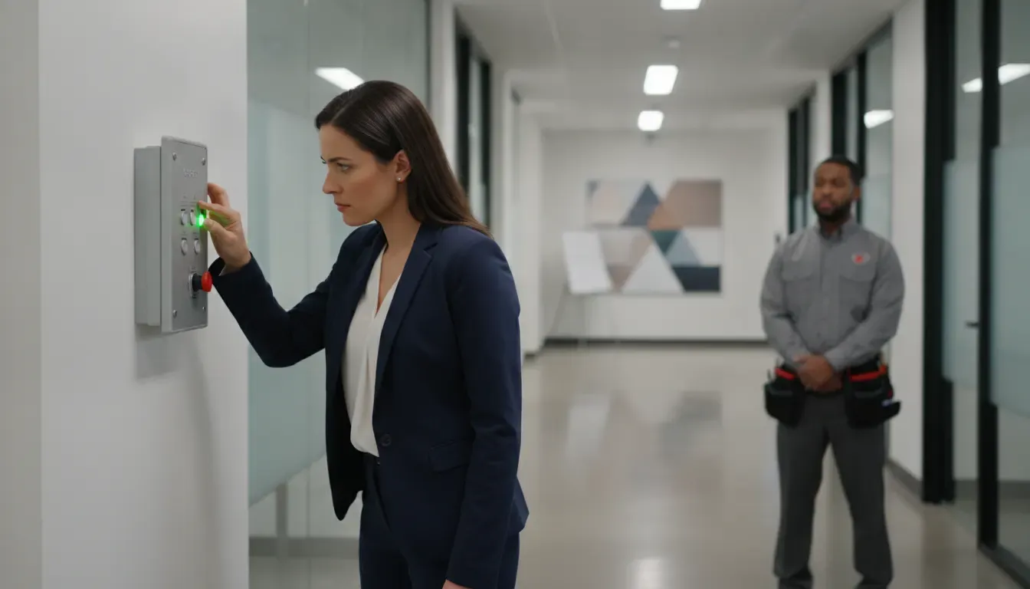
When you need to know how to fix a commercial alarm panel beeping, start with the exact message or trouble light on the keypad. A periodic chirp often points to a low backup battery, lost power, a communication fault, or a device that needs attention. A commercial security panel should not be opened or rewired by untrained staff, so use the safe checks below to identify the alert and decide when to call for service in Atlanta.
Schedule a commercial alarm consultation. Call (770) 645-0061 or contact American Alarm online.
What should you do first when a commercial alarm panel beeps?
A single beep every few minutes is different from a continuous alarm, a flashing trouble light, or a message showing that a zone is open. Recording the panel’s exact words and any zone number gives a technician useful information before a visit. It also helps your team avoid guessing at a reset that could hide the original problem.
Why does a commercial alarm panel keep beeping?
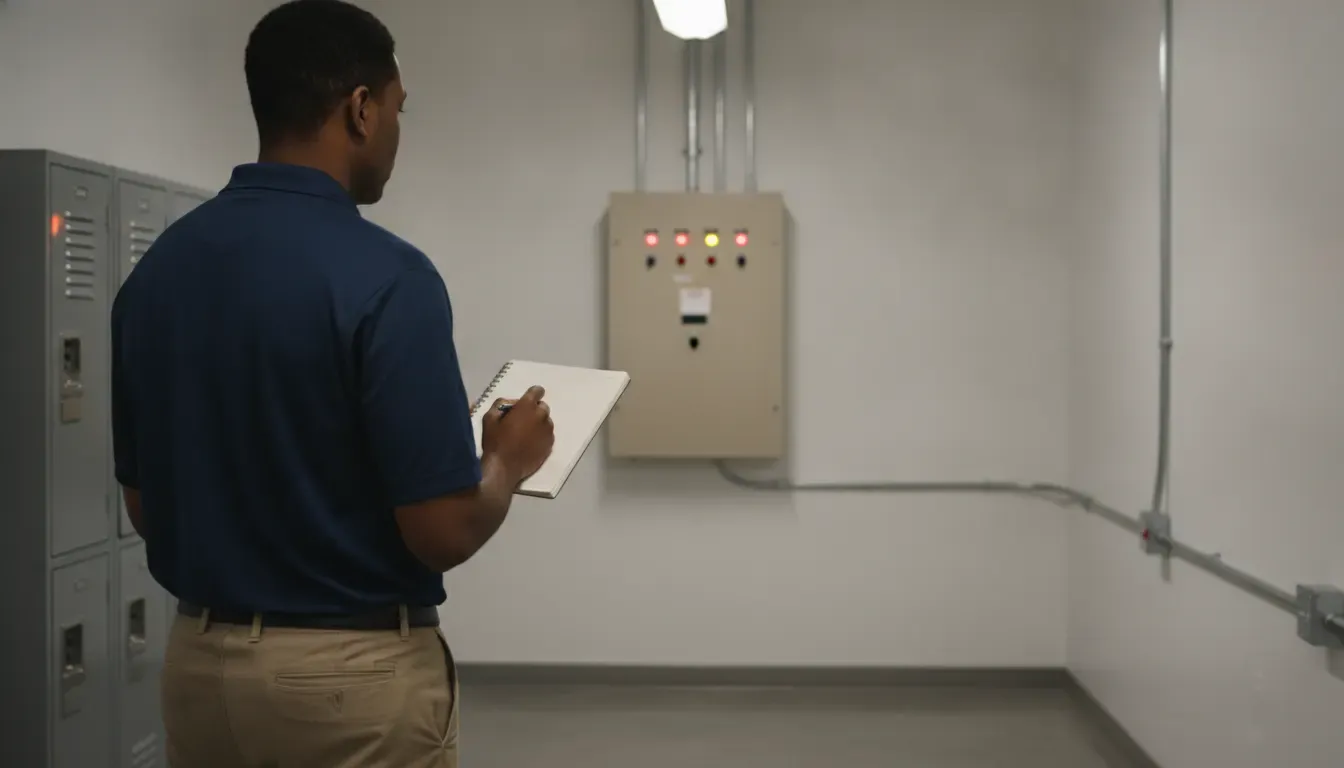
Most recurring panel beeps are a notification that the system has detected a condition that needs review. The sound itself is not a diagnosis. The display, indicator lights, event history, and monitoring signals help identify the cause. For broader commercial alarm troubleshooting, see American Alarm’s Atlanta troubleshooting guide; this article stays focused on safe panel-beep triage and the point where professional service should take over.
| Alert pattern | Possible condition | Safe first check | Escalate when |
|---|---|---|---|
| Periodic beep | Backup battery or power warning | Note the message and check ordinary building power | The tone returns or the battery warning remains |
| Communication message | Monitoring connection fault | Record the display and contact the monitoring provider | The center cannot confirm a working signal |
| Zone or tamper message | Open monitored point or shifted device | Check the named opening only if safe and authorized | The zone will not restore or multiple zones fault |
| Continuous alarm | Active alarm or serious system condition | Follow the site’s emergency and monitoring procedure | Immediately, if the cause is unknown or safety is at risk |
Low or failing backup battery
A weak backup battery is one of the most common reasons a security control panel produces a periodic trouble tone. The system may continue operating on normal power while warning that it may not remain online during an outage. Battery age, heat, repeated power interruptions, or a battery that is no longer holding a charge can all contribute.
Loss of primary power
A tripped breaker, unplugged transformer, building power work, or a local electrical issue can cause a panel to beep. Check only the ordinary building conditions your staff is authorized to inspect, such as whether other equipment or lights in the same area also lost power. Do not remove electrical covers or handle alarm wiring.
Communication failure
A panel may beep when it cannot reach the monitoring center through its programmed communication path. Network changes, a failed communicator, an outage, or service work can produce a communication trouble message. Treat this alert seriously because the system may not be able to transmit an alarm signal until the connection is restored and tested.
Open zone or sensor trouble
A door, overhead entry, protected cabinet, or other monitored point may be reporting an open or tamper condition. A sensor can also shift after construction, moving equipment, cleaning, or an impact. Compare the zone shown on the keypad with the physical area only if doing so is safe and does not require opening equipment.
Keypad or system fault
A damaged keypad, repeated trouble code, or fault that returns immediately after an authorized acknowledgment may require diagnostic equipment. Persistent alerts can also indicate a power supply, wiring, device, or programming issue that is not appropriate for an employee to troubleshoot at the panel.
How to troubleshoot a beeping commercial alarm panel safely
Use this sequence to gather information without altering the security system. The goal is to identify the condition and protect monitoring continuity, not to perform an unapproved repair.
Safe troubleshooting means observing, documenting, and communicating. It does not mean opening the enclosure, replacing connected components without authorization, bypassing a zone, or repeatedly silencing a warning that has not been diagnosed.
- Identify the sound. Note whether the panel beeps once at regular intervals, sounds continuously, or starts only after a power event.
- Read the display. Write down the exact trouble message, zone number, indicator light, and any date or time shown.
- Check building power safely. Confirm whether nearby lights or authorized equipment are operating. If there is an electrical odor, heat, smoke, or visible damage, leave the area and follow the building’s emergency procedure.
- Check the monitored area. If the display identifies a door or zone, see whether the opening is fully closed and whether recent work may have disturbed the device. Do not force a door or open an alarm enclosure.
- Call the monitoring or service provider. Ask whether the center received a trouble or communication signal and whether an acknowledgment or reset is authorized for this specific panel.
- Document the outcome. Record the message, actions approved by the provider, time of the call, and whether the beep returned. This creates a useful service history for the facility.
Some systems allow an authorized user to acknowledge a trouble tone with a code or keypad command. Only use that step when the system instructions or your alarm provider specifically authorize it. Acknowledging the sound may stop the tone temporarily without correcting the low battery, communication failure, wiring problem, or device fault.
When should an Atlanta business call for commercial alarm repair?
Contact a qualified alarm service professional when the cause is unclear, the alert returns, the system cannot communicate with the monitoring center, or the panel reports a power or device fault. Prompt service is especially important when the business depends on the system for after-hours protection, access control, monitored intrusion detection, or insurance and operating requirements.
- Persistent beeping. The sound continues after an authorized acknowledgment or returns within a short period.
- Communication trouble. The panel cannot confirm a connection to the monitoring center or shows a communicator fault.
- Repeated battery alerts. A replacement battery does not resolve the warning, or the system loses power again.
- Multiple zones affected. Several devices show trouble at once, suggesting a broader power, wiring, or communication issue.
- Physical damage. The keypad, enclosure, cable, or sensor has been struck, exposed to water, or otherwise damaged.
- Unexplained alarm activity. The system generates repeated alarms or dispatches that staff cannot connect to a known event.
Do not silence a warning by disconnecting the battery or turning off the panel. That can remove backup protection, create a larger service issue, or leave the monitoring center without a reliable signal. A technician can test the power source, communication path, devices, and programming together rather than treating the beep as an isolated noise problem.
How can businesses prevent recurring alarm panel beeps?
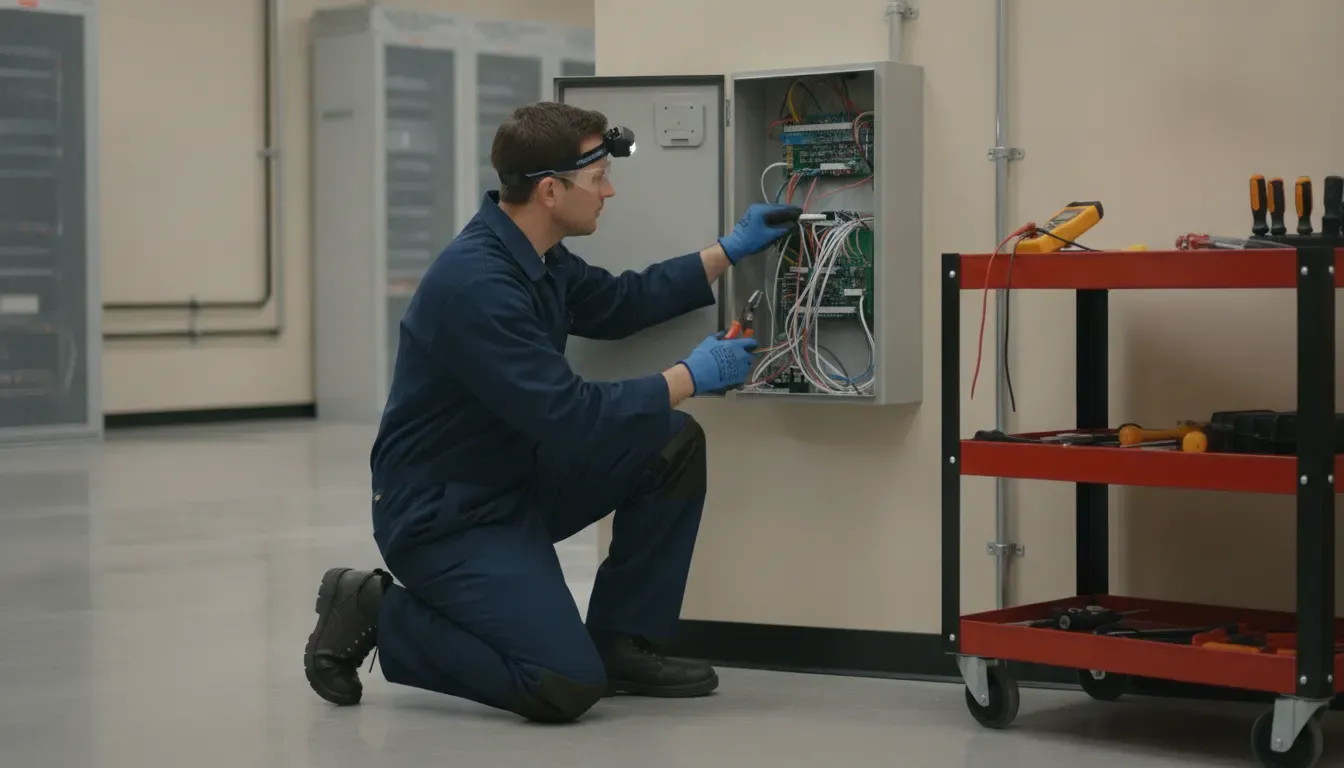
Prevention starts with a clear service record and routine system care. Ask your alarm provider to document the panel model, backup battery history, communicator type, monitored zones, and the last completed test. Keep that information available to facility managers and authorized staff. A written record helps your team distinguish an isolated acknowledgment from a recurring fault and gives the service professional a more useful starting point.
- Train authorized users. Make sure staff know how to recognize a trouble message, protect alarm codes, and reach the correct service contact.
- Review changes before work begins. Tell the alarm provider about remodeling, network changes, electrical work, or equipment moves near protected areas.
- Test communication as directed. Coordinate testing with the monitoring center so signals are identified correctly and not treated as an emergency dispatch.
- Track battery service. Keep a record of battery inspections and replacement recommendations instead of waiting for repeated beeps.
- Address recurring faults. A warning that returns after a reset needs diagnosis, not repeated acknowledgment.
American Alarm has served Metro Atlanta homes and businesses since 1995. Founder Scott Gilkey holds NICET IV certification and unlimited Georgia low-voltage credentials, and the company focuses on system design, monitoring, maintenance, and repair for local customers. The right service decision depends on the panel, the alert, and the condition of the site, so a technician should verify the cause before a business relies on the system again.
Schedule a commercial alarm service review. Call (770) 645-0061 or contact American Alarm online.
Frequently asked questions about a beeping commercial alarm panel
These answers explain what a recurring beep may mean, which actions are appropriate for authorized staff, and when a commercial alarm professional should test the system. They are limited to common non-fire security-panel alerts and do not replace the instructions for a specific manufacturer, monitoring agreement, or life-safety system.
Can a low battery make a commercial alarm panel beep?
Yes. A weak or aging backup battery commonly causes a periodic trouble tone, especially after a power interruption. The panel may still appear to work on primary power, but the battery should be tested and replaced by an authorized professional when the warning persists.
Should I reset the commercial alarm panel?
Only follow a reset procedure that your alarm provider or system instructions specifically authorize for the displayed condition. A reset can acknowledge a message without fixing the cause, and an incorrect reset can make diagnosis harder or interrupt monitoring.
What if the beeping stops after I press a keypad button?
The sound may have been acknowledged rather than repaired. Write down the original message, ask the monitoring or service provider whether the condition cleared, and watch for the alert to return. If it returns, schedule service instead of repeatedly pressing buttons.
Is a beeping security panel the same as a fire alarm panel problem?
No. Commercial security panels and fire alarm control panels can use different signals, procedures, and compliance requirements. This guide addresses common non-fire security-panel alerts. Follow the site’s fire-safety procedure and contact the qualified fire-alarm service provider for a fire-panel signal.
How quickly should a business address a communication failure?
As soon as it is identified. A communication failure can prevent the monitoring center from receiving an alarm signal. Contact your provider, confirm whether the center sees the fault, and arrange testing before assuming the system is fully protected.
Get help with a commercial alarm panel alert. Call (770) 645-0061 or contact American Alarm online.

Leave a Reply
Want to join the discussion?Feel free to contribute!