
What Are the Benefits of Keyless Entry for a Business?
What are the benefits of keyless entry for a business? For many Atlanta businesses, the main advantages are control over who can enter, less dependence on physical keys, clearer records of entry activity and easier changes when staff or schedules shift. The value depends on the way a business operates and how its entry system fits with the rest of its alarm and access controls.
Call (770) 645-0061 to discuss your business entry needs.
What are the benefits of keyless entry for a business?
Short answer: A keyless system can make access easier to manage by assigning credentials, changing permissions without collecting keys, and reviewing available activity records. It can also reduce routine interruptions and connect entry decisions with a broader business security plan. It is most useful when the system matches staff workflows, door needs and operating hours.
Keyless entry describes ways of unlocking a door without a conventional metal key. Depending on the system, staff may use a PIN, card, fob, mobile credential or another authorized method. A business can choose the option that suits its users and doors, then establish clear rules for issuing, changing and disabling access.
This is a benefits guide, not a door-by-door installation plan. The best choice starts with understanding daily operations: who needs entry, when they need it, and how the business wants to handle access changes. For a broader overview of business access control systems, consider how credentials and access decisions fit into the overall security setup.
How can keyless entry improve control over access?
A conventional key can be copied, passed along or left unreturned. A managed credential gives the business another way to set permissions and adjust them when roles change. That does not eliminate the need for good procedures, but it can make changes more direct and easier to track.
- Set permissions by role: Give employees the access they need for their work instead of handing out a shared key that opens every door.
- Make changes promptly: When an employee leaves or changes duties, an authorized administrator can update or disable a credential, rather than waiting to recover every copy of a key.
- Support schedules: Some systems allow permissions to reflect working hours or approved schedules. Confirm the capabilities of the specific system before relying on them.
- Limit shared access: Individual credentials can make it easier to avoid a single PIN or key being used by everyone. Clear rules still matter, including a process for lost or compromised credentials.
Control works best when responsibility is assigned. Decide who can add users, change permissions and respond to a lost credential. Keep a simple record of approvals and review access when job duties change. If more than one entrance or business function is involved, compare those needs with the options described on American Alarm’s systems and products page and its security services page.
Can keyless entry make staff routines easier?
Convenience is one of the most visible benefits. Staff do not have to carry a separate metal key for every authorized door, and a business may be able to handle routine access changes without replacing locks. A credential can also simplify opening and closing routines for teams with staggered shifts, as long as permissions and procedures are well planned.
Consider a small office where a supervisor arrives before the rest of the staff and a service provider visits at a set time. A business can decide whether each person needs an individual credential, whether a limited schedule is appropriate, and who will manage exceptions. That is a clearer starting point than circulating a shared key without knowing who still has a copy.
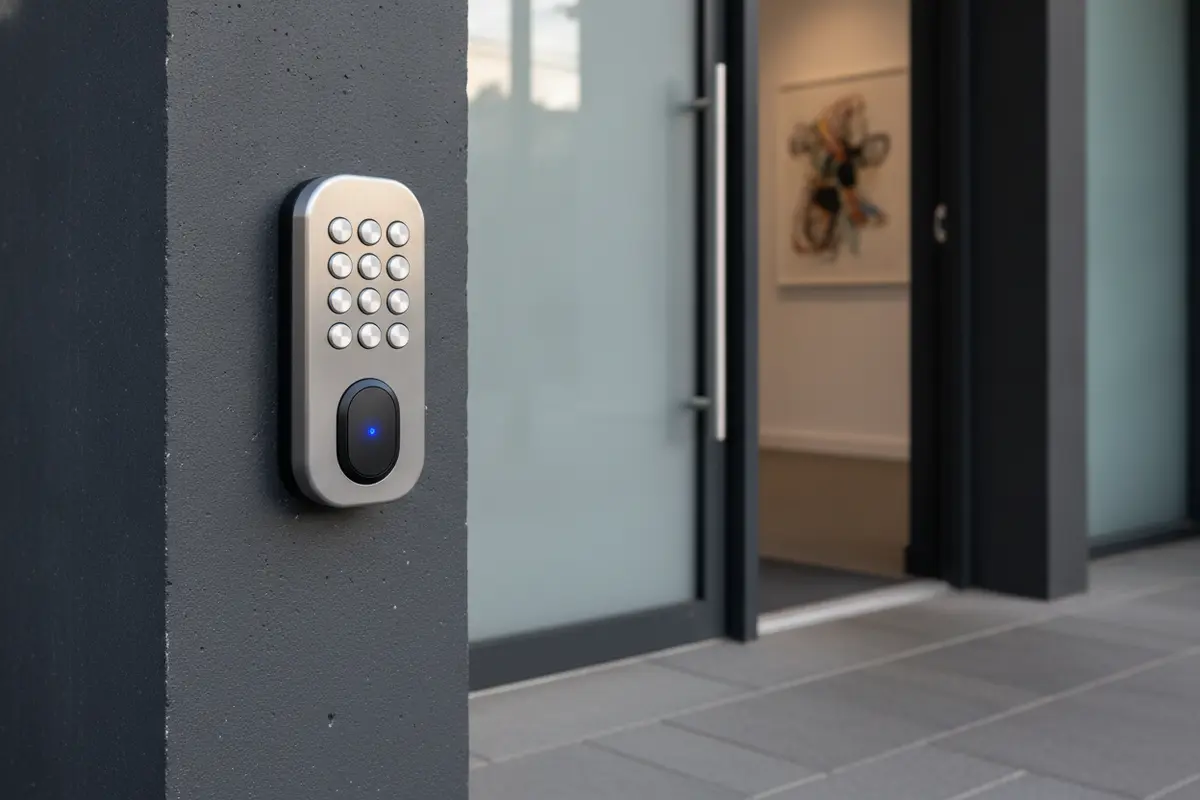
Convenience should not come at the expense of a reliable fallback. Ask what happens during a power or network interruption, how users are supported if a credential fails, and who can authorize an exception. The answer varies by product and configuration, so get the details for the system being considered. Businesses comparing entry options can also review access control gate systems where vehicle access is part of the site’s needs.
What can entry records help a business understand?
Some access systems can record events such as a credential being accepted or denied at a managed door. Those records may help an authorized manager review a reported access issue, understand patterns around opening and closing, or confirm that a credential was disabled. The amount of information available varies, so ask what the product records, how long records remain available and who can view them.
Activity records are useful only when they are interpreted carefully. A record of a credential being used does not necessarily establish who held it at that moment or explain why a door was opened. Businesses should define who may review records, what questions they are intended to answer and how staff privacy will be respected.
It also helps to decide how managers will respond to an unusual record before one appears. For instance, a denied credential might reflect an expired permission, a mistyped PIN or an attempted use by someone who should not have access. A consistent review process can help a manager check the context, document the follow-up and correct an access setting when appropriate. Avoid treating an electronic record as a complete account of an event; pair it with the business’s established reporting and response procedures.
| Entry option | What it can offer | What to consider |
|---|---|---|
| Traditional key | Simple, familiar access without electronic credentials. | Changes may require collecting keys or changing locks; copies can be difficult to track. |
| Shared PIN | Convenient access without a key for each user. | A shared code can spread beyond intended users; plan how and when to change it. |
| Individual card or fob | Credentials can be assigned and disabled by user in supported systems. | Set a process for lost credentials and confirm the system’s record and permission features. |
| Mobile credential | May let an authorized user use a supported mobile device for entry. | Check device compatibility, user support, availability during interruptions and administration needs. |
The table is a starting point, not a promise that every product includes the same functions. Compare what each option can do in the proposed system and how that capability will be managed. For an overview of how a business may combine entry with other measures, see this guide to business surveillance systems and the information on professionally monitored alarm systems.
How can keyless entry fit with other business systems?
Entry is one part of a business security plan. Depending on the equipment, access control may operate alongside alarm monitoring or other systems, giving managers a more coordinated way to think about doors, after-hours activity and response procedures. Integration varies by product, so ask which systems can communicate, what events are shared and what happens if a connection is unavailable.
For example, a business may want staff entry procedures to align with alarm arming and disarming. Before selecting equipment, clarify who is responsible for each action, what alerts or records are available and how staff will handle an exception. Avoid assuming that two systems integrate just because they are both electronic.

Life-safety needs also matter. If an access-controlled door is part of an exit route or operates with a fire alarm system, have qualified professionals review the design and applicable requirements before changes are made. The National Fire Protection Association publishes fire and life-safety standards; a project should be checked against the rules that apply to its building and jurisdiction. Businesses can learn more about code considerations from this NFPA 72 compliance guide for Atlanta.
What should a business weigh before choosing keyless entry?
Benefits depend on the fit between the entry method and the business. A small team with one main entrance may value ease of administration. A larger operation with several user groups may put more weight on individual permissions, record access and coordination with monitoring. Think through the questions below before comparing proposals.
- Who needs access? List employees, approved vendors and other users, then identify which doors each group needs.
- When is access needed? Note regular business hours, shift changes, deliveries and approved after-hours work.
- Who administers credentials? Name an owner and backup who can approve additions, changes and removals.
- What is recorded? Ask which entry events the system logs, how records are accessed and how long they are retained.
- What if a credential is lost? Confirm the steps and expected timing for disabling it and issuing a replacement.
- What if equipment or connectivity fails? Ask for the documented fallback and how staff should report a problem.
- What must work together? List any alarm, monitoring or life-safety functions that the entry system must coordinate with.
- Who will support the system? Clarify how service requests are handled and whether existing equipment can be assessed.
These questions help compare systems on daily usefulness, not just on the credential itself. When evaluating providers, ask for an explanation of the proposed features, any limits and the support process. American Alarm’s guide on choosing an alarm company offers additional questions to bring to a provider discussion.
How can an Atlanta business assess the value?
Start with the friction or risk the business wants to address. Is key management taking staff time? Are there regular access changes? Does the business need a better way to review entry events? Write down the present process and the desired improvement, then ask providers to explain how their proposed system would address each point.
Compare the management work as well as the hardware. A system may offer many features, but those features only help if someone can administer them and staff know what to do. Ask for a plain-language demonstration of adding a user, changing a permission and disabling a lost credential. Confirm what records administrators can review and how support works after installation.
A short comparison sheet can keep the decision focused. List the business’s needs in one column, then note how each proposed option addresses them and what questions remain. Include daily administration, staff ease of use, record access, fallback procedures and system coordination. Ask the provider to separate standard capabilities from optional features and to explain any limits in plain language. If a feature sounds useful, ask for a specific example of how an authorized manager would use it during a normal workday. This makes it easier to evaluate practical fit instead of choosing based on a long feature list.
Think beyond the initial decision. Staff roles, opening hours and business needs may change. Ask whether the proposed system can adapt, what changes require professional service and what records or instructions will be provided. If the business operates in a nearby community, check American Alarm’s Metro Atlanta service areas to see where it works.
Call (770) 645-0061 to talk through keyless entry options for your business.
Frequently asked questions
These answers cover common questions about credentials, entry records, after-hours access and system compatibility. Confirm product-specific details with a provider before setting business procedures.
Does keyless entry mean every employee gets the same PIN?
No. Depending on the system, users may receive individual credentials and permissions. Individual access can make changes easier to manage, while shared codes may be simpler but harder to trace. Confirm what the selected system supports and set a clear credential policy.
Can a business use keyless entry after hours?
It may be possible to assign permissions or schedules for approved after-hours access, depending on the system. Define who is authorized, how exceptions are approved and how entry relates to alarm procedures before putting a schedule into use.
Do keyless systems keep an entry history?
Some systems record entry events, but the available details and retention period vary. Ask whether the system records accepted and denied credentials, who can review records and how the business should interpret them.
Can keyless entry work with an alarm system?
Some products can coordinate with alarm systems, while others may not. Verify compatibility and the exact functions with the provider. Discuss how staff will arm or disarm the alarm, handle exceptions and get help if a connection or device fails.
Is keyless entry a good fit for every business?
Not necessarily. A business with few users and stable access needs may find traditional keys adequate, while a business that often changes permissions may value electronic credentials. Compare the daily process, administration and support needs before deciding.
Call (770) 645-0061 to schedule a conversation about business access control.
Keyless entry can offer more adaptable access, simpler credential changes and useful entry records, but the right fit depends on the doors, users and procedures involved. A careful comparison helps an Atlanta business choose an approach its staff can use and manage reliably.

Leave a Reply
Want to join the discussion?Feel free to contribute!