Access Control System Door Forced Open Atlanta: What to Do
An access control system door forced open Atlanta alert is a reason to verify conditions, not a diagnosis by itself. The notice generally means the system registered a door opening without the expected credential or release signal. A door that did not latch, a sensor issue, normal activity, or an unapproved opening can all require different responses. Start by protecting people, then compare the alert with what staff observed.
Request a business access control assessment
What does a forced-open alert tell you?
Answer capsule: It records a mismatch between the door status and an expected access event; by itself, it does not prove how or why the door opened. Check the location safely, preserve the event sequence, and escalate based on observed conditions and your site plan.
An access point relies on several parts working together: a reader accepts a credential, a controller applies the configured rule, a lock responds, and a door contact reports whether the door is open or closed. The system may log an exception if the door opens without a corresponding authorization or release. A mismatch among these parts can make the record confusing even when there was no deliberate attempt to enter.
That distinction matters for response. An alert is a useful signal to investigate, but not a conclusion about intent. An authorized person may have used an approved release method, someone may have held the door for a delivery, or the door may have failed to close firmly. Compare the event with the site’s normal process and rely on direct observations before deciding what happened.
What should staff do first?
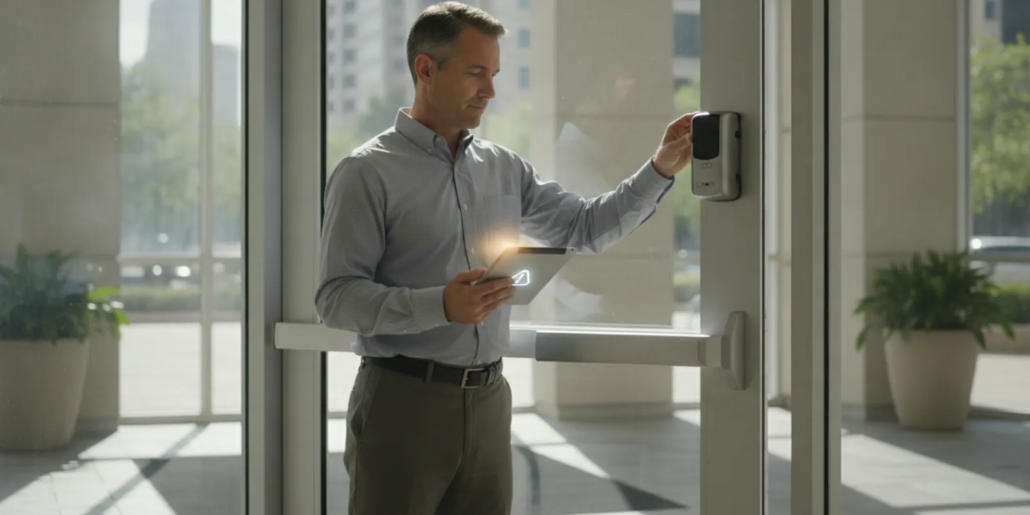
Use the facility response plan and prioritize personal safety. If staff see signs of an immediate threat, damage, or a crime in progress, they should move to safety and contact emergency services according to site policy. They should not approach or confront a person who may pose a danger. When there is no apparent threat, a designated employee can make a cautious visual check from a safe position.
- Confirm which door generated the alert. Match the system name to the physical location, using the site’s labels or access-point list. Check whether it is an exterior door, a controlled interior opening, or a point with special operating procedures.
- Check whether people need help. Follow the site’s process for determining whether employees, visitors, or approved contractors were in the area. Do not infer wrongdoing from an unfamiliar name or an incomplete log.
- Observe without taking hardware apart. From an appropriate safe position, note whether the door is open, obstructed, visibly damaged, or apparently closed. Do not force the door, defeat the lock, or remove a sensor cover.
- Use approved temporary measures. If the door will not close or secure, alert the responsible manager and follow the site’s approved contingency. Do not improvise a change that could create a new access or life-safety problem.
- Preserve the alert details. Record the time, door label, nearby access events, and what staff saw before anyone clears or changes the event history.
Keep the response proportional to what is known. A single alert with a documented delivery or approved release may call for an operational follow-up. A damaged opening, an unknown person, or a door that cannot secure should be handled through the site’s incident and escalation process. If staff are unsure which path applies, contact the designated manager rather than changing system settings on the spot.
What can cause the same event?
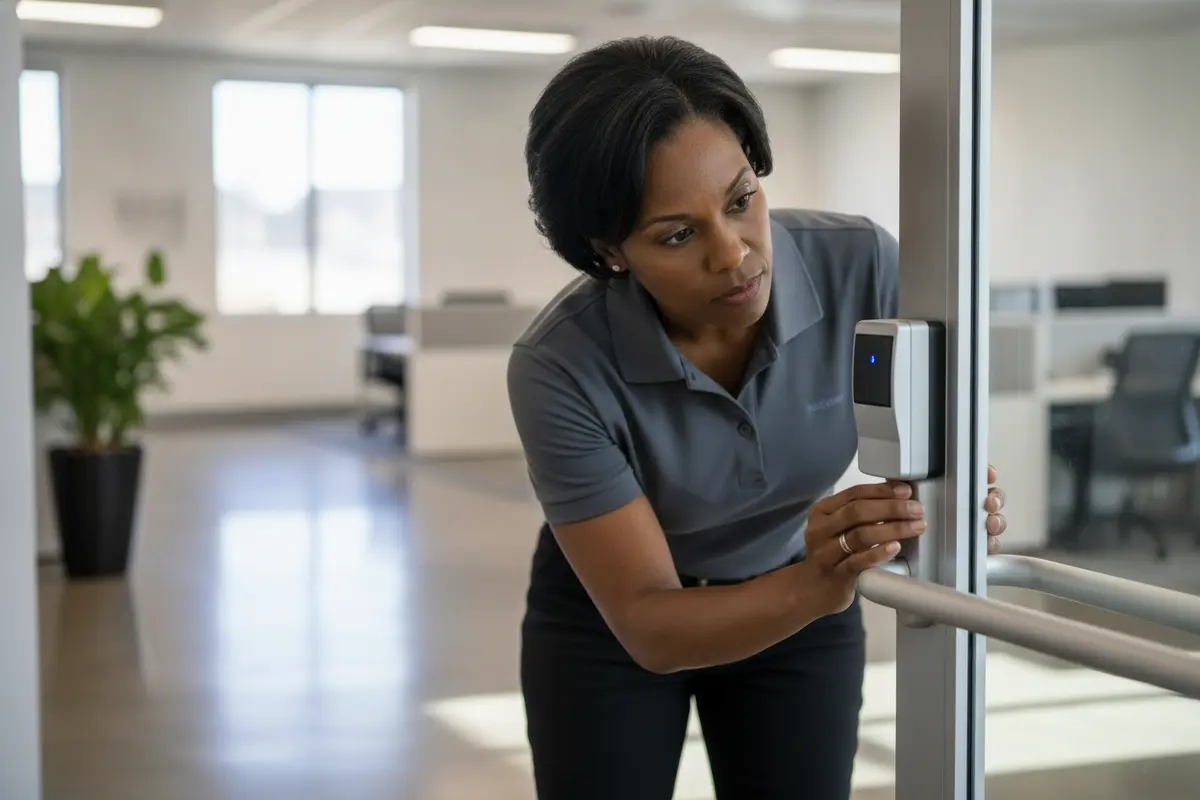
Different faults and everyday activities can produce similar event records. Compare the system sequence with the door’s actual condition before assigning a cause. This table is a triage aid, not a substitute for inspection or qualified troubleshooting.
| Possible explanation | What staff may notice | Useful next step |
|---|---|---|
| Door did not latch | The door looks shut but moves, or the latch catches inconsistently. | Record the condition and request a qualified hardware inspection. |
| Door was held open | A delivery, cart, scheduled task, or busy period coincides with the alert. | Note the activity and review the site’s door-use procedure. |
| Contact or wiring problem | The system reports open while staff see a closed door, or alerts recur without a clear opening. | Save timestamps and have a qualified technician test the point and connection. |
| Release or schedule mismatch | The event follows a credential, schedule, or approved release, but the sequence is unclear. | Compare related records and review the configuration with the system provider. |
| Unapproved opening or damage | No expected activity fits the time, or staff see damage or an unsecured door. | Follow the incident plan, protect people, and preserve relevant records. |
A door contact reports a condition; it cannot explain the cause on its own. For example, a misaligned contact could report the door open when it appears shut, while a door that briefly fails to latch may create a real opening without obvious damage. Likewise, a credential event near the same time is context, not proof that the credential holder opened the door. Compare timestamps and observations together.
How should you document the event?
A concise factual record makes it easier to decide whether the event was isolated or recurring and gives a service technician a useful starting point. Record what the system showed and what a person actually observed, keeping conclusions separate from facts.
- Time and location. Capture the system timestamp, exact door label, and the time someone checked it. If the check happened later, record both times rather than treating them as one event.
- Nearby system events. Save the forced-open notice and related access granted, denied, held-open, or release events when available. Preserve enough context around the alert to show the order of events.
- Observed condition. Note whether the opening was open, closed, obstructed, damaged, or unable to latch. Identify the person who made the observation and describe what they saw without guessing at intent.
- Operational context. Record known deliveries, scheduled work, visitor activity, shift changes, or approved release procedures that may explain the time.
- Response and follow-up. Write down notifications, temporary steps taken under policy, service requests, and whether the alert happened again.
Use authorized system tools to export or retain records. Restrict access to logs to people with an operational need, and follow the organization’s privacy and retention rules. Do not delete useful history just to remove an alert from view. For a broader look at system planning, review door access control for businesses and the available security system options.
When should you request service?
Escalate for qualified help when alerts repeat, the door does not reliably latch or lock, the reported status conflicts with what staff see, or the event order does not match normal authorized use. Visible damage, a lock that fails to respond, repeated communication trouble, or uncertainty about whether the opening can be secured also warrants prompt attention under the facility plan.
A service professional may need to check door alignment, the contact, wiring, lock response, controller input, reader events, and programmed rules. These checks help distinguish a mechanical issue from a status-reporting or configuration problem. The right remedy depends on the cause; simply suppressing the alert could hide a recurring condition without fixing it.
Before requesting service, collect the door identifier, timestamps, related events, observed condition, and any recent changes to hardware, schedules, or site operations. Note whether the issue began after a repair or configuration update. If the door is currently unsecured, follow the approved temporary procedure while arranging help. American Alarm’s security and alarm services page provides information about its service offerings; the company information page explains more about the local provider.
How can you reduce repeat alerts?
Once staff and a qualified professional understand the likely cause, use the finding to improve the routine. A useful review ties each change to a specific observation rather than broadly relaxing access rules or silencing notifications.
- Confirm reliable door operation. Have qualified personnel address a door that rubs, fails to latch, or closes inconsistently. After any adjustment, verify normal opening and closing before returning the point to routine use.
- Compare rules with real operations. Review schedules, release methods, and any configured held-open interval against how employees actually use that door. Make changes only through an authorized administrator or provider.
- Clarify staff reporting. Tell employees how to report a door that will not close, an unexpected event, or a planned activity that affects an opening. Make the reporting path clear for after-hours periods too.
- Test after work is complete. Confirm the door status, credential decision, lock response, and resulting event sequence after hardware service or programming changes.
- Keep names consistent. Use matching labels in the system, response plan, and site signage so the person receiving an alert can identify the correct opening quickly.
- Track recurrence. A simple log of dates, conditions, and completed work can show whether an apparent one-time problem is actually repeating.
Do not disable a monitored point simply because an alert is inconvenient. If a temporary adjustment is necessary and approved, document who authorized it, what changed, why it was needed, and when it will be reviewed or restored. That record helps prevent a short-term workaround from becoming an unnoticed permanent gap.
What belongs in an Atlanta facility response plan?
A workable plan assigns responsibility before an alert occurs. Identify who receives notifications, who is authorized to inspect a door, who decides when to escalate, and how to contact the person responsible for system service. Include normal business hours and after-hours coverage, not just the daytime procedure.
Keep instructions practical: list system door names, safe observation boundaries, escalation steps, and the approved method for preserving event records. Explain what staff should do if the door is open, cannot latch, or appears damaged. The plan should not ask untrained staff to dismantle hardware or determine whether a person intended to gain access.
Review the plan when a door, schedule, building use, or responsible role changes. Test that alert recipients know which door a system label describes. Businesses evaluating how the parts fit together can read about business access control, consult the guide to choosing an alarm company, or look at service-area information for Roswell and Alpharetta.
For broader facility security planning, consult resources from the Cybersecurity and Infrastructure Security Agency (CISA), a federal agency. Use its general guidance alongside your site’s procedures and qualified advice for the specific access system; it does not replace an on-site diagnosis.
How can you interpret a confusing event sequence?
Review events in time order instead of reading one alert in isolation. Nearby credential decisions, release records, and door-status changes can show whether the controller registered a valid action before the opening. They can also reveal a difference between a staff member’s recollection and the recorded sequence, which is a reason to investigate rather than assign blame.
For example, imagine a delivery during a busy period. The log shows a denied credential, then a door-open status, followed shortly by a door-closed status. Staff remember an employee using an approved release to receive a cart. This may fit an operational explanation, but the denied credential still needs context, and timestamps should be checked against the system clock and staff account. If the door remains reported open after staff say it was closed, a contact or wiring issue becomes one possibility for a technician to test.
- Start with the earliest related event. Identify the first access decision or door-status change near the alert, not just the notification time.
- Check for a permitted release. Consider approved methods and schedules configured for that door without assuming a nearby credential was used to open it.
- Compare the log with observations. Record what staff saw and when; note discrepancies rather than editing the record to make the timeline appear consistent.
- Ask for help when records conflict. A technician can examine event programming and input behavior, while the facility manager can clarify operating context.
This review is not a forensic conclusion. Its purpose is to preserve a clear handoff: what the system recorded, what people observed, what remains unknown, and which point needs a closer check. That makes follow-up more focused and avoids treating one status as proof of a specific cause.
Frequently asked questions
These quick answers address common questions about alerts, event history, and service follow-up. Use the site’s response plan whenever an immediate safety concern takes priority.
Does a forced-open alert prove someone broke in?
No. It means the reported door status did not match the expected access event. Check safely, compare the system sequence with known activity, and record observations before drawing conclusions.
Can a closed door still trigger the notice?
Yes. A contact, alignment, wiring, or system issue may cause the reported condition to differ from what a person sees. If the discrepancy repeats or remains unexplained, preserve the records and request qualified troubleshooting.
Should staff clear the event?
First preserve the relevant information according to site procedure. Clearing an alert from a display is not the same as resolving its cause, and deleting event history can make later review harder.
What details should I give a service provider?
Share the door name, event time, nearby access events, what staff observed, whether the door latched, any temporary measures, and recent hardware or schedule changes. If the issue repeats, provide the dates and conditions for each occurrence.
Call American Alarm at (770) 645-0061 to discuss an access control assessment
Review business access control options and request a consultation
A calm, documented response helps Atlanta facility staff separate an access event from its possible causes and direct each issue to the right next step.

Leave a Reply
Want to join the discussion?Feel free to contribute!