Smart Home Integration for Atlanta Alarm Systems
Atlanta homeowners often want one system that makes daily routines simpler without treating alarm protection as an afterthought. The right plan can connect selected home controls to an alarm panel while keeping dependable signaling and professional monitoring at the center.
Schedule a smart home integration consultation with American Alarm.
Smart home integration connects compatible devices, such as locks, lighting, thermostats, doorbells, and mobile controls, with an alarm system. This lets homeowners manage approved functions more conveniently while preserving core alarm communication. Because connected devices also introduce security considerations, as the Cybersecurity and Infrastructure Security Agency explains, compatibility and configuration should be reviewed before anything is added.
That review starts with understanding what the alarm panel actually does, which devices it can support, and where convenience ends and monitored protection begins. A clear distinction helps you choose useful automations without assuming every product or platform will work with every existing system.
What Is Smart Home Integration for an Alarm System?
Smart home integration connects selected home controls with the alarm system so they can work through a coordinated setup. It adds convenience around the alarm panel while keeping professional monitoring and alarm communication as the foundation of protection.
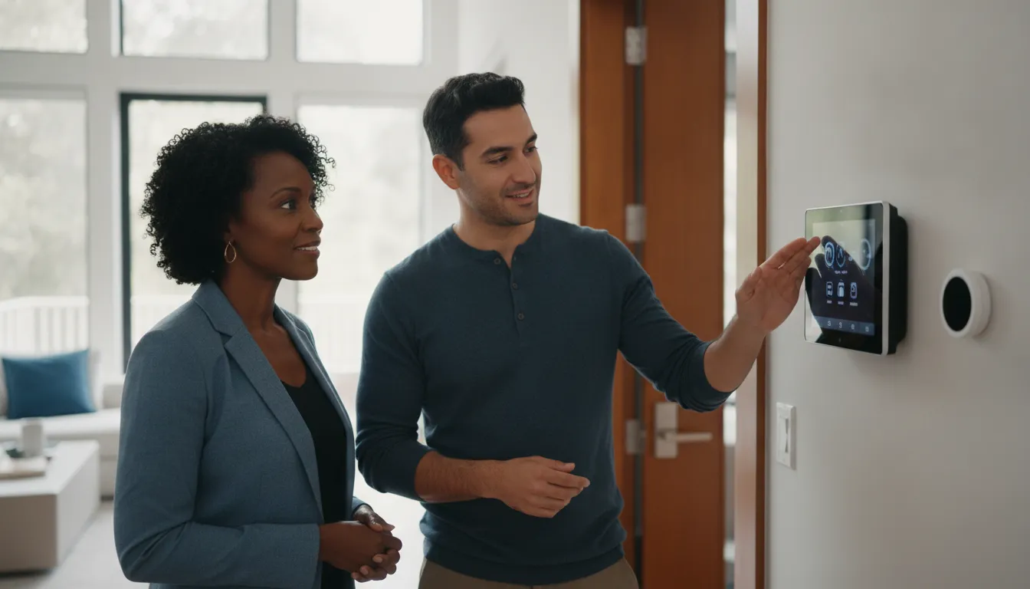
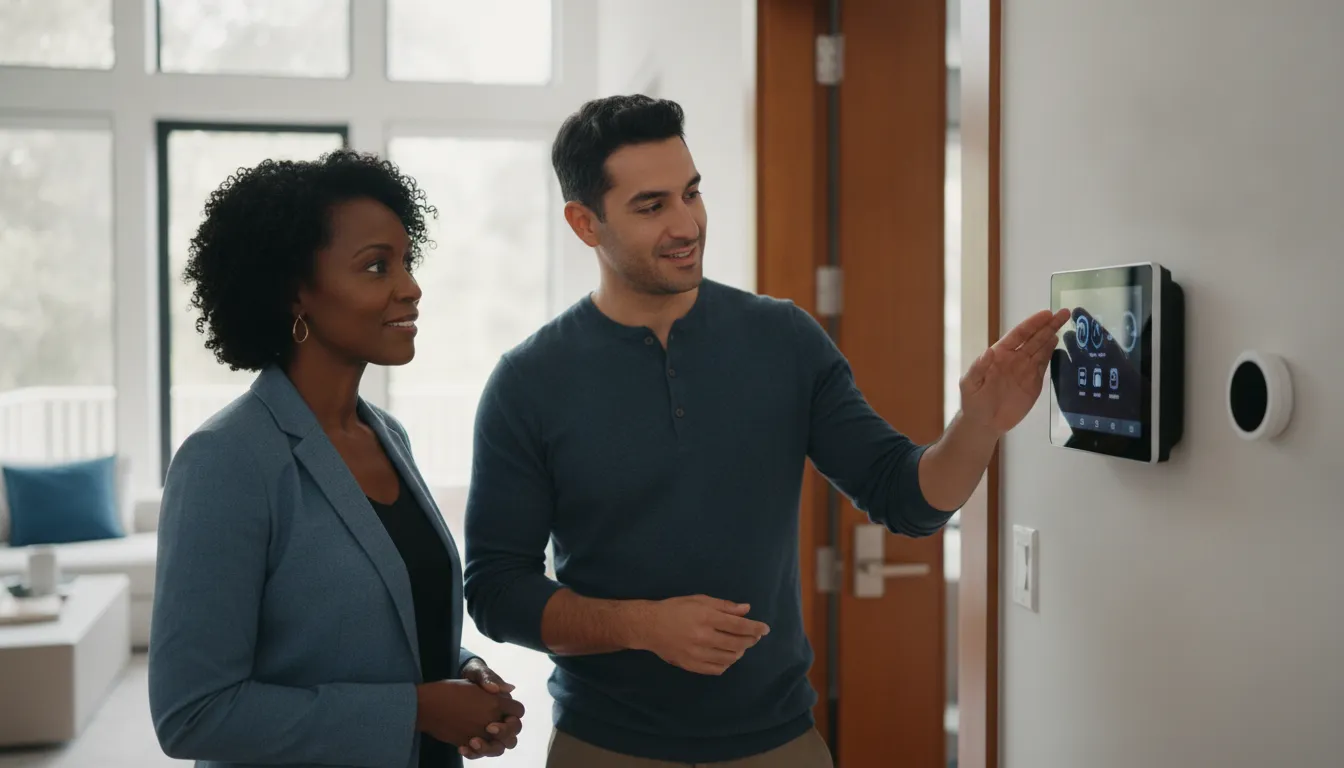
For an Atlanta homeowner, that may mean using an alarm panel and smartphone interface to manage approved connected devices alongside security functions. CISA identifies thermostats, door locks, and smoke alarms as examples of home devices that can connect to the internet. Connected controls can also be managed from a smartphone when the system and device configuration support that use.
A coordinated layer, not a replacement for monitoring
Integration does not turn a mobile app or connected device into a monitoring center. The alarm system still needs a defined communication path and a tested connection to the professionals receiving alarm signals. American Alarm documents real-time alerts by email and text messaging, but those notifications are one part of the overall system experience. They should not be confused with the central monitoring process.
This distinction matters when planning a connected home. Convenience features can help a homeowner stay informed and control selected functions, while the alarm panel remains responsible for its programmed security functions. A professional setup should preserve that separation, confirm how each device interacts with the panel, and verify the complete system after programming.
How Z-Wave fits into the setup
American Alarm documents smart home integration using Z-Wave technology. In a compatible configuration, Z-Wave provides a way for the alarm panel to communicate with supported connected devices. It is a technology used within the system design, not a promise that every lock, thermostat, light, or other device will work with every panel.
That is why compatibility needs to be confirmed for the specific alarm panel and each connected device before changes are made. The right design depends on the equipment already in the home, the functions the homeowner wants to coordinate, and the way the alarm system communicates with its monitoring center.
What Atlanta homeowners should expect
A well-planned system starts with dependable Atlanta security system monitoring, then adds practical controls that fit the property and household routine. American Alarm has served Metro Atlanta and North Georgia since 1995, with documented offerings that include interactive smartphone control and Z-Wave integration. Homeowners who want a broader overview can review these integrated security solutions before discussing which functions belong in their alarm setup.
Which Devices Can Connect to a Security Panel?
Locks, lighting, thermostats, doorbells, and mobile controls can all be considered when planning an integrated alarm setup. The right combination depends on the specific panel, device, communication method, and functions you want to control.
American Alarm documents smart home integration with Z-Wave technology and interactive smartphone control. That documentation is not a promise that every device works with every system. Compatibility must be confirmed for each panel and device before installation or programming.
Common device categories to evaluate
Connected locks can support more convenient entry management, while lighting controls may help coordinate lights with an alarm event or a selected routine. Thermostats can be considered where temperature adjustments are part of the home’s control plan. Doorbells may add another connected device to review, but their available functions depend on the panel and the specific model.
Mobile controls provide the interface many homeowners use day to day. American Alarm documents interactive smartphone control capabilities, as well as mobile app setup and training. The app experience should be evaluated alongside the alarm functions, not treated as a replacement for the panel or monitoring process.
| Device category | Useful role | What to confirm |
|---|---|---|
| Locks | Manage selected entry points through a connected control plan. | Panel support, lock model, connection method, and available commands. |
| Lighting | Coordinate selected lights with routines or security events. | Device compatibility, locations, automation rules, and panel capacity. |
| Thermostats and doorbells | Include climate or entry-related controls in one connected experience. | Exact device model, supported functions, and how alerts or controls operate. |
| Mobile controls | Review status and use supported alarm or connected-device controls remotely. | App support, account setup, user permissions, and training requirements. |
Panel and connection details matter
American Alarm lists wireless and hardwired system options. It also identifies supported platforms that include 2GIG Go Control, Honeywell/Ademco Vista, DSC Power series, GE Caddx, and ITI systems. Those platform examples help establish what should be reviewed. They do not establish universal compatibility for a particular lock, light, thermostat, doorbell, or app.
For a documented example, the Go Control panel includes built-in Z-Wave home control. Homeowners can review the built-in Z-Wave home control offering, then confirm whether the existing panel and intended devices support the desired setup. A careful review protects the alarm system’s core functions while identifying which convenience features can be added reliably.
How Do You Plan a Compatible Smart Home Setup?
A compatible setup begins with the alarm panel and the routines you want to support, not with a device shopping list. Confirming compatibility, communication, programming, monitoring, testing, and training in that order helps an Atlanta homeowner add convenience without overlooking the core alarm system.
Start with the existing system and daily routines
Begin by inventorying the equipment already in the home. Record the alarm panel model, connected devices, keypads, sensors, and any existing automation controls. Compatibility should be confirmed for each existing alarm panel and connected device, rather than assumed from a product category or a shared app name. American Alarm’s documented platform list includes 2GIG Go Control, Honeywell/Ademco Vista, DSC Power series, GE Caddx, and ITI systems. The specific panel and device combination still needs review.
Next, write down the routines that would make the system more useful. Examples might include arming the system when leaving, receiving an alert when an alarm event occurs, or managing an approved connected function from a mobile app. Defining the desired result first keeps programming focused and makes it easier to identify which devices are truly relevant.
Review the connection path before programming
Ask how each proposed device communicates with the panel and how the panel communicates with the monitoring center. A system may use wireless or hardwired options, and American Alarm documents smart home integration using Z-Wave technology. Those details should be checked against the panel, the home’s wiring, and the intended device before installation. For residential monitoring and supported panels, review the available platform information with the installer rather than relying on a generic compatibility list.
Program, test, and teach before handing over the system
Once the plan is approved, use a sequenced commissioning process:
- Confirm the inventory. Match the panel, devices, communication method, and requested routines to the compatibility review.
- Program the system. Configure the connected devices and assign the appropriate alarm zones. The documented installation workflow includes programming all devices and zones.
- Integrate monitoring. Connect the system with the monitoring center so alarm signaling follows the intended communication path.
- Run a full test. Test the system with the monitoring center, verify the expected signals and alerts, and address any issue before normal use.
- Train the homeowner. Complete mobile app setup and training, explain normal operation, and make sure household users understand the configured routines.
This process turns a collection of connected features into one planned system. It also gives the homeowner a clear reference point for future changes. Because any new device or routine can be evaluated against the panel, zones, communication path, and monitoring-center configuration already in place.
How Does Integration Keep Monitoring Reliable?
Smart controls should make everyday routines easier without changing the alarm system’s core communication path. A properly planned setup treats mobile commands, device automation, and alarm signaling as related but distinct functions. Then confirms that the monitoring center receives the signals it is expected to receive.
Convenience controls are not the alarm signal
A smartphone app may let you check status, manage selected devices, or receive an alert when something changes. That convenience layer is different from the path used to communicate an alarm condition to the monitoring center. American Alarm documents real-time alerts by email and text messaging. But an app notification should not be treated as the only evidence that an alarm signal has been delivered.
The panel, its programmed zones, and its communication device need to work together. American Alarm documents a 4G cellular communication device for a residential installation, with no landline required. The appropriate communication method depends on the panel and installation, so compatibility should be confirmed before connected controls are added. A monitoring professional can also explain which events generate customer alerts and which events are handled through the monitoring process.
Testing connects the technology to the response process
Reliable integration is established through programming and testing, not by assuming that compatible-looking devices will behave the same way. The documented workflow includes programming devices and zones, integrating the system with the monitoring center, and completing a full system test with that center. Those steps help verify that each configured zone reports correctly and that the monitoring process recognizes the resulting signals.
Ask for the test results and keep the instructions for normal operation. If a control stops responding, begin with phone-first troubleshooting rather than repeatedly changing settings or removing devices. American Alarm documents phone troubleshooting before dispatch, giving the service team an opportunity to identify whether the issue involves the app. A connected device, the panel, or its communication path.
Reliability checklist for an integrated system
- Separate functions: Know which features control devices, which create customer alerts, and which signals are sent to the monitoring center.
- Confirm compatibility: Verify the existing panel, connected devices, communication device, and programmed zones as one system.
- Document testing: Request a full system test with the monitoring center after programming or significant changes.
- Use dependable Atlanta monitoring: Review the monitoring process and available communication options with dependable Atlanta monitoring professionals.
- Call before changing settings: Use phone-first troubleshooting when an app, device, or panel does not respond as expected.
What Are the Security and Privacy Tradeoffs?
Connected controls can make a home more responsive, but each connected device also adds an account, data flow, or access point to manage. A thoughtful setup protects convenience without treating every device as equally safe by default.
Plan privacy settings before purchase
Start with the people and routines in the home. NIST recommends making an informed decision before buying a smart home product, including checking the product’s security and privacy features and how those settings can be configured. Read the manufacturer’s privacy information, consider what data the device needs, and decide whether its remote-control benefit justifies that access. NIST notes that internet-connected products are not completely secure, although practical safeguards can reduce risk. NIST’s smart home guidance provides additional context.
Remote access is part of the appeal. CISA notes that connected devices such as thermostats, door locks, and smoke alarms can be controlled from a smartphone regardless of location. That convenience also creates new security considerations, so keep the alarm panel’s core signaling and professional monitoring requirements separate from optional home-control features.
Protect accounts, network, and devices
Use a short maintenance checklist after the system is selected and whenever a device is added:
- Use authentication: Enable authentication on each device and account, following NIST’s access-control recommendation.
- Create unique credentials: Replace default usernames and passwords, and do not reuse a password from another account.
- Secure the router: The FTC identifies the router as central to privacy for connected devices. Change its default administrative username, password, and network name to unique values. See the FTC’s connected-device security guidance.
- Enable encryption: Turn on wireless encryption through the router’s security settings, as the FTC recommends.
- Install updates: Check for hardware and software updates for the router, panel, applications, and connected devices.
- Keep an inventory: Review the router’s connected-device, wireless-client, or DHCP-client list so you know what is on the network.
Finally, revisit permissions when household needs change. Remove unused accounts and devices, and confirm who can control locks, lighting, or alarm-related functions. These steps do not eliminate risk, but they make the connected system easier to understand, maintain, and use responsibly.
When Should Atlanta Homeowners Use Professional Setup?
Professional setup is especially useful when an existing alarm panel, connected device, or monitoring arrangement needs to work together reliably. A careful review can identify what should be retained, what needs reprogramming, and how the completed system will communicate with the monitoring center.
Review the panel before adding connected devices
Start with the equipment already installed. American Alarm documents support for platforms including 2GIG Go Control, Honeywell/Ademco Vista, DSC Power series. GE Caddx, and ITI systems, but compatibility should be confirmed for each panel and device rather than assumed. The review should cover the panel model, available zones, communication path, wiring, and the functions the homeowner wants to add.
- Panel compatibility: Confirm that the existing alarm panel can support the requested connected features and that any required programming is appropriate for that platform.
- Wiring and equipment: Determine whether the home is better served by wireless or hardwired options, based on the property and existing infrastructure.
- Monitoring continuity: Keep alarm signaling and connected-home convenience coordinated, so app controls do not take the place of dependable monitoring.
For homeowners with an older system, a service review may be more practical than replacing every component. American Alarm designs, installs, monitors, maintains, repairs, and reactivates security and life-safety systems. Homeowners can learn more about how to reactivate an existing alarm system when equipment and service history make that approach appropriate.
Use commissioning and training to reduce uncertainty
Professional work should include more than mounting equipment. The documented installation workflow includes programming devices and zones, integrating the system with the monitoring center. Setting up requested features, and completing a full system test with that center. Testing helps verify that the alarm functions, communication path, and alerts behave as intended before the homeowner relies on them.
- Programming: Configure devices and zones so the panel reflects the home’s actual protected areas and operating preferences.
- Monitoring-center integration: Confirm the system’s connection and response procedures as part of the installation, not as an afterthought.
- App training: Learn the mobile app’s controls and alerts, including how to use the connected features without overlooking core alarm operation.
- Local follow-through: Metro Atlanta homeowners can work with a local provider serving communities from its Roswell headquarters. American Alarm founder Scott Gilkey brings more than 30 years of low-voltage fire alarm and security experience.
Phone-first troubleshooting is also available before dispatch when a panel or connected device needs diagnosis. To review an existing setup, supported equipment, or the right service path, contact American Alarm.
Review your Atlanta alarm system and plan the right connected-home setup with American Alarm.
Frequently Asked Questions
What is smart home integration?
Smart home integration connects compatible devices, such as locks, lighting, thermostats, doorbells, and mobile controls, with an alarm panel. The goal is to add convenient routines and alerts while keeping alarm signals connected to the monitoring center. American Alarm documents Z-Wave integration and interactive smartphone control, but each panel and device combination should be confirmed before installation.
How much does smart home integration cost?
There is no single price because the work depends on your existing panel, the devices you want to connect, wiring or wireless requirements, programming, and testing. Request an evaluation of the current system and desired functions before choosing equipment. That approach helps separate a compatible upgrade from changes that would require replacing or reprogramming part of the alarm system.
What are the downsides of a connected home?
More connected devices can mean more accounts, updates, network dependencies, and settings to manage. They can also create privacy and security risks, so review device permissions, enable authentication, use unique credentials, keep software updated, and secure your home network. NIST notes that internet-connected devices are not completely secure, although protective steps can reduce risk: NIST guidance.
How do I plan a smart home setup around my alarm system?
Start by listing the panel model, existing sensors, communication path, and the routines you actually want. Then confirm device compatibility, define which actions are convenience features versus alarm events, program zones and devices, and test the complete system with the monitoring center. Finish with mobile-app training so everyone who uses the system understands alerts and controls.
Schedule Your Smart Home Integration Consultation
A professional review can help confirm that your alarm panel, connected devices, and monitoring path work together as intended before changes are made. You can discuss your Atlanta home, preferred controls, and the setup you want to simplify.
Contact American Alarm to request a smart home integration consultation.


Leave a Reply
Want to join the discussion?Feel free to contribute!