Access Control for Atlanta Schools: Planning Safer Entry Points
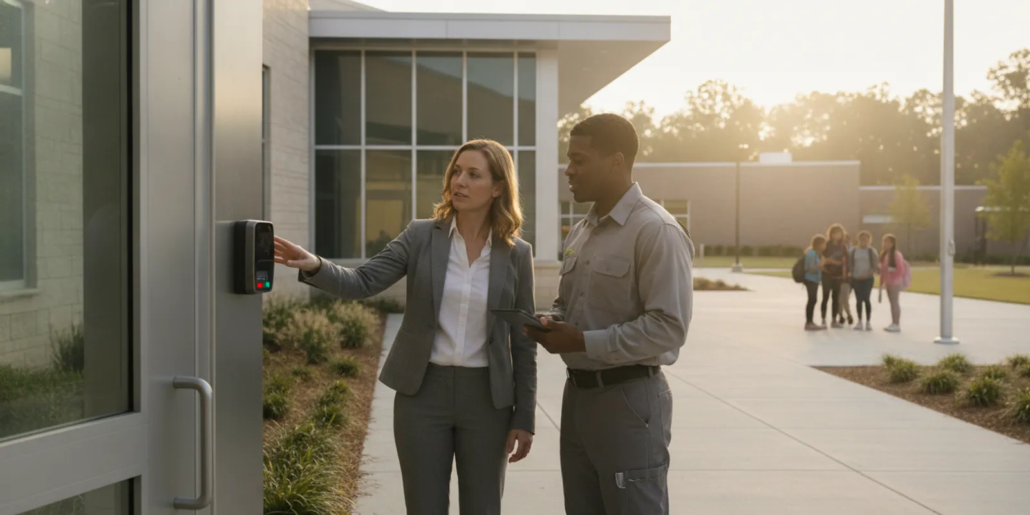
Planning school access control Atlanta projects starts with more than choosing a reader or lock. A useful plan identifies how people arrive, which doors need control, how staff handle visitors, and what happens when routines change. Schools should coordinate decisions with administrators, facilities staff, and the authorities who oversee the site.
Call (770) 645-0061 to discuss school entry planning.
What should school access control accomplish?
An access control plan should support orderly entry while giving authorized staff a clear way to manage doors and credentials. The design depends on the building, its schedule, circulation patterns, and the procedures school leaders can consistently follow.
Answer: Start by defining who needs access, where and when they need it, and how staff will respond to exceptions. Then match equipment and operating procedures to those needs.
Design around the actual campus rather than a generic equipment package. A district office, a small school, and a multi-building campus may have different entry patterns. Consider how students, employees, families, contractors, and deliveries approach the site. Identify which entrances are used at different times of day and where visitors are expected to report.
How do you assess the campus and its entry points?
A door-by-door review separates public arrival areas from staff routes and restricted openings. It also reveals operational details, such as doors needed for dismissal, events, or accessible entry.
- Map daily movement: Note student arrival, visitor check-in, staff arrival, deliveries, and after-hours use.
- List every opening: Include main doors, side entrances, administrative areas, internal restricted rooms, and gates where applicable.
- Record door conditions: Document door material, existing locks, closers, hardware, power availability, and known maintenance problems.
- Identify responsible roles: Determine who can approve access, issue credentials, respond to a door alert, and arrange repairs.
- Review accessibility and exit: Confirm that proposed hardware and procedures account for accessible entry and safe exit requirements.
Walk the site during more than one operating period if possible. A door that is quiet during class may become a primary route during arrival, lunch, dismissal, or a community event. Observe what staff actually do, not only what a floor plan suggests. Record where queues form, how people are directed, and whether a staff member can see the entry point.
For each opening, note whether it is used for everyday entry, emergency access, deliveries, or occasional events. Mark doors that connect to public areas and those that lead to sensitive rooms. This simple inventory prevents a planning discussion from overlooking a side entrance simply because it is not prominent on the building plan.
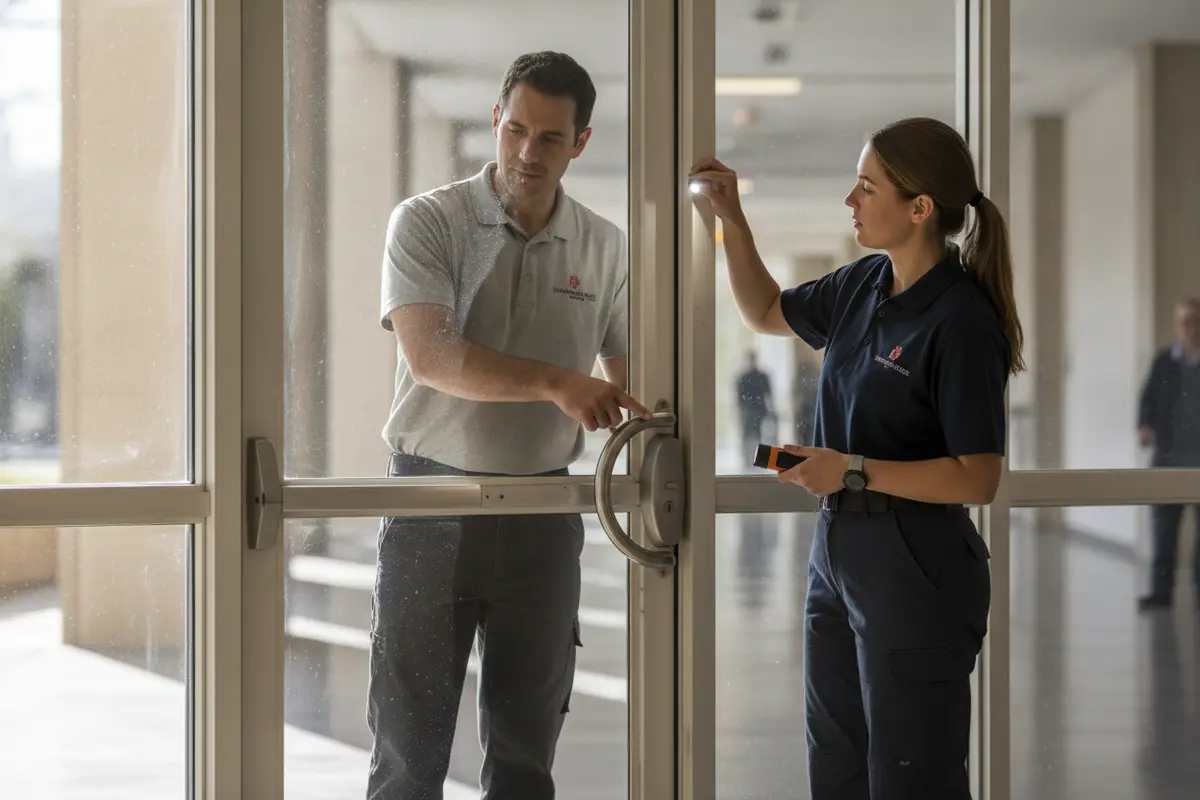
A useful record includes the door name used by staff, its location, normal schedule, and any known issue. Keep descriptions consistent: for example, “north staff entry” is easier to discuss than “the door by the loading area” if several doors are nearby. Add a photograph or marked-up plan for openings that may be difficult to identify remotely, while keeping sensitive access details within the school’s normal information-handling practices.
Ask staff to describe exceptions as well as ordinary use. A door may be needed for a school event, a late arrival, a mobility accommodation, or a scheduled delivery. Those cases do not automatically dictate a particular device, but they should be visible in the requirements before the design is developed.
Which doors should be controlled first?
Prioritize openings by function, exposure, and the operational impact of controlling them. A phased plan may be more practical than treating every door as equally urgent.
| Entry type | Planning priority | Questions to resolve |
|---|---|---|
| Main visitor entrance | Clear arrival and visitor procedure | Where does a visitor report, and who can admit them? |
| Staff entrance | Convenient, accountable staff access | Which roles need access, and during what hours? |
| Restricted interior door | Limit entry to designated areas | Who approves access and reviews changes? |
| Service or delivery entrance | Manage scheduled access without disrupting routines | How are deliveries received and exceptions handled? |
| Low-use perimeter door | Confirm appropriate locking and checking approach | Does the opening need controlled access, and how is it checked? |
Prioritization should account for daily usability. If a controlled door is inconvenient, staff may prop it open or bypass the procedure. Include the staff who use each entrance in the planning conversation and establish a workable alternative for peak periods. Consider what changes when a school hosts an evening meeting or a weekend activity: which entrances remain open, who monitors the flow, and how does the site return to its normal schedule?
A short priority register can help compare doors without prematurely selecting equipment. For each opening, record the reason for control, the people who need access, the hours of use, and any known hardware or power concern. Then sort the list into immediate needs, later phases, and openings that may be handled through procedure rather than electronic equipment. This keeps the discussion tied to purpose and gives decision-makers a concrete basis for setting scope.
For example, a school might first document the visitor entrance and staff entry because they shape routine arrival, then review interior openings that separate administrative or instructional areas. A low-use door may instead need a clear checking and locking routine, subject to site policy and applicable requirements. The priority is not a universal ranking; it is a reasoned sequence that reflects the campus’s actual schedule and the consequences of changing each opening.
When phasing work, note dependencies. A door may need repair before access equipment can be installed, or the school may need to settle a visitor procedure before choosing how admission is managed. Grouping related work can reduce repeated disruption, but a phase should still leave the school with clear instructions for the doors already addressed and those awaiting later work.
How should visitor and staff procedures work?
Equipment cannot replace clear operating procedures. Define how visitors identify themselves, where they wait, who verifies their purpose, and how they are admitted. Staff should know what to do if a credential is missing, a reader does not respond, or a door is left open.
- Set access authority: Assign a role to approve new access and changes when employment or responsibilities change.
- Use role-based permissions: Provide only the doors and time periods each person needs for their duties.
- Plan temporary access: Define how contractors and event participants receive limited access and when it expires.
- Document exceptions: Establish a consistent process for lost credentials, urgent access, and system interruptions.
- Train for routine use: Explain how to secure doors, report faults, and avoid sharing credentials.
Write the visitor process in plain steps that substitute staff can follow. For example, specify the designated entrance, the office or role that receives a visitor, and what to do if the expected contact is unavailable. Decide how scheduled visitors are distinguished from unexpected arrivals without making assumptions about a person’s purpose. Schools should align these procedures with their own policies and local direction.
New Hampshire’s School Safety Resource Center describes access control as protecting facilities from unauthorized entry and notes that decisions involve school staff. Its guidance reinforces the value of staff participation in planning: review the school access control overview. Local requirements and site-specific direction should guide the final plan.
Make the procedure usable under ordinary pressure. State who answers the visitor request, how the visitor is directed to wait, and what happens if the staff member who normally handles entry is away from the desk. Identify a backup role and an approved way to contact that person. A short written sequence and a brief staff walkthrough can reveal gaps that a longer policy document may not make obvious.
Credential administration also needs an owner and a repeatable record. When someone changes duties or leaves, identify who receives the update, who approves the change, and who confirms it is complete. Avoid informal shared credentials where individual accountability is needed. For temporary workers or event support, decide in advance what areas and time windows are appropriate and who will close out access afterward.
What equipment and system functions should you compare?
Choose equipment after documenting operating needs. Readers, credentials, electronic locks, door-status monitoring, and management software may all be considered, but not every opening needs the same combination.
| Option | Can suit | Confirm before selection |
|---|---|---|
| Card or fob reader | Staff entry where quick credential presentation is practical | Credential administration, lost-item procedure, and door hardware compatibility |
| Keypad | Selected openings where a code-based method fits operations | Code changes, sharing risk, and whether individual accountability is needed |
| Electronic locking hardware | Doors requiring controlled operation | Door construction, power, exit requirements, and applicable codes |
| Central management | Sites needing coordinated permissions across doors | Authorized administrators, record review needs, network and backup arrangements |
Ask how the system handles power or communication interruptions, how an administrator changes access, and what records are available for review. Confirm compatibility with existing equipment before assuming a reader or lock can be added to an older door. Decide whether permissions should follow individuals, job roles, locations, or a combination. The simpler the administration model, the easier it is to keep access accurate when staff duties change.
American Alarm describes its business access control systems and broader security services for organizations assessing their options. When comparing designs, ask the provider to explain what each component does at each opening rather than relying on a general equipment list.
Use practical scenarios to test a proposed design. Can an authorized employee enter at the expected time? How is a temporary permission removed? What should staff do if a credential is lost or a reader does not respond? Who receives a door-status alert, if the system includes one, and what follow-up is expected? Answers should be understandable to the staff who will administer and use the system.
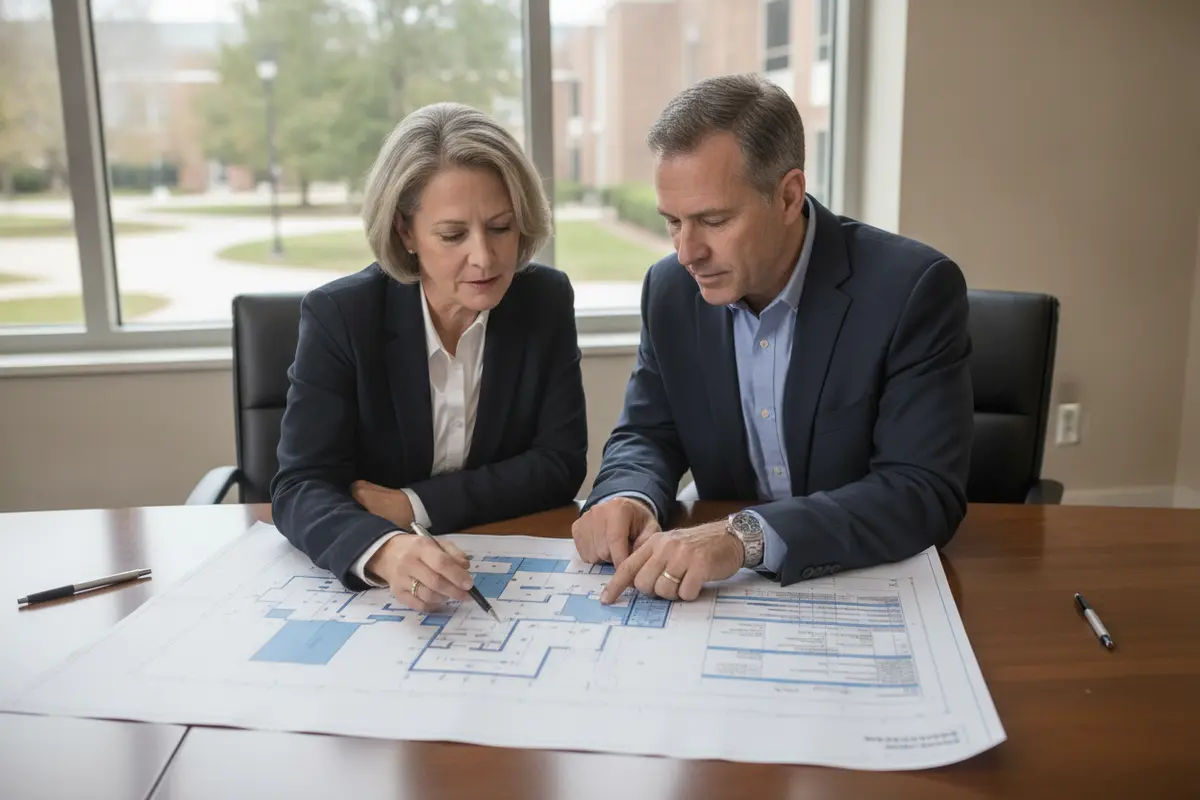
Also ask what the school can administer itself and what requires provider assistance. Clarify how permissions are organized, whether the administrator can review changes, and where instructions are stored. System capabilities vary by design, so request a door-by-door explanation rather than assuming every option offers the same functions.
What should a school access control proposal include?
A useful proposal explains the design in terms decision-makers can evaluate, not just list devices. It should state which openings are included, the intended function at each door, and what work is needed to connect equipment to the existing building.
- Door schedule: Identify each opening, hardware approach, credential method, and intended operating mode.
- Access groups: Describe proposed user roles and how permissions will be administered.
- Site requirements: Note wiring, power, network, door preparation, and conditions needing further review.
- Life-safety coordination: Explain how the design will be reviewed against applicable exit, accessibility, fire-alarm, and local requirements.
- Installation and testing: Specify how operation will be verified and what staff training or handoff is included.
- Ongoing support: Clarify how the school reports faults, requests changes, and arranges service.
Compare proposals using the same list of doors and requirements. If one excludes hardware work or staff training, identify that difference before comparing totals. Ask which assumptions could change the scope, such as concealed wiring conditions, door repairs, or coordination with another building system. For complex sites, raise fire-alarm coordination questions early; American Alarm also provides information about fire alarm requirements for Atlanta businesses.
Ask for a clear division of responsibilities. The school may need to supply staff lists, approve access groups, identify the project contact, and arrange access to rooms during work. The proposal should also state what documentation the school receives at completion and how changes after handoff are requested. These details help avoid uncertainty between project planning and daily operation.
To compare two offers fairly, make a simple checklist with one row per door and columns for included hardware, labor, wiring assumptions, testing, training, and exclusions. Mark each item as included, excluded, or needing clarification. This is more informative than comparing a total alone, because a lower figure may reflect a narrower scope or leave important work undefined. Ask for revised descriptions if terms such as “standard hardware” or “system setup” do not explain what will be done at a specific opening.
Confirm how the design will be reviewed for applicable building, accessibility, fire-alarm, and exit requirements. The school and qualified professionals should resolve site-specific code questions with the appropriate authorities. Record open questions in the proposal review and do not treat an equipment description as proof that a door arrangement meets every requirement.
How can installation and handoff go smoothly?
Installation planning should minimize disruption and make responsibilities clear. Set work windows with administrators, communicate temporary route changes, and agree on how affected openings will be secured while work is underway.
- Confirm the scope: Match the approved door schedule to the site and resolve changes before work begins.
- Coordinate timing: Identify school events, arrival periods, testing days, and other times when access disruptions must be avoided.
- Verify each opening: Test the credential method, locking behavior, door-status functions, and approved exceptions.
- Train designated users: Demonstrate routine access changes, lost-credential response, and fault reporting.
- Keep handoff records: Collect system documentation, administrator details, door schedules, and service contacts in an accessible location.
Before work begins, name one school contact who can answer scope questions and share updates with other staff. Establish how workers will enter the site, which areas are affected, and how staff will identify a temporary change in the normal route. If work spans multiple days, agree on how the building will be secured at the end of each shift.
At handoff, test a representative range of normal and exception cases: an authorized credential at the intended time, an access attempt outside its permission, a reported lost credential, and the agreed response to a system fault. The school should know which person can make administrative changes and where the instructions and support contacts are stored. Keep a record of unresolved items and assign an owner and due date for each one.
Revisit the access list after staffing or schedule changes. Periodic checks help ensure credentials and permissions still match current roles. Keep the procedure simple enough for staff to apply consistently, and make sure someone is responsible for reviewing reported faults.
Plan the first days of operation, too. Tell staff when the new process begins, which entrances are affected, and whom to contact if something does not work as expected. Set a short check-in after the initial period to collect practical feedback: are visitors following the intended route, are staff clear about exceptions, and are any permissions missing or broader than needed? Use those observations to refine instructions and resolve open items.
Keep a dated copy of the approved door schedule and administrative instructions with the school’s other operational records. When a change is requested, record its reason, approver, effective date, and completion. This gives the next administrator a reliable starting point and helps prevent old permissions or informal workarounds from persisting unnoticed.
How can Atlanta schools plan a practical system?
Begin with a campus walkthrough, a written list of access needs, and input from the people who manage daily entry. Then prioritize doors, define procedures, compare system designs, and verify that proposed work fits local requirements and building conditions.
A planning meeting can move efficiently if participants bring a current floor plan, an opening inventory, the school schedule, and a list of known door issues. Use the meeting to agree on goals, identify unanswered questions, and decide who will resolve each one. Avoid choosing a credential technology before the school has agreed on the permissions and visitor process it must support.
American Alarm serves homes and businesses throughout Metro Atlanta and North Georgia, providing security system design, installation, monitoring, and maintenance. Schools evaluating a project can explore security systems and products, learn about American Alarm’s approach, or review service areas.
For the first planning discussion, ask each participant to bring one unresolved concern alongside the basic documents. Facilities staff may flag a door that needs repair; administrators may need a better way to handle visitors outside ordinary hours; staff may identify a route that becomes crowded during dismissal. Capture these observations with an owner and next step. A specific question list makes it easier to determine whether a site survey, policy decision, or equipment comparison is the appropriate next action.
Call (770) 645-0061 to talk through your school’s access control needs.
Frequently asked questions
Does every school door need an access reader?
No. Prioritize openings by how they are used, the need to control entry, and the feasibility of managing each door. A site review can identify where controlled access has practical value.
Should schools use one credential method everywhere?
Not necessarily. A consistent method can simplify administration, but different openings may have different functions and hardware constraints. Compare options against school procedures and existing door conditions.
Who should be involved in planning?
Include administrators, facilities staff, and the people responsible for visitor handling and access changes. Consult appropriate local authorities and qualified professionals on applicable code and life-safety questions.
What should happen if a credential is lost?
Have a defined process for reporting the loss, disabling or replacing access as appropriate, and issuing a replacement. Assign responsibility so staff know whom to contact.
How often should access permissions be reviewed?
Review them when roles or schedules change and establish a regular check appropriate to the site’s operations. Remove access that is no longer needed and document who approved updates.
A careful plan pairs suitable door equipment with clear procedures, trained staff, and ongoing review. That gives Atlanta schools a practical foundation for managing entry across changing school-day needs.


Leave a Reply
Want to join the discussion?Feel free to contribute!