Best Commercial Security Systems for Multiple Sites
A weak link at one location can expose an entire business network. Multi-site protection succeeds only when every alarm, access point, and response plan works as one.
Schedule a free consultation. Call (770) 645-0061 or contact American Alarm online.
The best commercial security systems connect intrusion detection, access control, fire alarms, 24/7 monitoring, remote management, and reporting in one dependable platform. For multiple locations, the right solution combines centralized oversight with a tailored plan for each site’s layout, business hours, entry points, code requirements, and response procedures.
The next question sets the standard: What makes the best commercial security systems work across multiple sites? Once that standard is clear, you can confidently judge every platform, service plan, provider, and contract against the needs of every location. Here’s how.
What makes the best commercial security systems work across multiple sites?
The best commercial security systems give decision-makers one clear view across every location. They also keep policies consistent while allowing each site to address its own risks. Buyers should compare how well each option connects oversight, access control, alarms, fire protection, monitoring, and service.
Central oversight with consistent policies
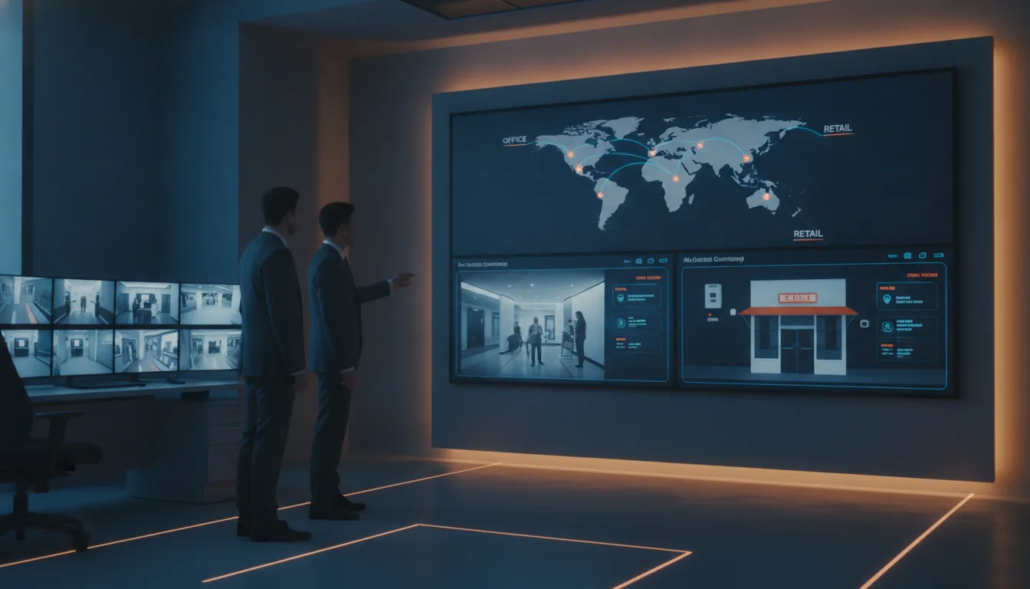
A central platform should show events, user access, and system status without requiring separate tools for each site. The U.S. Department of Veterans Affairs describes a multi-site security management platform that connects key building services. These services include access control, alarm monitoring, video surveillance, and fire protection. This type of integration helps managers spot issues and respond from one place.
Central control does not mean every location gets an identical setup. A warehouse, office, and retail site may face different risks. Still, access rules, alert steps, reporting, and staff roles should follow one shared policy. Standard policies make training simpler and reduce confusion during an event.
Scalable design and dependable monitoring
A multi-site system must grow without forcing a full rebuild. Buyers should ask how the platform adds locations, users, zones, and new equipment. They should also confirm whether it can support existing equipment during a phased upgrade. A flexible design protects the value of earlier investments.
Reliable monitoring is just as important as the equipment at each location. Look for clear alarm handling steps, backup communication paths, and useful reports. Monitoring should cover all sites around the clock and route each alert to the right contacts. The provider should also explain how it tests signals and handles outages.
Layered protection matters because no single control addresses every risk. The National Security Agency notes that properly configured and layered solutions can protect data across different applications. For a commercial buyer, that means evaluating how alarms, access control, fire protection, and monitoring work together.
Responsive local service and clear accountability
Even a strong platform can fail when service is slow or responsibilities are unclear. Buyers should know who handles installation, inspections, repairs, system changes, and code needs. They should also ask whether one provider can support every location and coordinate with local authorities.
A responsive Atlanta commercial alarm provider can bring direct knowledge of area codes and service needs. This support is useful when a location opens, equipment fails, or a fire alarm needs attention. Clear pricing, response expectations, and one accountable contact make options easier to compare.
Before choosing, ask each provider to map its plan to every site. The proposal should name shared standards, location-specific needs, monitoring steps, service coverage, and future expansion options. That level of detail shows whether the system can work as one network rather than a group of separate installations.
Compare the core layers of a multi-site security system
The best commercial security systems do more than protect each address on its own. They connect key safeguards, alerts, records, and response plans across every location. This shared view helps managers spot gaps and apply the same rules without losing sight of site-specific risks.
Core capability comparison
Each layer has a distinct job, but no layer should operate as an island. A strong plan pairs local protection with centralized oversight. Research published by the Office of Justice Programs notes that alarms are a major source of security for businesses.
| Core layer | Primary role | Multi-site priority |
|---|---|---|
| Intrusion detection. | Detects unauthorized entry and sends alerts. | Shared alarm rules with site-level zones. |
| Access control. | Manages entry by person, door, and schedule. | One process for adding or removing credentials. |
| Video surveillance. | Provides visual context for events and reviews. | Consistent retention rules and remote viewing. |
| Fire and life safety. | Detects hazards and supports required response. | Site-specific code needs with central service records. |
| Centralized reporting. | Combines events, user activity, and system status. | Comparable reports across all locations. |
| Professional monitoring. | Reviews alarm signals and follows response steps. | Clear contacts and instructions for every site. |
Why integration matters
Integration turns separate signals into useful context. For example, an access event can be reviewed beside an intrusion alert and matching video surveillance record. Managers can then assess what happened without pulling records from several systems.
A connected platform also makes daily upkeep easier. Staff can review open issues, credential changes, and alarm activity through one workflow. Still, each location needs settings that reflect its layout, hours, hazards, and local requirements.
What to compare across providers
Start by checking whether a provider can support both new and existing equipment across your sites. Then compare reporting tools, monitoring procedures, user controls, service coverage, and support for future locations. This approach keeps the focus on long-term operation rather than a short feature list.
Provider fit matters because multi-site systems need consistent service as well as sound equipment. A qualified Atlanta commercial alarm specialist can help map shared standards to each location. For larger Atlanta operations, review how integrated commercial security systems can support a broader plan.
How should you evaluate centralized management and scalability?
For a multi-site business, centralized management should reduce daily work without hiding important details. The best commercial security systems give leaders one clear view while preserving control at each location. Start by asking vendors to show common tasks using a test account, not a prepared sales demo.
One view with controlled access
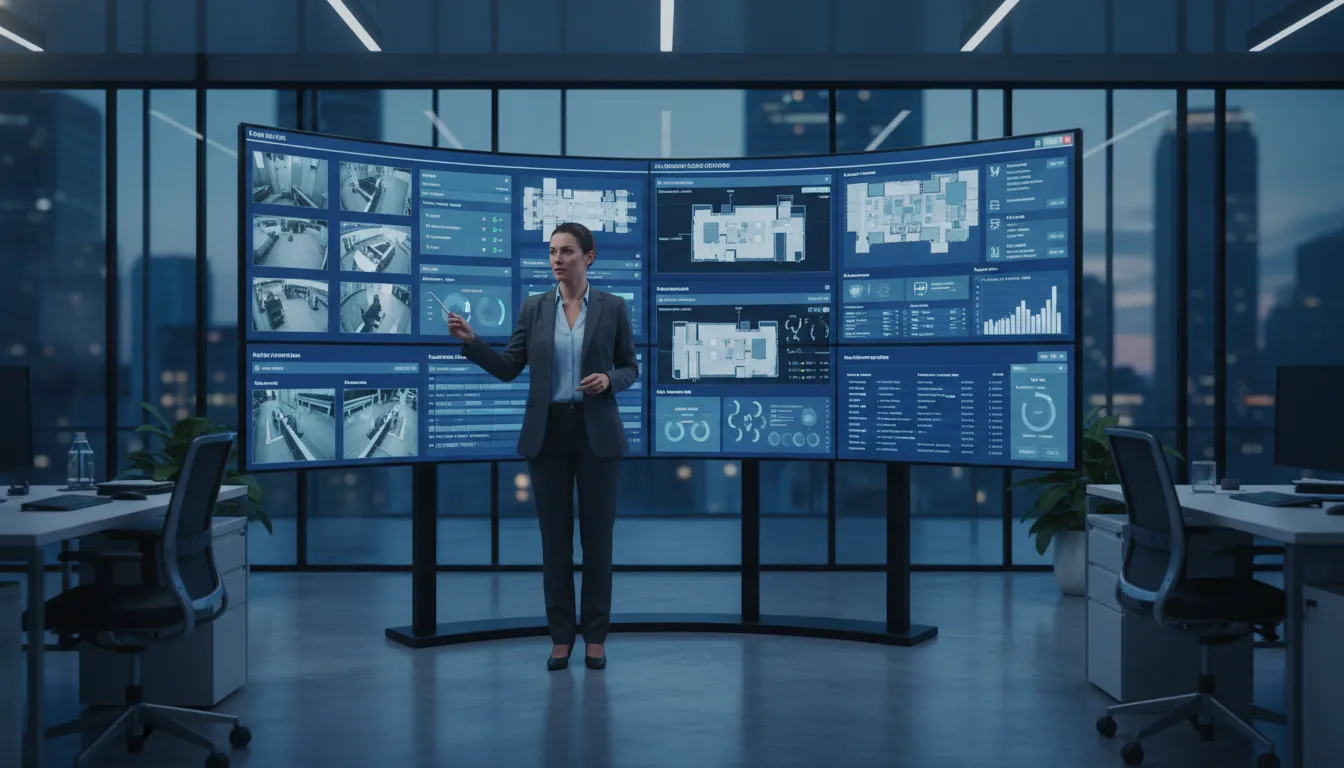
A useful dashboard should show alarm status, open issues, and recent activity across every site. It should also let an authorized manager move from a company-wide view to one location. A unified platform can connect access control, alarm monitoring, video surveillance, and other building services. This U.S. Department of Veterans Affairs platform review describes such a remote solution.
Permissions matter as much as visibility. Ask whether the system supports roles for owners, regional managers, site managers, and service providers. Each role should see and change only what its work requires. Test how quickly an administrator can remove access when an employee leaves or changes roles.
- Confirm that users can filter status and events by site, region, and event type.
- Require unique user accounts, clear permission levels, and fast access removal.
- Check whether mobile and desktop views show the same critical details.
Alerts, records, and useful integrations
Alerts should reach the right person without flooding every manager. Ask vendors to show routing by location, event type, schedule, and escalation level. Then test what happens when the first contact does not respond. Leaders should be able to change alert rules without calling support for every update.
Audit trails should record who viewed an event, changed a setting, or granted access. Reports should be easy to search and export for reviews, investigations, and compliance work. When comparing integrated commercial security systems, ask which records remain available and whether added storage changes the price.
Integrations need a business purpose. Request a list of supported access control, alarm, video surveillance, and building systems. Ask whether connections share live status, trigger actions, or only pass basic notices. Also confirm who maintains each connection after software updates.
A practical expansion test
Scalability means adding a site without rebuilding the management process. Ask the vendor to map the steps, cost items, equipment limits, and expected support needs for the next location. A sound plan should also cover sites with older equipment. That matters when growth includes an acquisition instead of a new build.
Use a pilot to judge expansion readiness. Add a sample site, copy approved roles and alert rules, then check which settings still need local changes. A qualified multi-site alarm specialist should explain where consistency helps and where each property needs a tailored plan.
- Ask for pricing at current, near-term, and long-term site counts.
- Confirm whether one contract and support process can cover every location.
- Test how new sites, users, devices, and rules appear in central reports.
- Require a clear plan for outages, backups, software updates, and vendor support.
Why monitoring and service quality matter as much as equipment
Monitoring that follows a clear plan
Equipment can detect an event, but dependable monitoring turns that signal into action. The best commercial security systems pair each device with clear response rules. Those rules should state who receives each alert, how the event is checked, and when responders are called.
American Alarm provides 24/7 UL-certified central station monitoring for commercial clients. Before signing, ask a provider to explain its response steps for intrusion, fire, and access alerts. Confirm how it handles false alarms, failed communications, after-hours contacts, and events across several sites.
Service after installation
A system remains useful only when someone tests, repairs, and updates it. Routine maintenance can find weak batteries, damaged devices, communication faults, and outdated contact lists before an urgent event. Service records should show the work completed, open issues, device locations, and the next required check.
Consistent records matter even more across several locations. A shared format helps managers compare site status and track repairs without sorting through separate vendor reports. The federal government’s approved technology list describes a multi-site management platform. It joins alarm monitoring, access control, fire, and other building services in one remote solution.
Ask how quickly the provider answers service calls and whether technicians know the installed brands. Also confirm who keeps test reports, permit details, user lists, and system changes. Clear ownership reduces gaps when staff change or a site needs urgent work.
Existing equipment and local support
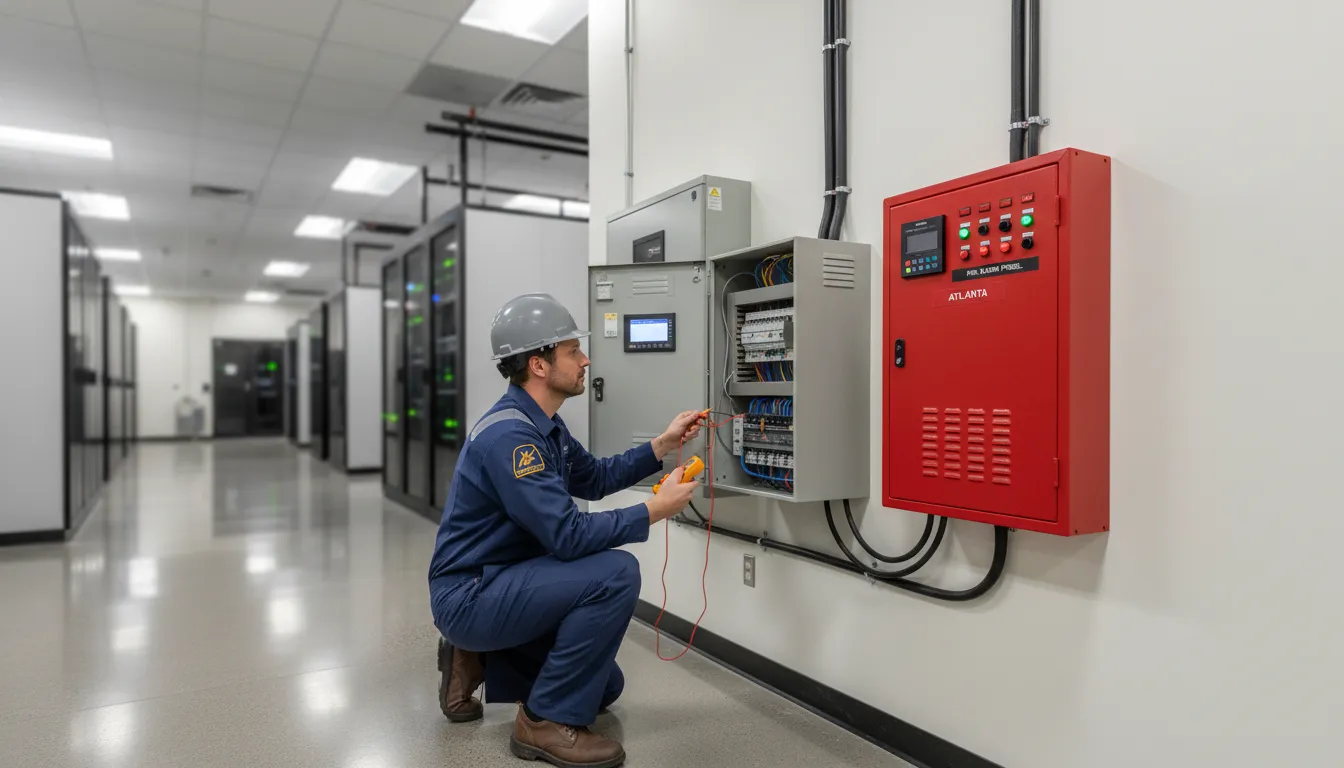
Replacing every device is not always the right first step. A qualified provider can review existing equipment, test its condition, and explain which parts can remain. American Alarm supports major brands and platforms, which allows it to take over and manage existing multi-site installations.
A takeover should begin with a site inventory, communication test, user review, and written list of faults. It should also define monitoring rules for every location. This process gives managers a sound baseline without assuming that old equipment works or that all sites follow the same plan.
A responsive Atlanta-area provider can also account for local site needs and coordinate service across Metro Atlanta. When comparing providers, review the support model as closely as the product list. A dependable commercial security provider should provide clear records, prompt help, and one accountable point of contact.
How to choose a commercial security partner for multiple locations
Choosing among the best commercial security systems starts with a clear process, not a product list. The right partner should understand each site’s risks while creating one practical standard for the whole business. A multi-site security management platform can connect access control, alarm monitoring, video surveillance, fire, and other building services in one remote solution.
Request a multi-site assessment before comparing final proposals.
A six-step selection process
-
Inventory risks and current systems. List each site’s entry points, operating hours, valuable assets, fire alarm needs, and past incidents. Record installed equipment, software, service contracts, network limits, and replacement dates. Note which systems work well and which create service gaps.
-
Define standards for every location. Set baseline rules for access permissions, alerts, monitoring, user roles, reports, and incident response. Then allow measured changes for sites with different layouts or risks. Written standards make proposals easier to compare and help prevent uneven protection.
-
Evaluate the provider’s multi-site expertise. Ask for examples involving businesses with similar locations, equipment, and compliance needs. Confirm who will design the system, manage the project, and provide service after installation. A qualified local multi-site security provider should explain tradeoffs without pushing one preset package.
-
Confirm integration and compliance. Ask whether the proposed platform works with useful existing equipment and can support future sites. Review access control, alarm monitoring, fire systems, reporting, and remote management together. Also confirm how the provider handles permits, inspections, data access, and local code needs.
-
Compare full lifecycle costs. Require an itemized proposal covering equipment, installation, software, monitoring, maintenance, training, upgrades, and contract terms. Ask what happens when a location closes, moves, or needs more devices. Transparent pricing helps leaders compare long-term value instead of focusing only on installation cost.
-
Plan rollout and ongoing support. Start with a representative pilot site, then use its results to refine the wider rollout. Define milestones, testing, staff training, escalation paths, and support response times before work begins. Confirm how the partner will document changes and maintain standards as locations grow.
Evidence to request from each provider
A polished proposal is not enough. Request sample system designs, project schedules, testing plans, service reports, and references from multi-site clients. Ask providers to show how authorized users can manage several locations without losing local control or creating excess access.
Technical depth matters most when systems must work together. NIST describes electronic access control as a critical layer for standard security across multi-site settings. Use that principle to test whether each provider can create clear roles, consistent rules, and useful records across the business.
A practical final comparison
Score finalists against the same written requirements. Include design quality, integration fit, compliance knowledge, rollout plan, support model, and lifecycle cost. This keeps the choice tied to business needs rather than a sales presentation or a low opening price.
Before signing, review exclusions, renewal terms, data ownership, service coverage, and change fees. Compare each plan with the needs described in guides to integrated commercial security systems. The final agreement should state who handles each task during installation and through ongoing service.
What should Atlanta multi-site businesses prioritize?
Local code and site details
Start with local code knowledge and a complete survey of every Atlanta or North Georgia location. Fire and life safety needs can differ by building use, layout, and local authority. A provider should document those needs before recommending equipment or setting a rollout schedule.
Use one survey template across all sites, but do not assume every site needs the same design. Record door types, panel condition, network access, fire alarm needs, and response procedures. This process creates a clear baseline for selecting the commercial security systems in Atlanta that fit each property.
A phased, consistent rollout
Prioritize the highest-risk or least reliable locations first, then test the plan before expanding it. A phased rollout gives managers time to confirm alerts, user access, reporting, and staff procedures. It also helps uncover site issues before they affect the full project.
Keep naming rules, user roles, alert paths, and service records consistent across locations. The technology should also give managers a useful central view. The U.S. Department of Veterans Affairs describes a multi-site security management platform for linked building services. These services can include access control, alarm monitoring, video surveillance, and fire systems.
Takeover skill and accountable support
Many multi-site businesses already have a mix of panels and platforms. Before replacing them, ask which systems can be tested, reactivated, linked, or kept in service. A sound takeover plan should list each site’s equipment, faults, code needs, upgrade path, and expected service level.
Accountability matters after installation. Choose one partner that owns project records, service calls, monitoring coordination, and future changes across every location. American Alarm supports major equipment brands and platforms, which can help simplify varied takeovers. Its founder also holds NICET IV certification in fire alarm engineering.
The best commercial security systems are only as useful as the support behind them. For a broader planning view, see how commercial security systems work across Atlanta. Ask who handles local inspections, urgent faults, user changes, and new-site planning. A qualified Atlanta security systems company should provide clear answers, named contacts, and a practical path for each phase.
How to compare costs without sacrificing long-term value
Build a full lifecycle budget
The lowest quote may not deliver the lowest long-term cost. Compare installation, monitoring, routine maintenance, repairs, software upgrades, and staff training across the same planning period. Ask each provider to separate required costs from optional features so every proposal follows the same scope.
Include the cost of adding users, devices, and new sites. A unified platform can connect access control, alarm monitoring, fire systems, and other building services in one remote solution. The U.S. Department of Veterans Affairs platform review describes this type of multi-site integration.
Account for operational costs
Price comparisons should include the work a system creates after installation. Estimate staff time for training, user changes, reports, and issue follow-up. Also ask how the provider handles false alarms, service calls, and system downtime.
- Confirm which maintenance visits, replacement parts, and software updates are included.
- Ask who trains new staff and whether refresher training costs extra.
- Review response times, after-hours support, and any charges for urgent service.
- Check whether false alarm support and permit guidance are part of the agreement.
For several locations, compare the cost of separate systems against one shared management setup. Standard tools and workflows can reduce repeated training and make support easier. A provider that supports major equipment brands may also preserve useful parts of an existing setup.
Read the contract before choosing
Request an itemized proposal and a plain-language contract. Review the monitoring term, renewal rules, cancellation terms, ownership of installed equipment, rate changes, and upgrade charges. Transparent terms make it easier to compare an independent commercial alarm company with larger providers.
The best commercial security systems balance upfront cost with reliable service and room to grow. Score each proposal by total cost across all sites, not just the first installation. Then weigh that figure against support quality, system fit, and likely downtime during repairs or upgrades.
Schedule a free consultation. Call (770) 645-0061 or contact American Alarm online.
Frequently Asked Questions
What features are essential in a multi-site commercial security system?
Essential features include centralized alarm monitoring, video surveillance, access control, fire alarm integration, role-based permissions, mobile alerts, and detailed event reporting. A unified platform should let authorized managers review every location without switching systems. The U.S. Department of Veterans Affairs describes multi-site platforms that combine these building services into one remotely accessible solution.
What is the cost of installing a commercial security system?
Installation cost depends on the number of locations, building size, existing equipment, required integrations, and local code requirements. Businesses should request an itemized quote covering equipment, installation, monitoring, maintenance, software licenses, and future expansion. For context, national providers such as ADT commonly quote installation from around $100 to $200 and monitoring from around $50 per month with multi-year contracts, so verify current pricing before comparing.
Are wireless security systems reliable for commercial use?
Wireless systems can be reliable when they use secure communications, backup power, and a second connection path if the primary network fails. Their suitability depends on the building layout, signal interference, bandwidth, and risk level. Before installation, test coverage at every site and confirm how alarms are transmitted during internet or power outages.
Is there a better commercial security company than ADT?
No single provider is best for every multi-site business. Compare providers by monitoring quality, local response, equipment compatibility, service coverage, contract terms, code expertise, and support after installation. A regional provider may offer stronger local service, while a national provider may cover more markets. Ask each provider to explain how it will standardize and support every location.
Schedule a free consultation. Call (770) 645-0061 or contact American Alarm online.
Ready to Strengthen Security Across Every Site?
Waiting to address gaps can leave each location exposed to avoidable disruptions, inconsistent procedures, and a response plan that becomes harder to manage. Starting now gives your business time to set clear priorities, align locations, and plan improvements without rushing important decisions. A coordinated approach also helps leaders build a practical timeline and move toward consistent protection across the entire organization.
Ready to create a clear security plan for every location? Call 770-645-0061 to schedule a commercial security consultation with American Alarm and discuss your sites, current concerns, and next steps. Acting now can help you identify the most urgent needs, organize the project in manageable phases, and prepare each location for a smoother rollout.


Leave a Reply
Want to join the discussion?Feel free to contribute!