Commercial Alarm System Components Explained
Commercial alarm system components work together to detect an event, communicate it, and support an appropriate response. For an Atlanta business, the useful question is not simply which devices are available; it is how each part fits the building, the people who use it, and the response plan.
Call American Alarm to discuss your business alarm needs.
What does a commercial alarm system include?
Answer: A commercial alarm system commonly includes a control panel, sensors, signaling devices, communication equipment, and a monitoring arrangement. The parts must be selected and configured as one system, so an event can move from detection to notification and response without confusion.
A business may use an intrusion alarm, a fire alarm, or systems with separate functions in the same property. Their devices and response paths can vary. The purpose of this guide is to explain the component roles and the questions to ask when assessing a system, not to prescribe a design for every site.
How does the control panel coordinate the system?
The control panel is the system’s central decision point. It receives information from connected devices, applies programmed rules, and communicates system status. Some systems use a separate keypad or interface for authorized users; the panel and the interface may be in one enclosure or separate locations.
Think of the panel as a coordinator, not as a detector. A panel cannot identify an event if a suitable sensor is absent, poorly located, or not communicating. Likewise, a suitable sensor is less useful if the panel is not configured to interpret its signal correctly.
- Inputs: The panel receives signals from connected sensors and supervisory devices.
- Rules: Programming determines which events create an alarm, a trouble condition, or another status.
- Outputs: The panel can activate local signaling devices and transmit information through the system’s communication path.
- User control: An authorized person may use a keypad or other interface to arm, disarm, or review system conditions, depending on the system design.
During evaluation, ask what the panel supports, which devices it can supervise, and how status is displayed. Ask whether the existing panel can support a planned expansion before adding devices. American Alarm’s overview of alarm systems and products can help you understand the range of system types to discuss with a provider.
Which sensors detect the conditions that matter?
Sensors provide the information that a panel uses to identify an event. A business should begin with the conditions it wants the system to detect, then consider device type and placement. The right mix depends on the building layout, openings, interior spaces, and how the premises operate.
- Door contacts: These detect when a protected door is opened. They are commonly used at selected entry points.
- Motion sensors: These detect movement within a defined area. Placement and settings should suit the room and normal activity.
- Glass-break sensors: These are intended to detect a glass-breaking event in a covered area. Their coverage and location should be confirmed during design.
- Smoke and heat detectors: These devices identify signs of a fire condition as designed for the system. They serve a life-safety purpose and should be considered as part of a fire alarm plan.
- Other supervised devices: Some systems also monitor conditions such as a device fault or loss of a connection, helping show that attention may be needed.
A device list by itself does not show whether coverage is adequate. Walk the property and note doors, windows, interior areas, after-hours access, and spaces where daily activity could affect detection. Ask the provider to explain what each device covers and what it does not cover. For context about planning commercial alarm arrangements, see the guide to business alarm systems in Atlanta.
How do signals reach people and monitoring?
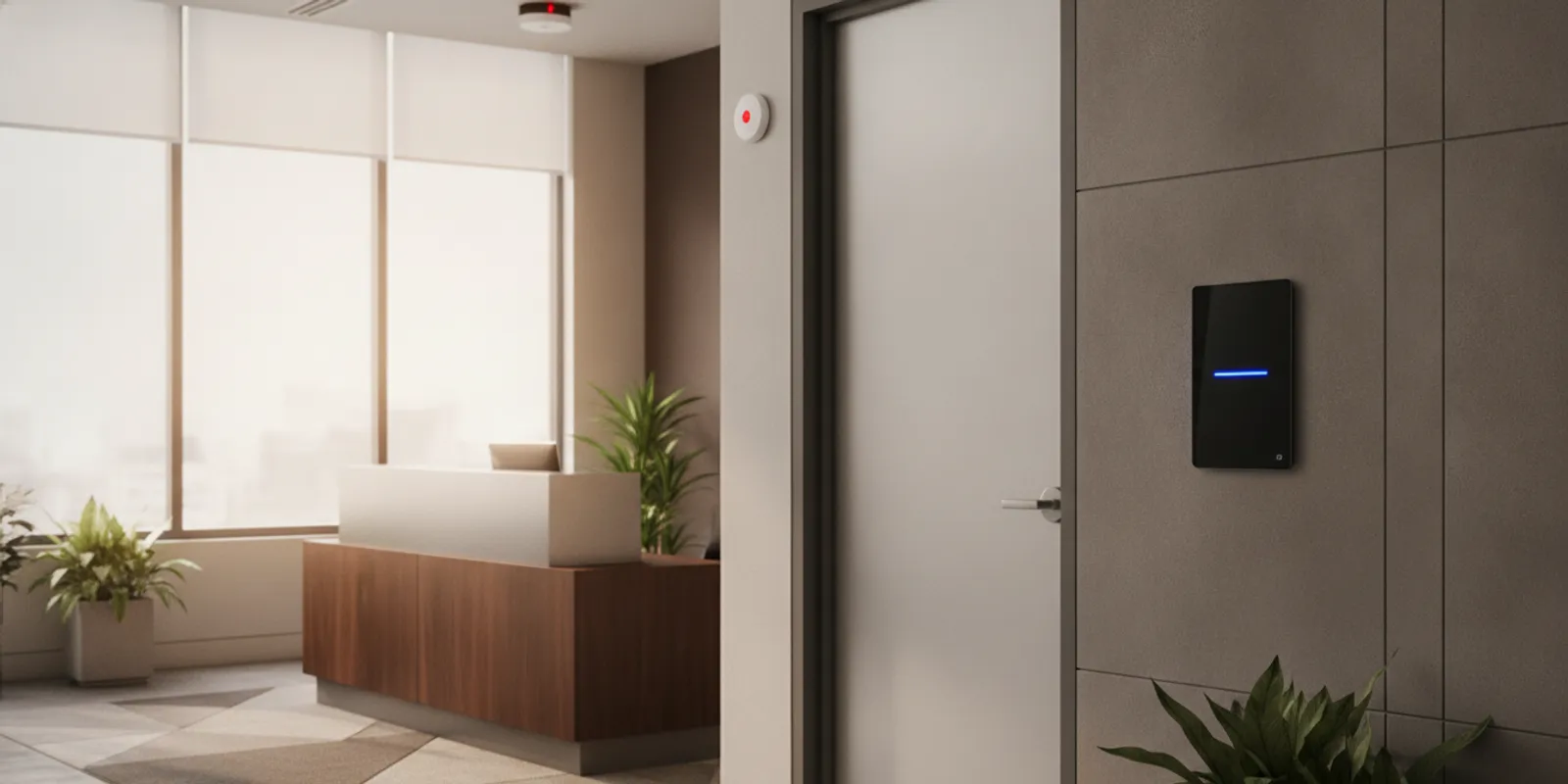
When a sensor detects a condition, it sends a signal to the control panel. The panel then follows its programmed response. Depending on the system, that response may include a local sounder, a visible notification device, a message sent through a communication path, or more than one of these actions.
Signaling devices are not all interchangeable. A siren or sounder alerts people nearby; a strobe or other visible device can provide a visual indication. Fire alarm notification devices have a life-safety role. For any design, ask which event activates each device, where its signal can be noticed, and how people are expected to respond.
The communication path carries information beyond the panel when remote notification or monitoring is part of the arrangement. Ask what path is used, how the system reports a communication fault, and what happens if the primary connection is unavailable. Avoid assuming that every system uses the same connection or provides the same backup features.
| Component | Main role | Planning question |
|---|---|---|
| Control panel | Receives device signals and applies system rules | Can it support the planned devices and show clear status? |
| Sensors | Detect selected events or conditions | Which areas and conditions are covered, and what are the limits? |
| Local signaling | Alerts people at or near the premises | Where can an alert be heard or seen? |
| Communication path | Carries event and status information outward | How are connection problems identified and handled? |
| Monitoring service | Receives alarm information and follows agreed procedures | What information is received, and who should be contacted? |
For fire alarm planning, use qualified guidance appropriate to the property and its authority having jurisdiction. The National Fire Protection Association provides information on fire and life-safety codes and standards. A qualified provider can help clarify how applicable requirements relate to a specific system.
What does monitoring add to the system?
Monitoring is the service that receives system communications and follows an agreed procedure when an alarm or other report arrives. It is distinct from the panel and devices: those components detect and send information, while a monitoring center handles the incoming signal according to the account’s instructions and service arrangement.
American Alarm provides 24/7 UL-certified central station monitoring. When comparing monitoring arrangements, ask what event types are transmitted, what information is associated with an alert, how contact instructions are maintained, and how the business should report a change to its contacts. A clear procedure matters because the system can only support a response that has been planned and kept up to date.
Also ask how non-alarm conditions are handled. A trouble signal may indicate a device or communication issue that needs follow-up; it is not the same as an alarm event. A useful handoff explains how authorized users can recognize each status and whom to contact for help. Read more about how professional monitoring centers respond to alarms and the considerations in wireless alarm monitoring.
How should you review an existing alarm system?
When a business already has equipment in place, begin by documenting what is there before deciding what to add or change. Identify the control panel and user interfaces, list the connected device types, and note which areas each device is intended to cover. The goal is to understand how the system operates today, not to assume every installed component is working or suitable for a new need.
Ask a qualified provider to explain compatibility and system status in plain language. An older panel may support some devices but not others; an addition can also require changes to programming or communications. A review should distinguish equipment that is functioning as intended from a fault that needs attention. Do not treat a trouble indication as proof that the whole system has failed, but do not ignore it either.
- Collect records: Gather available system instructions, device lists, service history, and monitoring contact information.
- Walk the site: Compare the records with the actual entrances, work areas, and devices in the building.
- Trace a sample event: Ask the provider to describe how a signal travels from a detector to local notification and, where used, monitoring.
- Clarify limitations: Record areas or event types that the existing system does not cover, instead of assuming the panel protects every space.
If an alarm panel is beeping or showing a fault, follow the manufacturer’s instructions and contact a qualified service provider rather than changing wiring or settings without guidance. American Alarm’s guide to a commercial alarm panel that is beeping explains the value of identifying the displayed condition and arranging appropriate help. For repair planning, see commercial fire alarm repair service.
How can an Atlanta business assess its components?
Start with the way the property is used rather than a preferred device list. A practical review connects each location or concern to a detection method, a notification path, and an owner for follow-up. This makes it easier to see missing coverage and to avoid adding equipment without a clear purpose.
- Map the space: Note entrances, interior zones, controlled areas, and any locations where staff need clear status information.
- Define events: Identify what the system should detect, such as unauthorized entry or a fire-related condition. Keep alarm and non-alarm status needs distinct.
- Trace the signal: For each event, ask which device detects it, which panel receives it, which notification occurs, and whether monitoring is involved.
- Review daily use: Consider who will operate the interface, when the building is occupied, and how authorized access changes are communicated.
- Check service access: Ask how testing, troubleshooting, and repair are requested, and what information the provider needs to identify a fault.
- Plan for changes: Discuss how a remodel, new entry, or changed workflow could affect device coverage or system programming.
For a broader overview of available security and alarm services, review the service information and bring specific questions to a consultation. Businesses in the greater Atlanta area can also check the company’s service area information.

How should system information be handed over?
A reliable handoff helps authorized users understand what the system is intended to do and what steps to take when its status changes. It should cover normal operation, alert meanings, user responsibilities, monitoring instructions, and the route for service questions. The people responsible for the system should know where the instructions are kept and how to reach the provider when they need clarification.
Ask for an explanation of the system’s main components and how an event moves through them. A walk-through can identify which interface is used, which indications call for attention, and which actions should be left to a qualified technician. Make sure an appropriate business contact knows how to report changes to authorized users and monitoring instructions. Keep system information available to the people who need it, while limiting access to sensitive account details.
- Operating instructions: Request clear guidance for everyday user actions and the status messages users may see.
- Device information: Keep a list of major components and their intended areas, along with the system records supplied by the provider.
- Service pathway: Confirm how to request help, describe an issue, and arrange follow-up when a fault appears.
- Contact updates: Identify who is responsible for notifying the monitoring provider when business contact details change.
American Alarm offers user manuals for several system types. Use the manual for the equipment actually installed and consult a qualified provider when a question involves programming, wiring, or system performance. Clear records make later service conversations more useful and help prevent confusion when staff responsibilities change.
What should you ask before choosing or updating a system?
A sound proposal makes the connection between the business’s needs and the selected components easy to understand. It should explain the purpose of the main devices, their relationship to the panel, and the route from a detected event to a local or remote response.
- Coverage: Which areas and events are included, and which are outside the proposed scope?
- Compatibility: Can existing devices and the panel work together, and what needs to change if they cannot?
- Signals: What do alarm, trouble, and other status indications mean to an authorized user?
- Communications: How are signals transmitted, and how will a communication fault be identified?
- Monitoring procedure: What happens when an alarm signal is received, and how are contact instructions kept accurate?
- Service and records: What instructions, device information, and system documents will be provided at handoff?
- Future changes: How should the business request an assessment if operations or the layout change?
American Alarm has served homes and businesses throughout Metro Atlanta since 1995 and provides system design, installation, monitoring, and maintenance. To compare proposals, consider whether the provider explains the complete signal path and the support available after installation. The article on choosing an alarm company offers more questions to bring to that decision.
Request a conversation about your commercial alarm system.
Frequently asked questions
These answers clarify common terms and help distinguish what equipment does from what a service provides.
Is the control panel the same as the keypad?
No. The control panel processes signals and system rules. A keypad or other user interface lets authorized people interact with the system. Some products combine functions in one unit, while other designs keep them separate.
Are sensors and notification devices the same thing?
No. A sensor detects an event or condition and reports it to the panel. A notification device communicates an alert locally, while a communication path can carry event information beyond the property. The system’s design determines how these pieces work together.
Does monitoring replace local signaling?
Not necessarily. Monitoring and local signaling have separate roles. Local devices alert people nearby, while a monitoring service receives transmitted information and follows agreed procedures. Ask a provider to describe both paths for each alarm type.
Can an existing system be expanded?
It may be possible, but compatibility depends on the panel, device types, communication method, and programming. Have a qualified provider assess the existing equipment before adding devices or assuming it can support a change.
What information should be kept up to date?
Keep authorized-user details, contact instructions, and system documents accurate. Ask the monitoring provider how to report changes and how the business should recognize a trouble condition that needs service.
Call (770) 645-0061 to speak with American Alarm.
A well-planned commercial alarm system is a connected set of components, not a collection of isolated devices. Reviewing detection, signaling, communication, and monitoring together helps an Atlanta business make an informed decision and keep the system useful as its needs change.

Leave a Reply
Want to join the discussion?Feel free to contribute!