Business Access Control Systems in Atlanta
Business access control systems Atlanta companies consider should reflect how people use the site, not just the features listed on equipment. A sound plan starts with the doors, users, schedules, and exceptions that shape daily operations. It then matches those needs to credentials, administration, and any connections with existing systems.
Schedule an access control consultation. Call (770) 645-0061.
What should a business access control system accomplish?
A useful system helps a business manage who may enter selected areas and when. Define the operational purpose before comparing equipment: perhaps a records room needs limited access, staff work different shifts, or several locations need consistent administration. That purpose gives the project a practical measure of success.
Answer capsule
In brief: Inventory doors and users, choose credentials suited to the workday, write clear permission and exception procedures, and confirm any system connections. Ask a qualified provider to assess the site and explain the proposed scope before selecting equipment.
- Choose openings intentionally: Separate public-facing entrances from staff-only spaces, stock areas, records rooms, and other places with distinct needs.
- Make administration clear: Assign responsibility for issuing, changing, and disabling credentials, with a backup administrator.
- Fit real schedules: Consider shifts, deliveries, visitors, opening and closing routines, and approved after-hours work.
- Prepare for exceptions: Decide how authorized staff will respond to lost credentials, urgent access requests, and a system interruption.
Access control is one part of a wider business security plan. For context on related offerings, review American Alarm’s business security services and its security system options.
How should you assess doors and daily workflows?
Walk through the site during normal operations. A floor plan helps, but observing staff, suppliers, and visitors can reveal patterns that a drawing leaves out. Note busy periods, doors used for deliveries, and openings that also have emergency or accessibility functions. Record what needs control and why.
- List the openings: Include exterior entrances and interior restricted areas. For each, note its purpose, existing hardware, typical users, and operating hours.
- Group users by work: Identify staff roles, shifts, regular suppliers, temporary workers, and visitors. Describe the areas each group needs, rather than assigning identical permissions by default.
- Trace common routes: Follow a typical day from opening through closing. Include deliveries, shift changes, client visits, and any movement between departments.
- Mark special conditions: Record high traffic, unusual door construction, accessibility considerations, existing equipment, and operational constraints for professional review.
- Set priorities: If the work will be phased, start with the openings tied to the clearest business need. Check that later phases can work with the initial design.
For example, a business with a public entrance, a staff work area, and a records room may need different schedules and user groups at each point. A delivery process may require staff to admit a supplier without granting lasting access to restricted areas. Write down these situations before a site visit so the provider can address them in the proposed design.
For organizations with more than one location, use a shared inventory format but document local differences. Central administration may simplify common user changes, while hours and door functions can vary by site. Businesses in the area can also review commercial security service in Roswell and commercial security service in Alpharetta.

Which credential options fit business use?
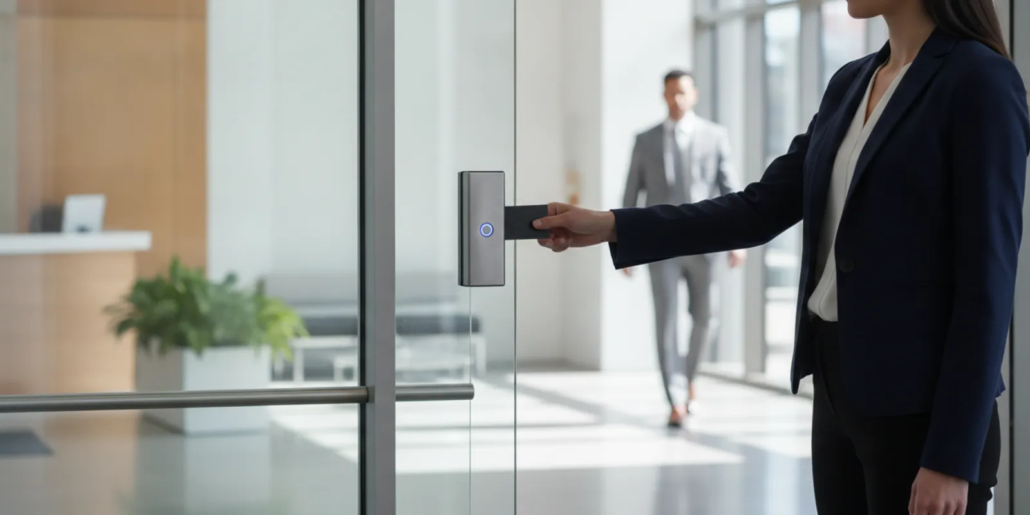
A credential is what a person presents to request entry. Selection depends on how users work, how permissions are administered, and how quickly access may need to change. Compare the full operating process, including replacement and fallback procedures, rather than focusing only on the device.
| Option | Typical use | Questions to resolve |
|---|---|---|
| Assigned proximity token or card | User presents an assigned credential at a reader. | Who issues and tracks credentials, and how is a lost one disabled? |
| Mobile credential | An approved mobile device is used to request access. | Which users can use a device, and what is the fallback if it is unavailable? |
| PIN keypad | User enters an assigned code. | How are codes distributed, protected, and changed when needed? |
| Biometric method | A system checks a physical characteristic where appropriate and supported. | What privacy, policy, accessibility, and operational questions require review? |
More than one method may suit a site, but every added method has administrative implications. Ask what happens when an employee leaves, a token is lost, a phone is replaced, or a code must be changed. Decide who can approve and complete those changes, how quickly a report must be acted on, and how users learn the procedure.
For a small team, a straightforward credential process may be easier to maintain than a collection of methods. A larger or multi-location organization may have different requirements. The assessment should account for the people who will administer permissions, not just the people who will use them.
How can access rules stay clear and useful?
Permissions should correspond to job duties and operating hours. Giving every user the same access may be simple initially, but it can create unnecessary access. At the other extreme, rules that are hard to understand can burden administrators and staff. Favor a small set of understandable groups, with documented exceptions.
- Build groups around responsibilities: Define common roles and the openings each requires, then record who can approve exceptions.
- Set schedules with care: Match access windows to work patterns and define how an authorized person handles a legitimate request outside normal hours.
- Specify visitor handling: Name the host or role responsible for receiving visitors, the areas they may visit, and the process for admission.
- Include staff changes: Make access updates part of role changes and departures, with a named person responsible for completing them.
- Review permissions: Set a recurring review interval that fits the business and decide who checks the user list and relevant records.
Write a short procedure for common exceptions. For instance, it can state who verifies a lost credential report, who authorizes a replacement, and who disables the original. Keep a separate process for urgent access requests so that the decision-maker and record of the exception are clear.
Ask what events the proposed system records and who can view them. Do not assume that an event creates a particular response or that a connection between systems is included. Confirm supported functions, configuration, and responsibilities with the provider.
What should you ask about integration?
A business may want access control to work alongside an alarm system or other site technology. Whether that is possible depends on the equipment and configuration. Ask the provider to describe the actual relationship between systems and distinguish confirmed functions from future possibilities.
- Check compatibility: Identify which existing panels, readers, software, and network conditions have been reviewed.
- Define shared events: Ask which access events can be displayed or acted on elsewhere and which remain separate.
- Understand administration: Find out whether users and schedules are managed through one interface or several.
- Plan for interruptions: Clarify which functions depend on power or network availability and what staff should do if service is interrupted.
- Consider future changes: Discuss planned doors, locations, and workflow changes before the system is specified.
When describing an existing technical environment, bring equipment details and relevant system documentation if available. A university IT resource such as Emory’s information on systems and hardware illustrates why system-specific support and compatibility questions matter; it is not a specification for a business access installation. Have the proposed equipment and connections assessed for your site.
American Alarm provides security system design, installation, monitoring, and maintenance for homes and businesses. Learn about business access control options and access control gate planning as you consider what belongs in a broader system plan.
What should an Atlanta proposal include?
A useful proposal connects the site assessment to specific recommendations and responsibilities. It should let a business compare scope, identify assumptions, and understand what administrators will manage after installation. Ask for clarification whenever a broad label does not explain the work.
- Door-by-door scope: Identify each opening included, the proposed reader or locking function, and any exclusions.
- Credential approach: State the methods proposed, how initial credentials are provisioned, and how lost credentials and staff changes are handled.
- System connections: Describe confirmed integrations, required equipment, limits, and dependencies.
- Site preparation: List any power, network, wiring, door, or scheduling conditions that need attention before installation.
- Work coordination: Explain sequencing, site contacts, expected disruption, and how scope changes are approved.
- Testing and handoff: Include functional checks, administrator instruction, user procedures, and system documentation.
- Ongoing support: Explain how to request service, whom to contact, and what maintenance responsibilities apply.
Compare proposals against the same door list and written business requirements. A proposal covering fewer openings is not equivalent simply because its equipment description sounds similar. Ask each provider to state assumptions and exclusions. Then check whether the recommended design addresses the workflows you documented, including visitors, deliveries, shift changes, and credential changes.
Questions that make a consultation more productive
Bring the operational decision-maker and, where possible, the person who handles routine user changes. One can explain how people move through the site; the other can clarify who will maintain permissions. Ask direct questions and record the answers.
- Which doors are included? Walk each opening and confirm whether it will be controlled, monitored, or left unchanged.
- Who manages permissions? Name the primary administrator and a backup, and ask what training they receive.
- How are exceptions approved? Discuss visitors, deliveries, urgent requests, and users who cannot present their normal credential.
- What information is recorded? Clarify what activity can be reviewed, who is authorized to review it, and how the business will manage records.
- What work is excluded? Ask for a written list of assumptions, exclusions, and any separately scoped work.
How should installation and handoff be planned?
Before work begins, turn the assessment into a simple operating map. For each opening, list the people or groups that need access, the normal schedule, and any approved exception. This gives administrators a reference after installation and helps reveal contradictory instructions. For instance, if a delivery door is used before the main office opens, identify which staff member can admit a supplier and how that access is limited.
Also agree on how the business will handle routine changes. A practical procedure names who reports a departure or role change, who approves the permission update, and who verifies that it was completed. Keep instructions accessible to authorized administrators, but avoid distributing sensitive details broadly. Review the procedure when responsibilities change or a new location is added.
Coordinate the work with daily operations. Tell affected staff when an opening may be unavailable, identify temporary procedures, and establish a site contact. If the work is staged, confirm that the sequence supports the design and that permissions will be consistent across completed phases.
- Confirm the work plan: Review opening locations, schedule, site contacts, and operational constraints with the installer.
- Test each opening: Check normal credential use and approved exceptions at every included door.
- Verify the rules: Test user groups and schedules against the documented business requirements.
- Train administrators: Practice routine user changes and escalation procedures with responsible staff.
- Retain documentation: Keep system information, approved procedures, and support contact details where authorized administrators can find them.
Use realistic examples during testing. Check a regular staff member’s normal schedule, a role that should not enter a restricted room, and an approved exception. Confirm that administrators know how to respond when a credential is lost. A handoff is more useful when it tests real procedures rather than simply demonstrating that a reader responds.
How can an Atlanta business choose a provider?
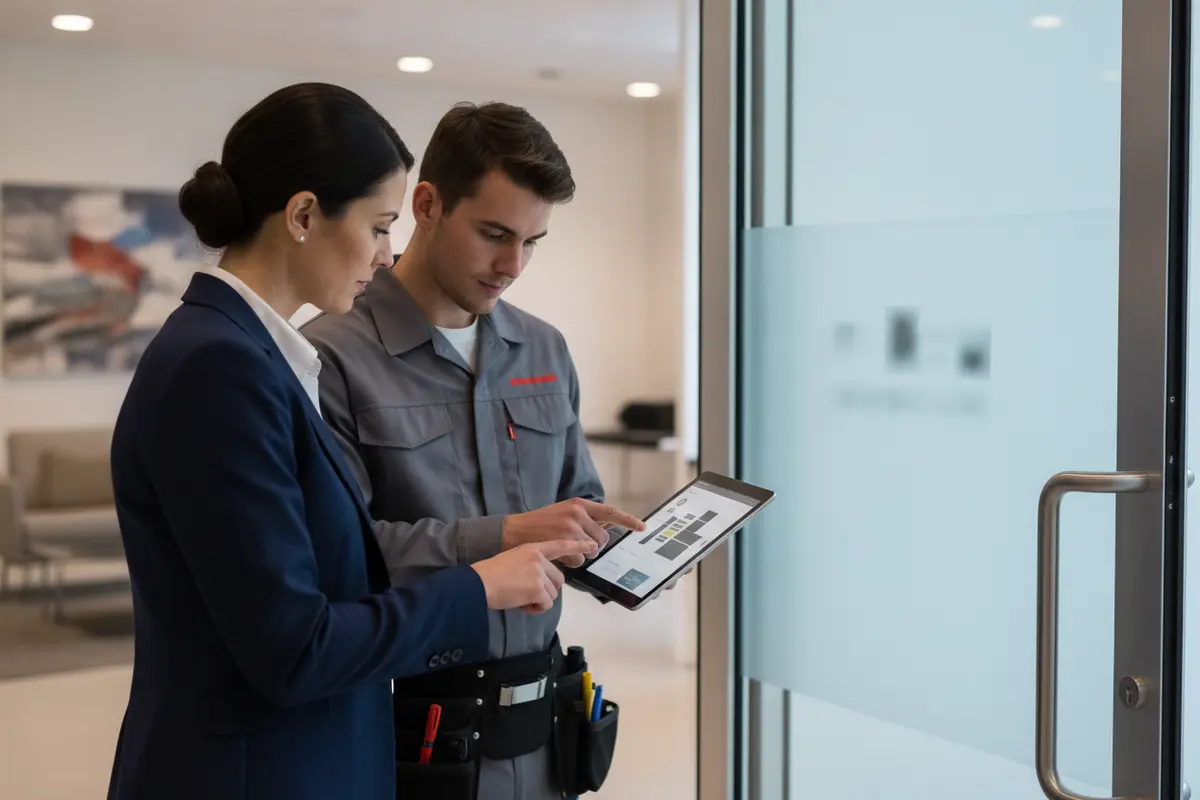
Look for a provider who asks about the site before recommending equipment. A thoughtful assessment considers openings, users, existing systems, and operational constraints. The proposal should make scope and exclusions understandable, and the conversation should leave room for questions rather than relying on a standard package.
Ask who will assess and install the system, how future changes are handled, and what support is available after handoff. American Alarm has served homes and businesses throughout Metro Atlanta since 1995 and provides security system design, installation, monitoring, and maintenance. Read about American Alarm’s background and its guide to choosing an alarm company.
Discuss your business access needs with American Alarm.
Frequently asked questions
The right design depends on the site’s doors, workflows, and administration needs. These answers can help prepare for an initial discussion.
Can access control be added to an existing business system?
It may be possible, but compatibility and required equipment need assessment. Ask a provider to review the installed system and explain what can connect, what remains separate, and whether upgrades are needed.
Should every employee have the same permissions?
Usually, permissions should reflect responsibilities and work schedules. Define groups for common roles and document exceptions so access matches operating needs.
What should the business do when a credential is lost?
Use the established reporting process and have an authorized administrator disable or replace the credential as appropriate. Decide who handles the report and how users can reach that person before the system is in service.
Can one system serve multiple business locations?
A multi-location design may be possible depending on equipment and administration requirements. Assess each site’s openings and workflows, then ask how permissions, local schedules, and ongoing management would work across locations.
Call (770) 645-0061 to discuss business access control.
A door inventory, practical credential procedures, and a proposal tied to real workflows give Atlanta businesses a clear basis for planning access control. Start with site needs, then confirm design and handoff details with a qualified provider.

Leave a Reply
Want to join the discussion?Feel free to contribute!