
What to Expect During Alarm System Installation
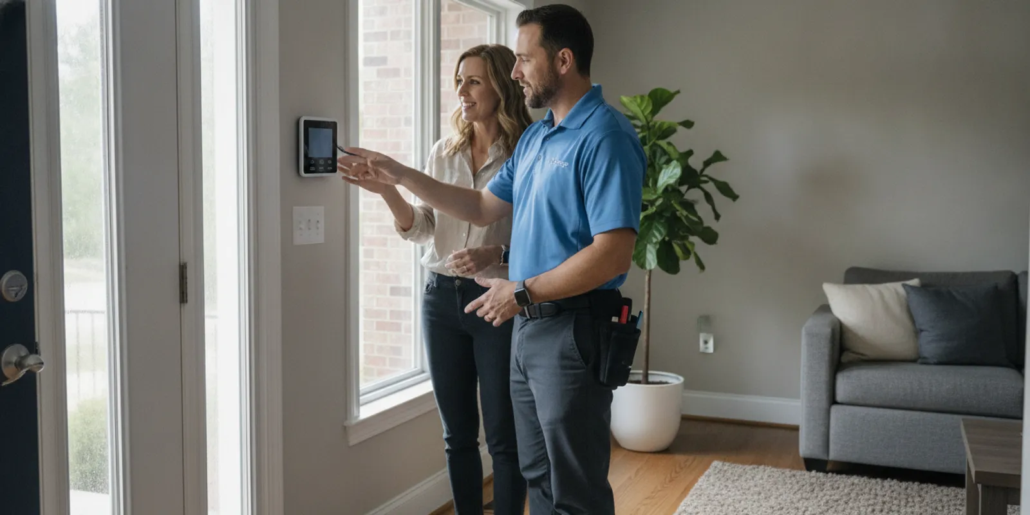
Knowing what to expect during alarm system installation helps you prepare useful questions and make the appointment go smoothly. For Atlanta homes and businesses, the process usually begins with a conversation about the property and priorities, then moves through assessment, installation, testing, and a clear handoff.
Schedule a free consultation. Call (770) 645-0061.
What happens during the first consultation?
The first conversation establishes what you need the system to do and what conditions the installer should consider. Share how the property is used, which areas matter most, and any routines that affect access. American Alarm has served homes and businesses throughout Metro Atlanta since 1995, providing design, installation, monitoring, and maintenance for security and life-safety systems.
Answer capsule: Expect to describe the property, priority areas, daily routines, existing equipment, and desired outcome. The provider uses those details to shape a site assessment and a written scope, not to skip the walkthrough.
Prepare the information that shapes the plan
- Property use: Explain whether the site is a residence, office, retail space, or another business setting.
- Priority areas: Identify common entrances, interior zones, and locations needing special attention.
- Daily routines: Describe opening and closing times, who needs access, and when the system should be armed.
- Existing equipment: Point out any current panel, sensors, wiring, or monitoring arrangement for evaluation.
- Future changes: Mention remodeling or changes in how rooms and entrances will be used.
Ask how the provider will document the plan, which choices must be made before installation day, and what information you will receive afterward. The security services overview and service area list can help you confirm the relevant service and coverage details.
How does the site assessment work?
A site assessment translates your priorities into equipment placement and an installation plan. The installer should review the actual property rather than rely only on a generic package or a rough description.
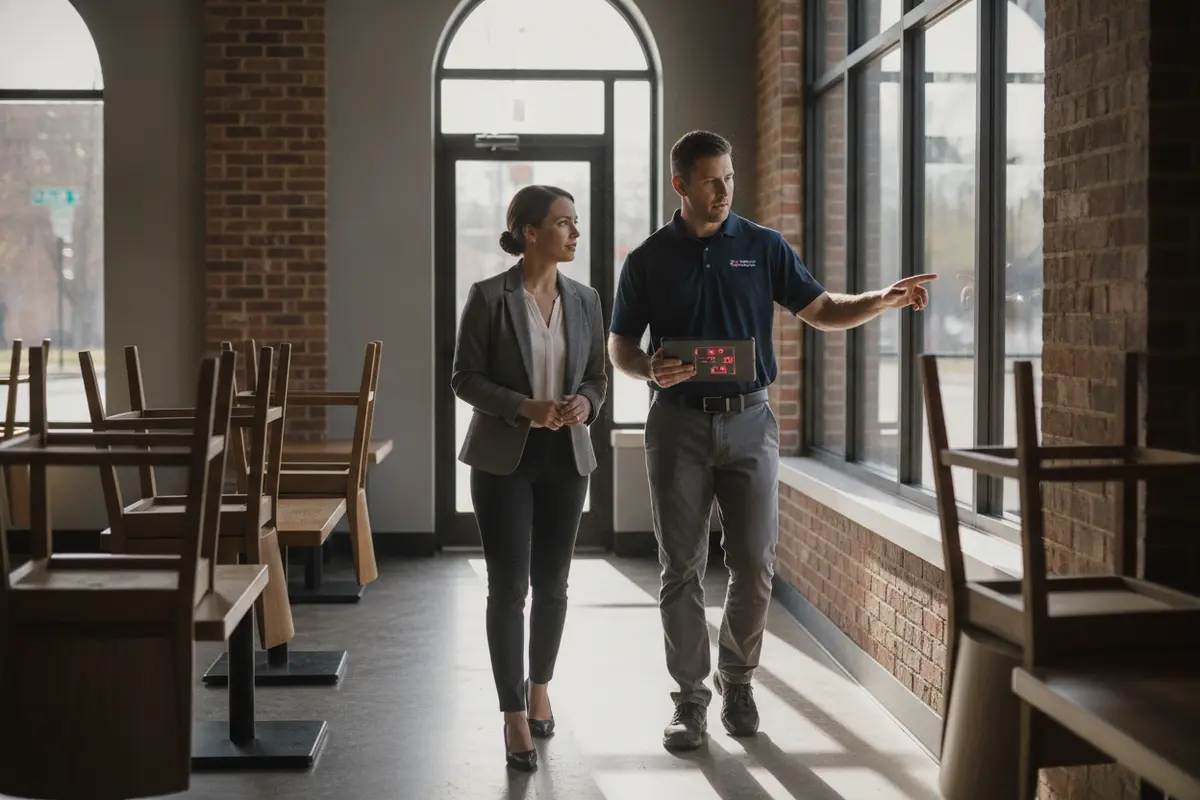
During the walkthrough, expect discussion of doors, windows, movement paths, control equipment location, and practical access to power or wiring where needed. Ask why a sensor is proposed for a particular location and how the design accounts for ordinary activity. For a business, discuss operating hours and which authorized users need a way to arm or disarm the system.
Make sure the assessment identifies assumptions and exclusions. If a particular room, detached structure, or entrance is outside the proposed scope, ask for that to be stated plainly. If the building has multiple entry points, walk them in sequence and describe how each is used: staff entrance before opening, customer entrance during business hours, or a side door used for deliveries. For a residence, mention the entrances household members actually use, not only the front door. These details help make the discussion specific without treating every opening as identical.
For a wider view of equipment options, see security system products and systems. Ask the provider to tie each proposed device to a purpose and location. A short note such as “door sensor at staff entrance” is more useful later than a count with no placement context.
How should you compare installation plans?
A useful proposal makes it possible to compare scope, not just the number of devices. Look for a written explanation of coverage, equipment, installation work, testing, and the handoff.
| Plan detail | What to look for | Question to ask |
|---|---|---|
| Coverage | Areas and openings addressed, plus stated exclusions | Which parts of the property are not covered? |
| Equipment | Panel, sensors, communication method, and requested additions | What does each device do in this design? |
| Installation work | Placement, wiring approach, and access required | What should be cleared or accessible on the day? |
| Testing | Functional checks and communication confirmation | What will be tested with me present? |
| Handoff | User instructions, contact process, and system documentation | What records and instructions will I receive? |
Compare whether each plan addresses your stated needs and explains how the system will be used. More equipment does not automatically mean a better fit. Ask for clear answers about tradeoffs or unresolved choices before approving the scope. For example, if one proposal covers a secondary entrance and another does not, ask whether the difference reflects your stated priorities or an assumption that was never discussed. If a provider recommends a change, ask what practical problem it addresses and whether it changes the placement, access requirements, or user routine.
Keep a copy of the proposal and mark any point that remains unclear. Before confirming, check that names of areas, device placements, user needs, and exclusions match the walkthrough. A concise, accurate scope makes it easier to recognize an actual change on installation day and decide whether you need to approve it.
What should you do before installation day?
Good preparation reduces avoidable delays and helps the technician complete the planned work. Confirm the appointment details and who needs to be present to answer questions or authorize access.
- Make work areas accessible: Move items away from planned panel and device locations.
- Arrange property access: Ensure the installer can reach every area included in the walkthrough.
- Share site constraints: Flag unusual access procedures, business hours, or rooms that must remain in operation.
- Gather existing system details: If equipment is present, have available manuals or account information ready.
- List final questions: Write down questions about users, operating steps, monitoring, and support.
For a business, tell affected staff when access or room use may be temporarily interrupted. Identify who can answer operational questions and who can approve a change to the agreed plan. For a home, decide which household members should attend the demonstration so they learn the same procedures. Keep pets and personal items away from work areas where practical, and tell the provider about any access instruction before the appointment rather than at the door.
A useful final check is to read the proposal alongside your preparation list. Do you know who will let the technician in, which spaces need to be clear, and who will make decisions if an existing condition differs from what the walkthrough suggested? If the answer to any of these is uncertain, resolve it before the visit. This is especially helpful in a business that must keep some rooms operating while work proceeds.
What happens during the installation?
The technician installs components in the agreed locations and connects them according to the plan. Work may include mounting a control panel and sensors, routing or connecting wiring where applicable, and configuring system settings.
Before work begins, confirm the expected work areas and the person to contact if the plan needs to change. During installation, ask the technician to explain any change from the agreed scope before it is made. Do not assume a device has been relocated or omitted for a reason you understand; ask for the updated plan to be clarified.
Installation details vary by building, existing equipment, and system design. A good process keeps the work aligned with agreed requirements and makes it clear when an unexpected condition needs a decision. If the proposed placement cannot be used as planned, discuss the alternative before the work moves forward. Ask what the revised location means for everyday use and ensure the final documentation reflects it.
Keep the appointment practical by grouping questions. Note any requested change and the answer, rather than interrupting repeatedly for details that can wait until the next pause. If an issue affects access, work scope, or the operation of the property, raise it promptly. At the end of the installation stage, ask for a quick review of what was completed and what remains to be tested or configured.
How are the system and monitoring tested?
Testing checks whether installed components respond as expected and whether the system communicates through its configured path. Ask the technician to explain the checks and what you should observe during each one.
Testing should include relevant sensors and user controls, along with confirmation of communication to the monitoring service when monitoring is part of the arrangement. Follow the technician’s directions for any test signals. Confirm how to report a concern after the appointment and what to do if a display or sound indicates a problem.
Use the test as a learning opportunity. Ask the installer to show how a normal status appears, how the user control responds, and how to distinguish an expected signal from one that needs follow-up. If multiple people will operate the system, have at least one intended user observe the test and then practice the basic steps. Do not improvise a test signal; follow the provider’s instructions so the monitoring arrangement is handled correctly.
For businesses with life-safety equipment, the appropriate design, installation, and verification depend on the system and applicable requirements. American Alarm describes commercial fire alarm expertise and services in its NFPA 72 compliance guide. Confirm project-specific requirements with a qualified provider and the authority having jurisdiction. For general occupational context, the U.S. Bureau of Labor Statistics provides a state-level overview of security and fire alarm systems installers.
What should the handoff include?
The handoff is your chance to make sure the system is understandable before the technician leaves. Ask for a demonstration rather than relying on a quick verbal summary.
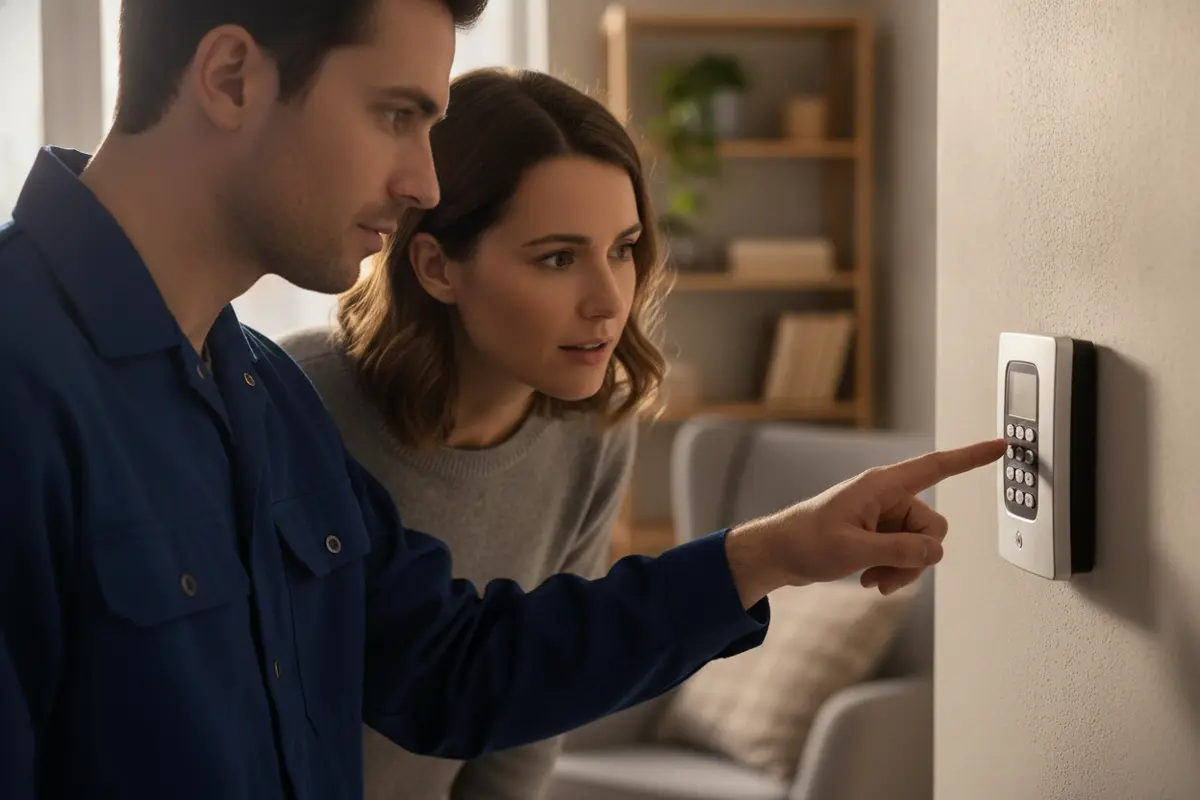
- Everyday operation: Learn the steps to arm and disarm the system and recognize the controls.
- User access: Confirm who has authorized access and how the agreed user setup works.
- Alerts and signals: Ask what common indicators mean and what response is expected.
- Monitoring details: Confirm whether monitoring is active and how to update contact information.
- Documentation: Ask for equipment and operating information relevant to your system.
- Support: Know how to request help if questions arise after installation.
Have each intended user practice the basic steps while the technician is present. If something is unclear, ask for another demonstration and write down the answer. Ask who should be contacted for a monitoring question versus an equipment question. The monitored alarm system guide explains common monitoring considerations.
Before signing off on the visit, compare the completed work with the agreed plan. Ask the technician to identify any approved changes and make sure you know which components were tested. Keep the instructions and contact details somewhere authorized users can find them. For a business, identify a responsible person who can pass the instructions to future staff; for a household, make sure everyone who may use the system understands the same basic steps.
What questions help you evaluate an installer?
Clear communication matters as much as the equipment list. A provider should be able to explain the design, testing, and handoff in plain language and describe what is included.
- Planning: Who will assess the site and document proposed coverage?
- Scope: Which areas and components are included, and what is excluded?
- Coordination: How will changes or access issues be handled during the appointment?
- Testing: What checks happen before the system is considered ready?
- Training: Will intended users receive practical instructions?
- Ongoing service: Who should you contact with monitoring or equipment questions?
For more questions to use when comparing providers, read how to choose an alarm company. American Alarm has served homes and businesses throughout Metro Atlanta since 1995 and emphasizes transparent, consultative service rather than high-pressure sales.
Write down answers during the consultation and compare them against the proposal afterward. Check that equipment names, locations, user requirements, and exclusions match what you discussed. If an important point is vague, request clarification before the appointment is finalized. This record also helps distinguish a new request from an agreed requirement if conditions change. At home, note who is responsible for codes and contact updates. In a business, identify who can authorize schedule changes and who will train new authorized users.
Consider how the finished system will fit ordinary routines, not just installation day. A system that is difficult to arm at closing or inconvenient to use at home may not match the operating plan. Tell the provider about shift changes, deliveries, recurring visitors, or household schedules that influence entry. Discussing realistic use during planning gives the provider a chance to explain options and tradeoffs before equipment is mounted.
American Alarm serves the greater Atlanta area with security and life-safety system design, installation, monitoring, and maintenance. Review information about American Alarm and its local service approach, or use the company website to find service information. If the property is in Roswell, the Roswell service area page provides local context.
Talk through your installation questions. Call (770) 645-0061.
Frequently asked questions
These answers address common appointment questions, but the agreed scope and site conditions determine the details for an individual installation.
How long does an alarm installation take?
The duration depends on the property, existing equipment, and agreed system scope. Ask the provider for an appointment window after the site assessment and confirm whether access or operating constraints could affect the schedule.
Do I need to be present?
Arrange for someone authorized to provide access, answer questions about the property, and review the system at handoff. Having intended users attend the demonstration can help everyone follow the same operating steps.
Will the installer test every sensor?
Ask the technician to explain which components are tested and what the results mean. The specific checks depend on the installed design, so confirm the test process for your system before the appointment ends.
What if I already have alarm equipment?
Tell the provider what is present before the assessment and ask whether it can be evaluated for the proposed system. Compatibility and condition should be confirmed for the specific equipment rather than assumed.
Schedule a free consultation. Call (770) 645-0061.
With a clear scope, a thorough assessment, documented testing, and a hands-on handoff, you can approach alarm system installation with a practical understanding of each step.


Leave a Reply
Want to join the discussion?Feel free to contribute!